vetted ten.

Cooler Master MM311 Wireless Gaming Mouse review

No. 8 of 10 in our gaming mice ranking · Updated · How we rank

Our verdict: The Cooler Master MM311 Wireless Gaming Mouse ranks 8th of the 10 gaming mice we compare, with 8.5 out of 10. It takes our Best Budget badge.

Cooler Master MM311 Wireless Gaming Mouse

Cooler Master MM311 Wireless Gaming Mouse

8.5/10Best Budget

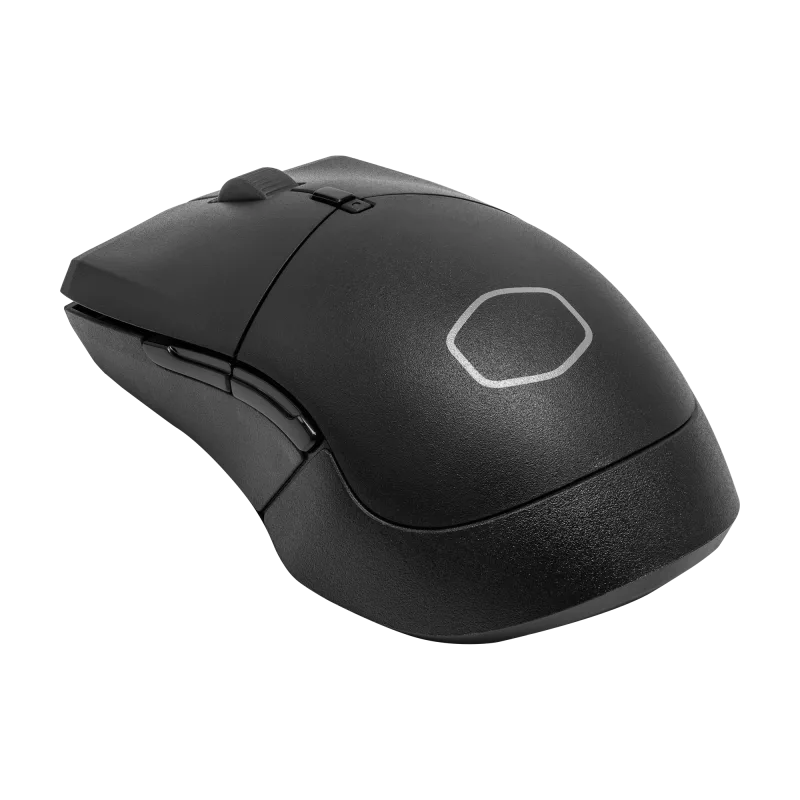
The Cooler Master MM311 is a small, light wireless gaming mouse that runs on one AA battery and connects through a 2.4 GHz dongle. It suits budget buyers with small to medium hands who play with a palm or claw grip.

Check Price on Amazon

Why it's here

  • 54 g without the battery and 77 g with a single AA
  • Rated up to 115 hours per AA battery on 2.4 GHz wireless
  • PixArt PAW3325 sensor up to 10,000 DPI and mechanical main switches
  • Suits palm and claw grips, with PTFE feet

Keep in mind

  • Six buttons and 1000 Hz polling at most
  • Sensor and shell are a generation behind the newer budget mice
  • No Bluetooth, so it connects only through the 2.4 GHz dongle
Why the Cooler Master MM311 scores 8.5

Each bar shows where it places among the 10 gaming mice in this guide, so a full bar is 1st of 10. How happy owners are counts for most of the score.

  • How happy owners are7th of 10
  • How many rated it4th of 10
  • How new it is9th of 10

Why it sits behind the Razer DeathAdder V4 Pro Wireless Gaming Mouse

The Razer DeathAdder V4 Pro Wireless Gaming Mouse (8.6) beats the Cooler Master MM311 Wireless Gaming Mouse (8.5) because it is the newer design. The Cooler Master MM311 Wireless Gaming Mouse leaves owners a little happier, but not by enough to close the gap. It takes our Best Budget badge instead.

About the Cooler Master MM311

The MM311 weighs 54 g without its battery and 77 g with a single AA installed. Cooler Master rates the battery at up to 115 hours. The body measures 4.94 by 2.80 by 1.59 inches (125.5 × 71.0 × 40.5 mm) and is built from ABS plastic and rubber, with PTFE feet underneath. Cooler Master lists it for palm and claw grips.

The sensor is a PixArt 3325 optical unit with seven DPI steps: 400, 800, 1,200 (the default), 1,600, 3,200, 6,400 and 10,000. Tracking speed is 100 inches per second, with 20 g acceleration. Polling rate can be set to 125, 250, 500 or 1000 Hz in software. The left and right buttons use mechanical switches rated for 60 million clicks. There are six buttons in total.

Settings live in MasterPlus+, which Cooler Master lists for Windows 8 and later and for macOS. The battery and the dongle sit under the bottom half of the shell. One reviewer found that shell awkward to pull off. The mouse comes with a USB extension cable for the dongle. It is sold in black and white. The case is shaped like an ambidextrous mouse, but both side buttons are on the left.

What owners report about the Cooler Master MM311

We found little owner feedback for this exact model on the sources we could open, so we are not reporting an owner pattern.

Who the Cooler Master MM311 suits

The MM311 fits someone who wants a cheap wireless mouse without a charging routine. A spare AA swaps in within a minute, and the low weight is easy on the wrist. Reviewers found the 2.4 GHz link lag-free and the sensor accurate for aiming. It works for casual and competitive play alike if you are not chasing the latest specs.

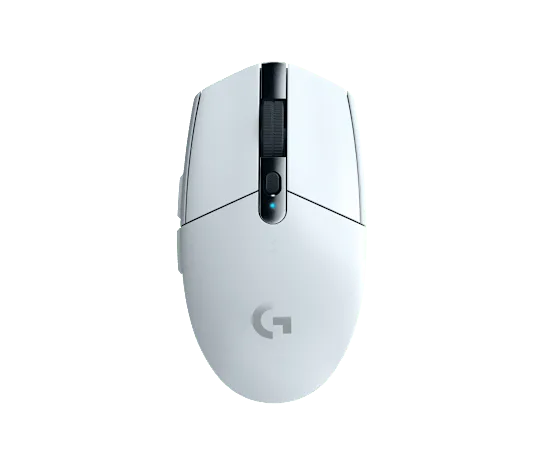
Look elsewhere if you have large hands: one reviewer found it small and felt soreness in the ring and little fingers in long sessions. Left-handed players get no side buttons on their side. If you want Bluetooth, more buttons or a polling rate above 1000 Hz, look at the MCHOSE G3 V2 Pro. For the budget wireless benchmark, see the Logitech G305 Lightspeed.

Questions about the Cooler Master MM311

Does the Cooler Master MM311 work on a Mac?

Yes. Cooler Master lists its MasterPlus+ software as compatible with Windows 8 and later and with macOS.

Is the Cooler Master MM311 good for left-handed players?

Not really. The shell is symmetrical, but both side buttons are on the left, and a reviewer found they cannot be remapped to the other side.

What DPI settings does the Cooler Master MM311 have?

It has seven steps: 400, 800, 1,200 (the default), 1,600, 3,200, 6,400 and 10,000 DPI. Polling rate is selectable at 125, 250, 500 or 1000 Hz.

How do you change the battery in the Cooler Master MM311?

Remove the bottom half of the shell. The AA battery and the dongle both sit under it, and one reviewer found the shell awkward to take off the first time.

What warranty does the Cooler Master MM311 have?

Cooler Master lists a 2-year warranty on its product page.

Other gaming mice picks

The other badge winners in our gaming mice ranking.

All 10 gaming mice, compared

  1. 1 Logitech G502 X Wired Gaming MouseBest Choice 9.3 out of 10 Check Price
  2. 2 Logitech G PRO X Superlight 2 Wireless Gaming MouseBest Premium 9.2 out of 10 Check Price
  3. 3 Logitech G305 Lightspeed Wireless Gaming MouseValue for Money 9.1 out of 10 Check Price
  4. 4 Razer Viper V4 Pro Wireless Esports Gaming Mouse 8.8 out of 10 Check Price
  5. 5 Razer Viper V3 HyperSpeed Wireless Gaming Mouse 8.8 out of 10 Check Price
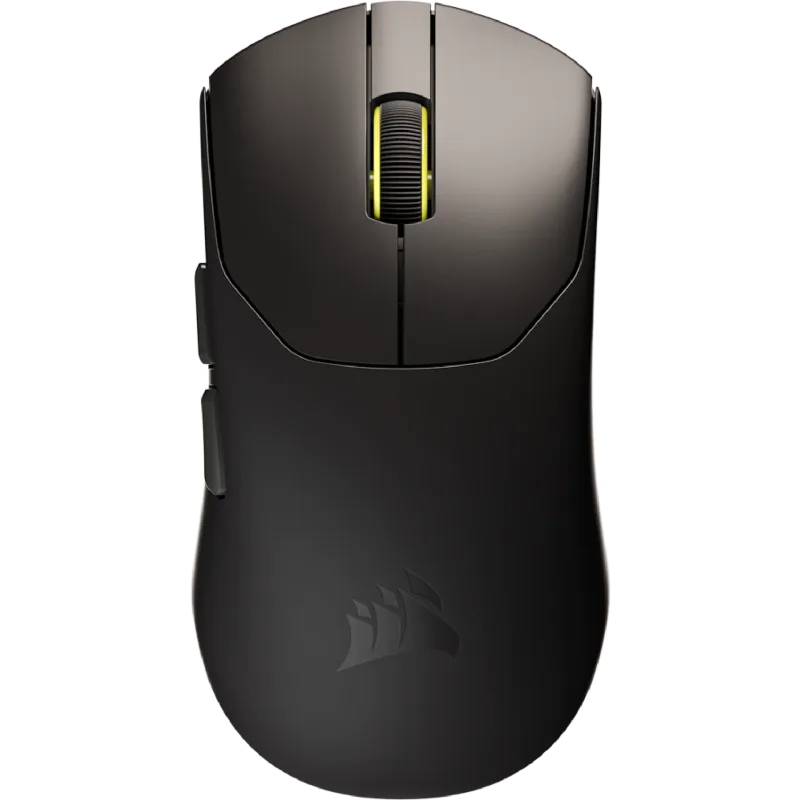
  6. 6 Corsair SABRE v2 PRO Ultralight Wireless Gaming Mouse 8.7 out of 10 Check Price
  7. 7 Razer DeathAdder V4 Pro Wireless Gaming Mouse 8.6 out of 10 Check Price
  8. 8 Cooler Master MM311 Wireless Gaming MouseThis reviewBest Budget 8.5 out of 10 Check Price
  9. 9 MCHOSE G3 V2 Pro Wireless Gaming Mouse 8.5 out of 10 Check Price
  10. 10 Glorious Model O Eternal Ultralight RGB Gaming Mouse 8.5 out of 10 Check Price
See the full gaming mice ranking

The Cooler Master MM311 on Amazon

Cooler Master MM311 Wireless Gaming Mouse

The Cooler Master MM311 is a small, light wireless gaming mouse that runs on one AA battery and connects through a 2.4 GHz dongle. 8.5 out of 10.

Check Price on Amazon

How we score it

Every score here comes from our ranking model; no editor sets the order. We haven't read the review sites for this guide yet, so for now it is led by owners. It ranks products by how happy owners are, holding back any product few owners have rated until more agree. How many rated it and how new it is only settle close calls, and value for money earns its own badge rather than a higher place. We compared 17 models for this guide before settling on these ten.

Brands can't pay to be included or to move up. We last checked these picks in November 2026.

How we rank, in full