
ASUS RT-AX55 AX1800 Dual Band WiFi 6 Router
A plain Wi-Fi 6 router at a budget price.
Check Price on AmazonOur verdict: The best wifi router in 2026 is the ASUS RT-AX55 AX1800 Dual Band WiFi 6 Router. It tops our ranking with 8.9 out of 10.
Fewer picks than usual: nothing cheaper than the No. 1 is a better buy.
A plain Wi-Fi 6 router at a budget price.
Check Price on Amazon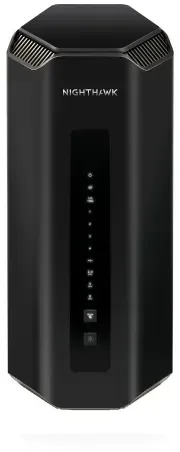
The most powerful Netgear here: tri-band Wi-Fi 7 with eight antennas and two 10G ports, rated for 3,500 sq ft.
Check Price on AmazonWe compared 15 WiFi routers sold in the US and ranked ten by owner ratings. They run from a basic Wi-Fi 6 router and dual-band Wi-Fi 7 models to tri-band flagships with 10G ports, from the cheapest here to the priciest. Every product links to its full review below.
ASUS RT-AX55 AX1800 Dual Band WiFi 6 RouterBest Choice
8.9 out of 10
Check Price
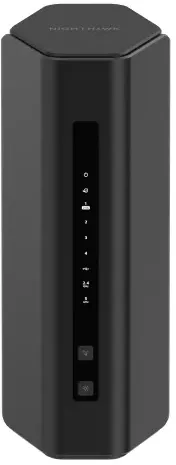 NETGEAR Nighthawk Dual-Band WiFi 7 Router (RS200)
8.4 out of 10
Check Price
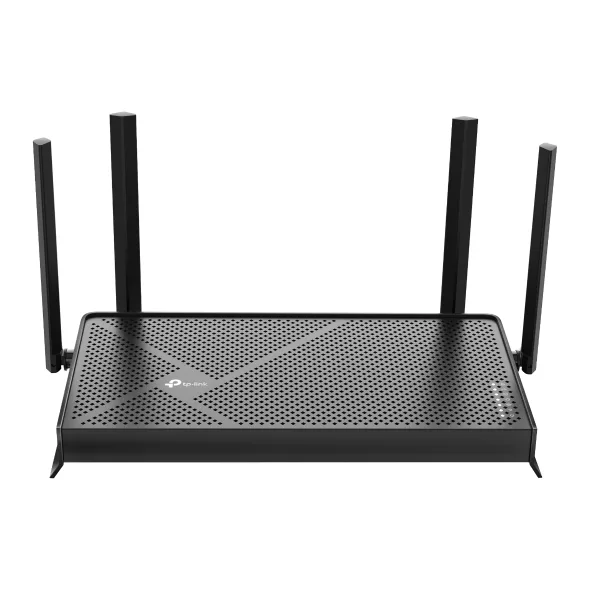 TP-Link Dual-Band BE3600 Wi-Fi 7 Router Archer BE230
8.4 out of 10
Check Price
NETGEAR Nighthawk WiFi 7 Router RS700S, 19GbpsBest Premium
8.4 out of 10
Check Price
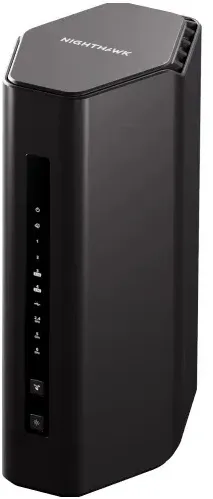 NETGEAR Nighthawk Tri-Band WiFi 7 Router (RS300)
8.2 out of 10
Check Price
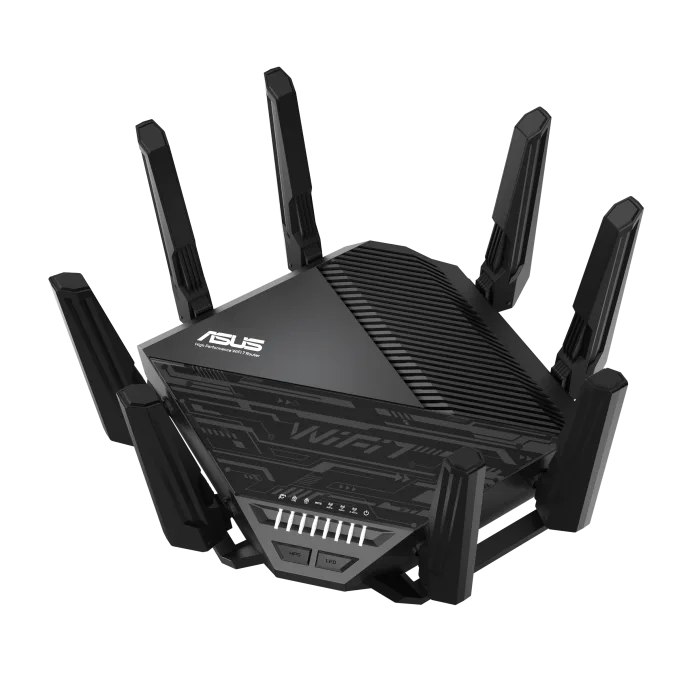 ASUS RT-BE96U BE19000 Tri-Band WiFi 7 Extendable Router
8.2 out of 10
Check Price
 TP-Link Tri-Band BE9300 Wi-Fi 7 Router Archer BE550
8.2 out of 10
Check Price
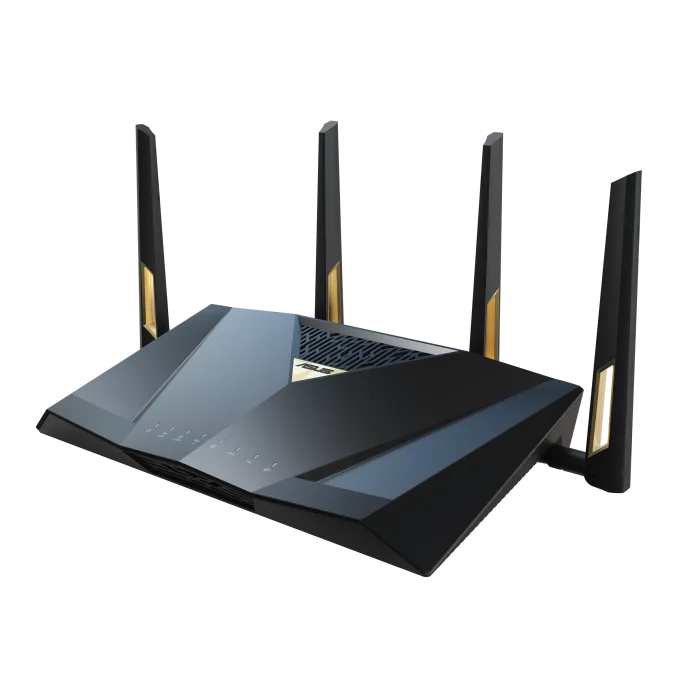 ASUS RT-BE88U BE7200 Dual-Band WiFi 7 AiMesh Extendable Performance Router
8.1 out of 10
Check Price
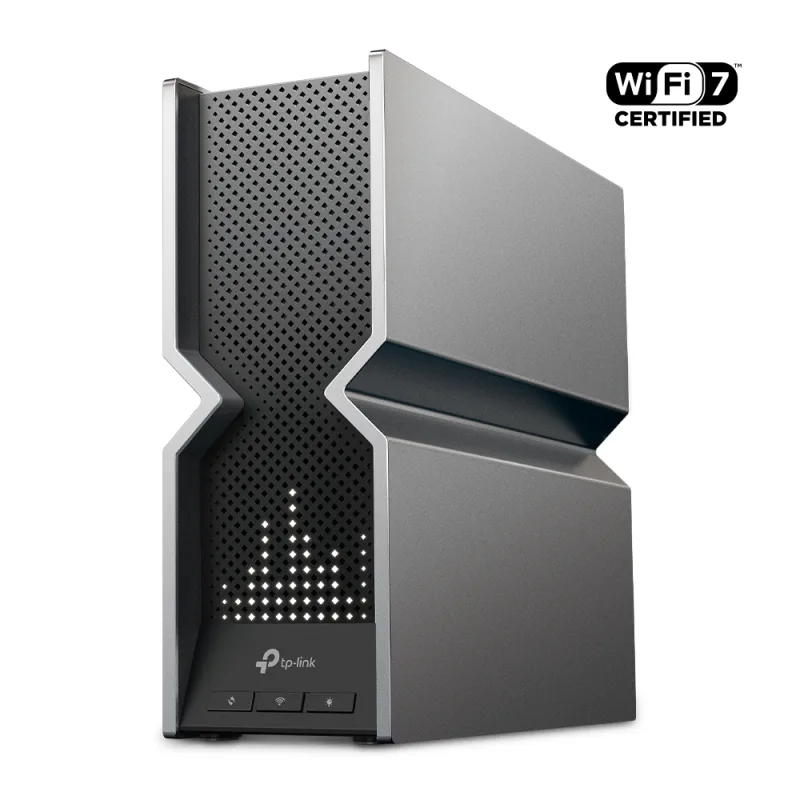 TP-Link Tri-Band BE19000 Wi-Fi 7 Router Archer BE800
8.0 out of 10
Check Price
 Amazon eero Max 7 WiFi Router
8.0 out of 10
Check Price
The ASUS RT-AX55 AX1800 Dual Band WiFi 6 Router (8.9) beats the NETGEAR Nighthawk Dual-Band WiFi 7 Router (RS200) (8.4) because it leaves owners clearly happier and has been rated by more owners. No. 2 is the newer design, but not by enough to close the gap.
A plain Wi-Fi 6 router at a budget price. It fits small homes, apartments and gigabit plans.
Each bar shows its place in this guide, so a full bar is 1st of 10. How happy owners are counts for most of the score.
A dual-band Wi-Fi 7 router with a 2.5G internet port. It suits mid-size homes with fast broadband and no need for 6 GHz.
Each bar shows its place in this guide, so a full bar is 1st of 10. How happy owners are counts for most of the score.
The cheapest way into Wi-Fi 7 here. It is dual-band with a 2.5G WAN port, and it suits small and mid-size homes.
Each bar shows its place in this guide, so a full bar is 1st of 10. How happy owners are counts for most of the score.
The most powerful Netgear here: tri-band Wi-Fi 7 with eight antennas and two 10G ports, rated for 3,500 sq ft.
Each bar shows its place in this guide, so a full bar is 1st of 10. How happy owners are counts for most of the score.
A mid-priced tri-band Wi-Fi 7 router with a 6 GHz band and 2.5G ports. It suits homes up to about 2,500 sq ft.
Each bar shows its place in this guide, so a full bar is 1st of 10. How happy owners are counts for most of the score.
A tri-band Wi-Fi 7 flagship with two 10G ports and strong free security software. It suits large homes and tinkerers.
Each bar shows its place in this guide, so a full bar is 1st of 10. How happy owners are counts for most of the score.
A mid-priced tri-band Wi-Fi 7 router with a 6 GHz band and all-2.5G wired ports. It is the value pick for a mid-size home.
Each bar shows its place in this guide, so a full bar is 1st of 10. How happy owners are counts for most of the score.
A dual-band Wi-Fi 7 router built around its ports: a 10G SFP+, a 10G port and four 2.5G LAN ports. It suits wired-heavy homes.
Each bar shows its place in this guide, so a full bar is 1st of 10. How happy owners are counts for most of the score.
A tri-band Wi-Fi 7 flagship with two 10G ports and four 2.5G LAN ports. It suits large homes and multi-gig fiber plans.
Each bar shows its place in this guide, so a full bar is 1st of 10. How happy owners are counts for most of the score.
A tri-band Wi-Fi 7 router with simple app setup, two 10G ports and a built-in Zigbee, Thread and Matter smart-home hub. It suits a single-story home.
Each bar shows its place in this guide, so a full bar is 1st of 10. How happy owners are counts for most of the score.
Match it to your plan speed, your home size and your devices. A dual-band Wi-Fi 7 router such as the Archer BE230 or Nighthawk RS200 is enough for most homes up to about 2,500 sq ft. Pick a tri-band model with a 6 GHz band if you have many Wi-Fi 6E or Wi-Fi 7 devices, and a 10G model for multi-gig fiber or a lot of wired gear.
Wi-Fi 7 adds 320 MHz channels, Multi-Link Operation and 4K-QAM, but you only get the full speed with Wi-Fi 7 phones and laptops. Wi-Fi 6 is fine for gigabit plans and older devices, and it costs the least, like the RT-AX55. Choose Wi-Fi 7 if you plan to keep the router for years or already own newer devices. Check what your own phone and laptop support first.
Ignore the headline rating such as BE19000, which adds all the bands together and is never reached by one device. A 6 GHz signal covers less space through walls than 5 GHz, so a single router rated for 3,000 to 3,500 sq ft, like the RS700S or RT-BE88U, suits a large open house. If you have several floors or thick walls, expect weak spots and plan to add a mesh node.
A single router works for homes up to about 2,500 to 3,500 sq ft with few dividing walls. Choose a mesh system for several floors or a long, narrow layout. Several routers here can grow later: ASUS uses AiMesh, TP-Link uses EasyMesh, and eero units can be added together.
Match the router to your internet plan. A gigabit plan only needs a gigabit WAN port, but a 2.5G port helps if your plan is faster than 1 Gbps. Use a 10G port for plans above 2.5 Gbps or for a wired NAS and PC. Count LAN ports too, and buy a router rather than a modem combo, since these models connect to your existing cable or fiber modem or ONT.
Turn on automatic firmware updates, use WPA3 or WPA2/WPA3 mixed mode, and set a long unique Wi-Fi password. Change the router admin password and put smart-home devices and visitors on a guest or IoT network. Some brands charge for extra security and parental controls, such as Netgear Armor, TP-Link HomeShield and eero Plus, while ASUS includes AiProtection free. Check the brand's warranty terms, because Netgear's applies only when bought from an authorized reseller and registered.
Every score here comes from our ranking model; no editor sets the order. We haven't read the review sites for this guide yet, so for now it is led by owners. It ranks products by how happy owners are, holding back any product few owners have rated until more agree. How many rated it and how new it is only settle close calls, and value for money earns its own badge rather than a higher place. We compared 15 models for this guide before settling on these ten.
Brands can't pay to be included or to move up. We last checked these picks in November 2026.
How we rank, in fullA plain Wi-Fi 6 router at a budget price. 8.9 out of 10.