Our verdict: The DREVO Calibur V2 PRO ranks 10th of the 10 mechanical keyboards we compare, with 8.5 out of 10.
DREVOCalibur V2 PROD
DREVO Calibur V2 PRO
8.5/10
The DREVO Calibur V2 PRO is a compact 72-key mechanical keyboard with Bluetooth and a detachable USB-C cable. It suits anyone who wants a small, wireless, backlit board and can live without a numpad or a function row.
UK layout version sold, with Outemu Brown tactile switches
RGB backlight at a budget price
Keep in mind
Some units may arrive set to a US layout and need changing in the DREVO software
No numpad, and navigation keys are on layers
Build and keycaps feel plainer than the Keychron boards
Why the DREVO Calibur V2 PRO scores 8.5
Each bar shows where it places among the 10 mechanical keyboards in this guide, so a full bar is 1st of 10. How happy owners are counts for most of the score.
How happy owners are6th of 10
How many rated it1st of 10
How new it is10th of 10
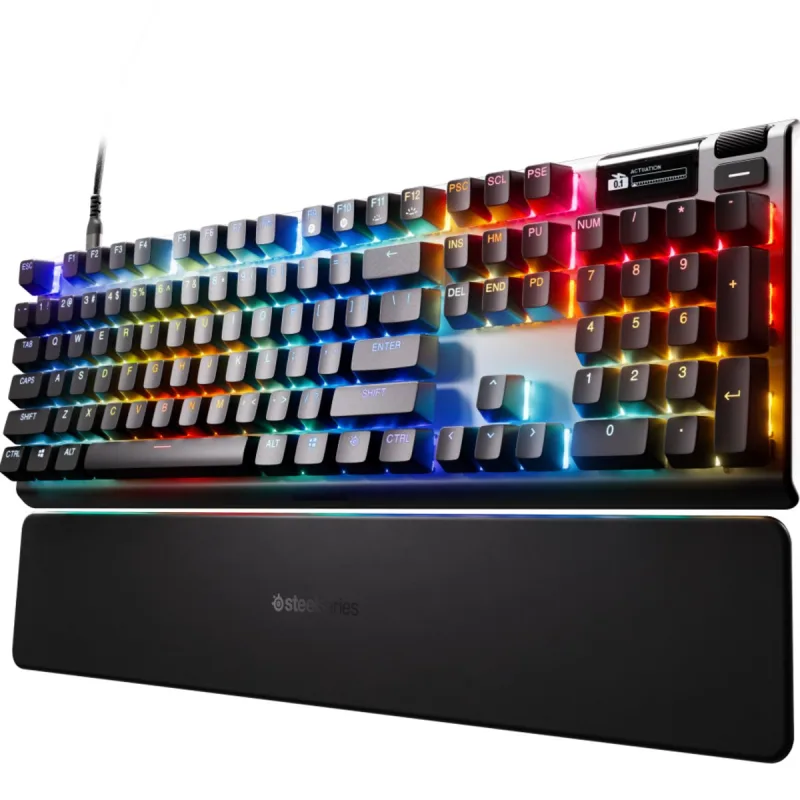
Level with the SteelSeries Apex Pro Gen 3
The SteelSeries Apex Pro Gen 3 and the DREVO Calibur V2 PRO score the same, so either is a safe pick. The SteelSeries Apex Pro Gen 3 goes first because it is the newer design. The DREVO Calibur V2 PRO leaves owners a little happier.
About the DREVO Calibur V2 PRO
The Calibur V2 PRO follows a 65% pattern with a few extra keys, 72 in all. The numpad and the dedicated function row are gone. The arrow keys stay, with the navigation keys beside them. F1 to F12 sit on a layer: FN with Left Ctrl swaps the number row between numbers and function keys, according to the manual. The board measures 330 x 102 x 38mm and weighs 625g.
It connects by Bluetooth or by the detachable USB-C cable, which is 1.5m long. The manual says it can hold five Bluetooth devices at once, each on its own profile, switched with FN plus Q, W, E, R or T. FN+A selects Windows mode and FN+S selects Mac mode. Plugging in the cable charges the battery, and a flat battery takes about 6 hours to charge fully.
The UK version uses Outemu Brown tactile switches and RGB backlighting. DREVO's DPC software, a Windows download, handles the lighting, macros, profiles and firmware updates. The box holds the keyboard, a USB-C cable, a keycap puller, a dust cover, a sticker, the manual and an after-sales card.
What owners report about the DREVO Calibur V2 PRO
Owner feedback we could open for this exact model is thin: one detailed owner write-up, and no retailer review pages we could read in full. What follows rests on that.
The owner liked the build and the minimal look, and called it good value. The Brown switches were quieter than blues, with a low clunk rather than a sharp click. The main complaint was battery life. With the RGB on, it needed charging about every couple of days, though USB-C makes an overnight top-up easy. The side lights were not very bright.
The compact layout takes adjusting to. Function keys need the FN layer, which got in the way of shortcuts such as Alt+F4. Bluetooth occasionally slowed down for this owner, and switching to the cable and back to wireless cleared it. They suspected Windows rather than the keyboard.
Who the DREVO Calibur V2 PRO suits
Buy it if you want a small wireless mechanical for a tight desk or for switching between a few devices, and you type more than you game. The tactile switches suit office work, and the cable gives you a wired fallback when the battery runs flat.
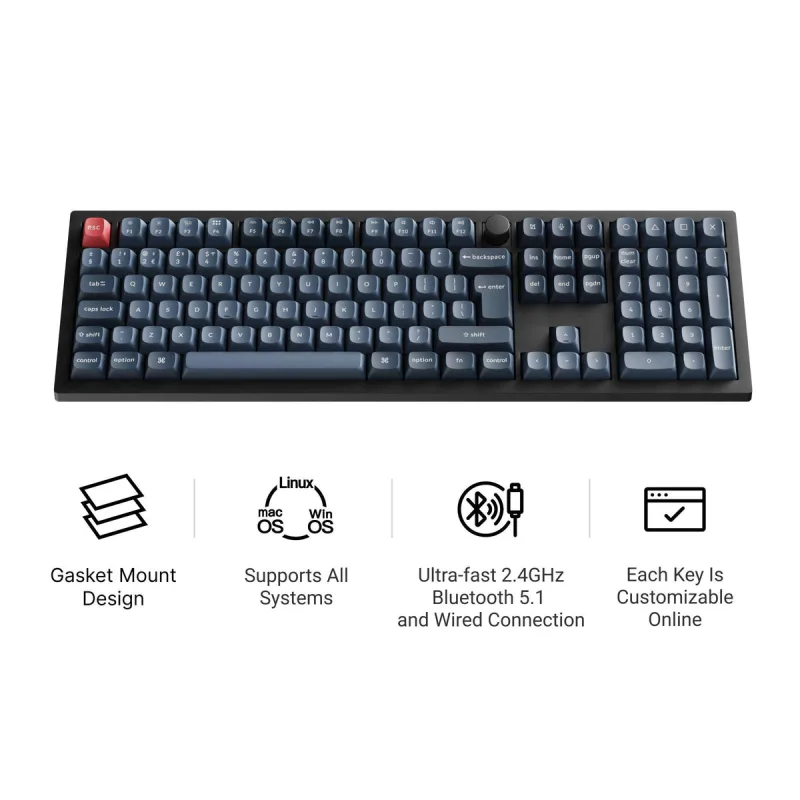
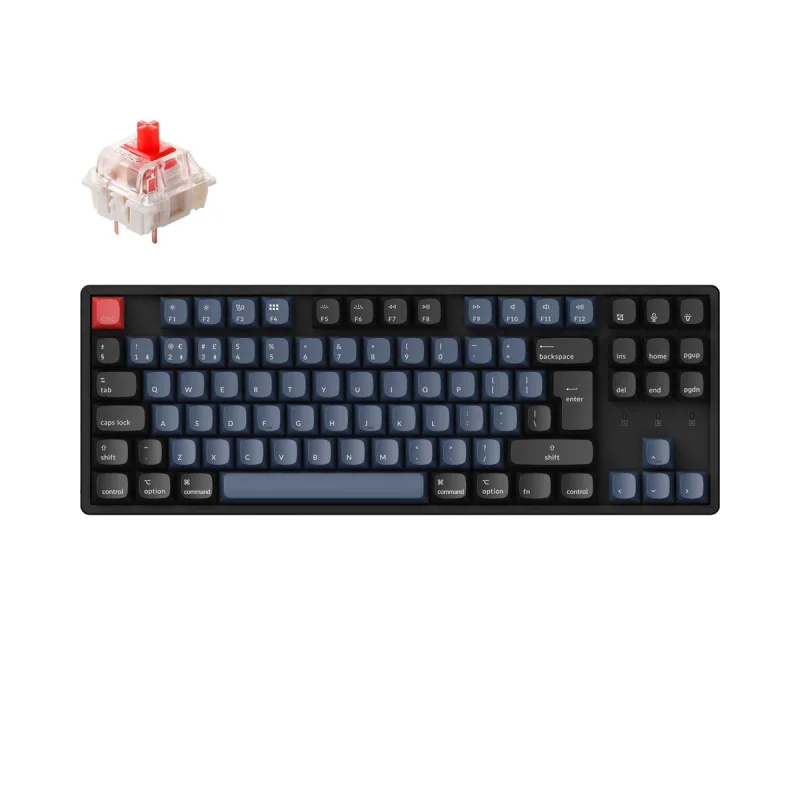
Look elsewhere if you use the numpad or function keys all day. The Keychron V6 Max keeps a numpad, and the Keychron K8 Pro keeps the function row in a tenkeyless body. Check the layout when it arrives, as some units may need switching from US to UK in the DREVO software.
Questions about the DREVO Calibur V2 PRO
How do I install the DREVO Calibur V2 PRO software?
Download the DPC software from www.drevo.net/dpc. The manual lists Windows 7, 8, 10 or later. It handles RGB lighting, macros, profiles and firmware updates.
How long does the DREVO Calibur V2 PRO take to charge?
About 6 hours from fully flat, according to the manual. It also charges whenever the USB-C cable is plugged in.
Does the DREVO Calibur V2 PRO work with a Mac?
Yes. Press FN+S for Mac mode and FN+A for Windows mode. The DPC software is listed for Windows only.
How many devices can the DREVO Calibur V2 PRO pair with?
Five over Bluetooth. Each sits on its own profile, switched with FN plus Q, W, E, R or T.
How do I use the F keys on the DREVO Calibur V2 PRO?
Press FN+Left Ctrl to swap the number row between numbers and F1 to F12, as the manual describes. An owner also reports holding FN with a number key for the F-keys.
What is the DREVO Calibur V2 PRO warranty?
The manual gives a 12-month limited warranty that excludes damage caused by people.
Other mechanical keyboard picks
The other badge winners in our mechanical keyboards ranking.
Every score here comes from our ranking model; no editor sets the order. We haven't read the review sites for this guide yet, so for now it is led by owners. It ranks products by how happy owners are, holding back any product few owners have rated until more agree. How many rated it and how new it is only settle close calls, and value for money earns its own badge rather than a higher place. We compared 17 models for this guide before settling on these ten.
Brands can't pay to be included or to move up. We last checked these picks in November 2026.