vetted ten.

Amazon eero 7 review

No. 9 of 10 in our mesh wifi systems ranking · Updated · How we rank

Our verdict: The Amazon eero 7 ranks 9th of the 10 mesh wifi systems we compare, with 8.3 out of 10.

Amazon eero 7

8.3/10

The Amazon eero 7 is a dual-band Wi-Fi 7 mesh system managed through the eero app. It suits homes with fast broadband that want simple setup and don't need a 6GHz band.

Check Price on Amazon

Why it's here

  • Wi-Fi 7 for plans up to 2.5Gbps
  • Very simple app setup
  • Matter and Thread support for smart home devices
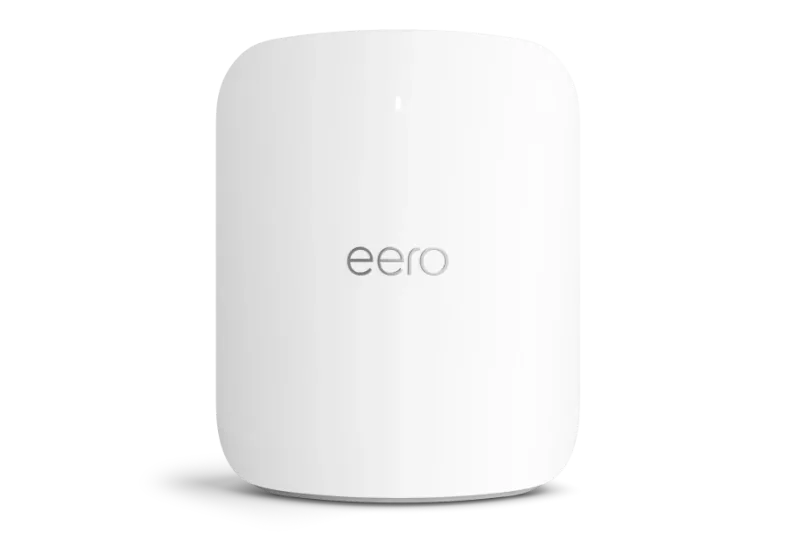
  • Small, tidy nodes

Keep in mind

  • Dual-band, so no dedicated backhaul
  • Parental controls and filtering need an eero Plus subscription
  • Few advanced settings

Why the Amazon eero 7 scores 8.3

Each bar shows where it places among the 10 mesh wifi systems in this guide, so a full bar is 1st of 10. How happy owners are counts for most of the score.

  • How happy owners are9th of 10
  • How many rated it8th of 10
  • How new it is3rd of 10

Why it sits behind the Amazon eero Pro 7

The Amazon eero Pro 7 (8.4) edges the Amazon eero 7 (8.3) on the balance of all three parts.

About the Amazon eero 7

The eero 7 is Amazon's cheaper Wi-Fi 7 eero. It runs on the 2.4GHz and 5GHz bands only, with no 6GHz band, and supports Wi-Fi 7 features such as multi-link operation. It is rated for broadband plans up to 2.5Gbps. Amazon's UK listing for the three-pack gives coverage of up to 560 m², and one UK review puts a single node at 190 m².

Each node has built-in radios for Thread, Matter and Zigbee, so the system can act as a smart home hub without a separate bridge. Reviewers also report WPA3 security. Everything is managed in the eero app, and there is no web admin page. Each node has a QR code on its underside for setup.

Nodes can link to each other wirelessly or over Ethernet. Because the system is dual-band, wireless links share the same bands as your devices, with no separate channel for the link between nodes. Core features are free. Content filtering, ad blocking and similar extras need the optional eero Plus subscription.

What owners report about the Amazon eero 7

We found little owner feedback written specifically about the UK eero 7, so this section is short.

The owner comments we found describe setup as quick, usually under fifteen minutes, with coverage reaching rooms that were weak before. Some owners in large or thick-walled homes added a fourth node. Owners also object to features moving behind the eero Plus subscription. We found no clear pattern of dropouts or reboots, though that rests on limited evidence.

Who the Amazon eero 7 suits

The eero 7 suits a typical UK home with fibre or cable broadband, up to 2.5Gbps, where the priority is an easy app, tidy nodes and smart home support. It is a sensible step up from Wi-Fi 6 for a household with newer phones and laptops.

Look elsewhere if you want a 6GHz band or a dedicated link between nodes: the Netgear Orbi 770 Series RBE773 or eero Pro 7 are tri-band. If you want detailed router settings or parental controls without a subscription, the TP-Link Deco BE25 or Deco X55 give more control. Large homes with wired-heavy setups may want the ASUS ZenWiFi BQ16.

Questions about the Amazon eero 7

What are the specifications of the Amazon eero 7 router?

It is a dual-band Wi-Fi 7 mesh router (2.4GHz and 5GHz) rated for plans up to 2.5Gbps. A three-pack covers up to 560 m², and each node has Thread, Matter and Zigbee radios.

Is eero part of Amazon?

Yes. The eero 7 is sold as the Amazon eero 7, and reviewers describe it as Amazon's most affordable Wi-Fi 7 router.

Does the Amazon eero 7 have a 6GHz band?

No. It is dual-band, using 2.4GHz and 5GHz only. Reviewers cite this as its main limit on peak speeds.

Do you need a subscription for the Amazon eero 7?

No. Core Wi-Fi features are free. Extras such as content filtering, ad blocking and threat blocking need the optional eero Plus.

How do I set up the Amazon eero 7?

Use the eero app and scan the QR code on the underside of a node. Owners describe setup as taking under fifteen minutes.

Other mesh wifi system picks

The other badge winners in our mesh wifi systems ranking.

All 10 mesh wifi systems, compared

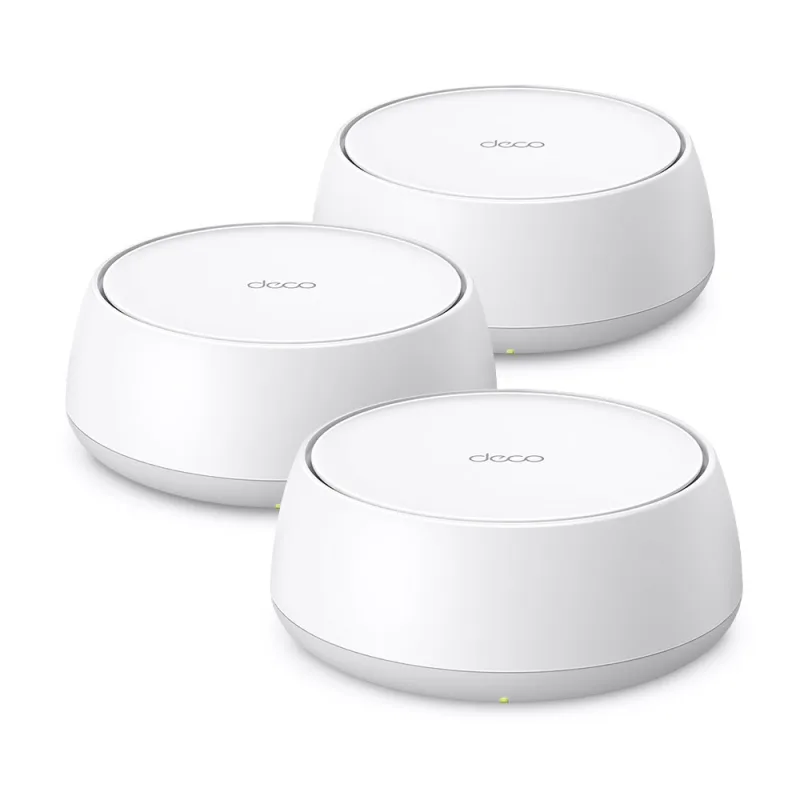
  1. 1 TP-Link Deco BE25 (BE3600, 3-pack)Best Choice 9.0 out of 10 Check Price
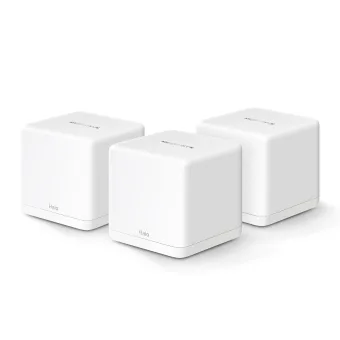
  2. 2 Mercusys Halo H80X (3-pack)Value for Money 8.8 out of 10 Check Price
  3. 3 TP-Link Deco X55 8.6 out of 10 Check Price
  4. 4 Netgear Orbi 370 Series RBE373 8.5 out of 10 Check Price
  5. 5 Mercusys Halo H60XBest Budget 8.4 out of 10 Check Price
  6. 6 Amazon eero 6+ 8.4 out of 10 Check Price
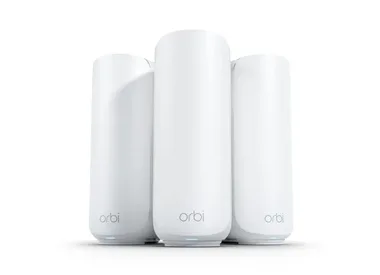
  7. 7 Netgear Orbi 770 Series RBE773 8.4 out of 10 Check Price
  8. 8 Amazon eero Pro 7 8.4 out of 10 Check Price
  9. 9 Amazon eero 7This review 8.3 out of 10 Check Price
  10. 10 ASUS ZenWiFi BQ16 8.2 out of 10 Check Price
See the full mesh wifi systems ranking

The Amazon eero 7 on Amazon

Amazon eero 7

The Amazon eero 7 is a dual-band Wi-Fi 7 mesh system managed through the eero app. 8.3 out of 10.

Check Price on Amazon

How we score it

Every score here comes from our ranking model; no editor sets the order. Too few review sites cover mesh wifi systems for their verdicts to lead, so this ranking is led by owners. It ranks products by how happy owners are, holding back any product few owners have rated until more agree. How many rated it and how new it is only settle close calls, and value for money earns its own badge rather than a higher place. We compared 20 models for this guide before settling on these ten.

Brands can't pay to be included or to move up. We last checked these picks in November 2026.

How we rank, in full