vetted ten.

Anker PowerConf C300 review

No. 9 of 10 in our webcams ranking · Updated · How we rank

Our verdict: The Anker PowerConf C300 ranks 9th of the 10 webcams we compare, with 8.4 out of 10.

Anker PowerConf C300

8.4/10

The Anker PowerConf C300 is a 1080p webcam for video calls, with AI framing, HDR and a field of view you can narrow in software. It suits home working at a desk or in a typical room.

Check Price on Amazon

Why it's here

  • 1080p at up to 60fps with HDR and low-light correction
  • Field of view can be narrowed or widened in the AnkerWork software
  • AI framing and autofocus keep you centred as you move
  • Privacy cover included, with a clip mount and tripod thread

Keep in mind

  • Owners describe the microphone audio as only fair
  • AnkerWork software runs on Windows and macOS only
  • AI framing is a digital crop on a 1080p sensor
Why the Anker PowerConf C300 scores 8.4

Each bar shows where it places among the 10 webcams in this guide, so a full bar is 1st of 10. How happy owners are counts for most of the score.

  • How happy owners are8th of 10
  • How many rated it2nd of 10
  • How new it is7th of 10

Why it sits behind the OBSBOT Meet SE

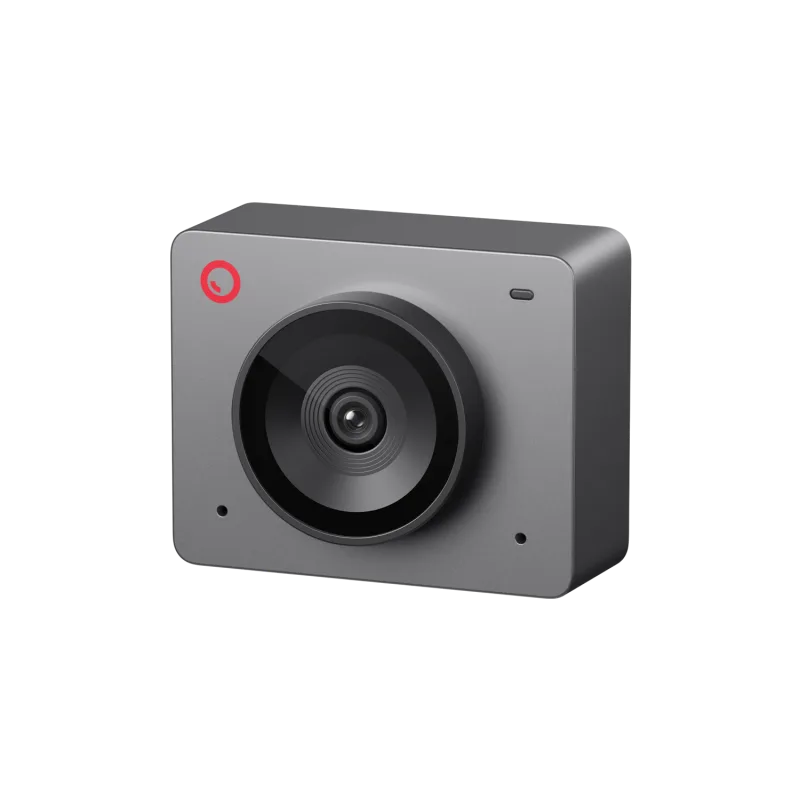
The OBSBOT Meet SE (8.5) beats the Anker PowerConf C300 (8.4): owners are about as happy with both, and it is the newer design.

About the Anker PowerConf C300

The C300 records 1080p at up to 60fps. In the AnkerWork software you can drop to 720p or 360p, switch HDR on or off, flip the image, and adjust brightness, sharpness, saturation and contrast.

The lens covers up to 115 degrees, which the software can narrow to 90 or 78 degrees. Face tracking can keep one person or a group centred. It works by digitally zooming into the frame, which Expert Reviews found softens the picture a little.

Two microphones sit on either side of the unit, with AI noise suppression that cannot be switched off. A clip with rubber pads holds it on a monitor or laptop screen, and there is a tripod thread in the base. It comes with a 1.5m USB-C cable, a USB-C to USB-A adapter and stick-on privacy shutters.

AnkerWork runs on Windows and macOS. The camera also works on Linux, but without the control software.

What owners report about the Anker PowerConf C300

Owner feedback for this exact model is thin on the pages we could open, so this is only what we found.

Owners like the very wide angle, the autofocus and the automatic exposure, and one describes the picture as very clear. The cable is removable, which one owner points out. One owner uses it on Linux and says it works, though the control software does not.

The complaints we found are short. One owner calls it expensive, and another lists the very wide view as a drawback for some setups.

Who the Anker PowerConf C300 suits

The C300 suits anyone working from home who wants a sharper, wider picture than a laptop camera, and who will use AnkerWork on Windows or macOS to adjust the framing. The narrower view settings help in a small or untidy room.

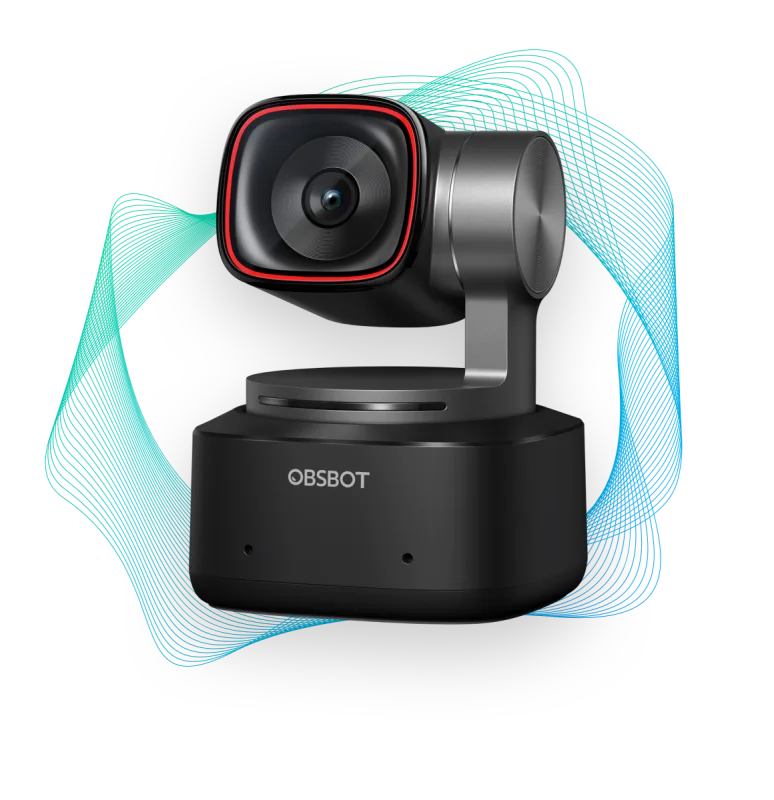
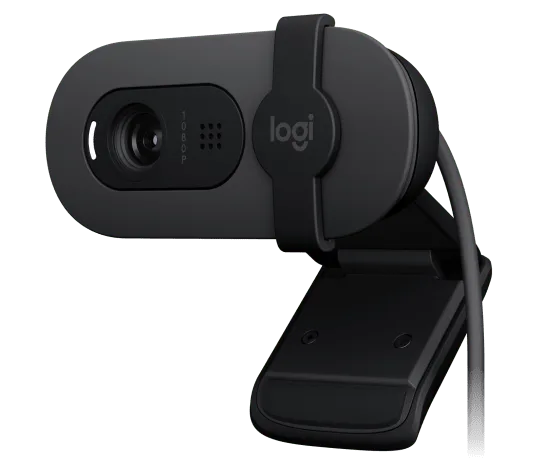
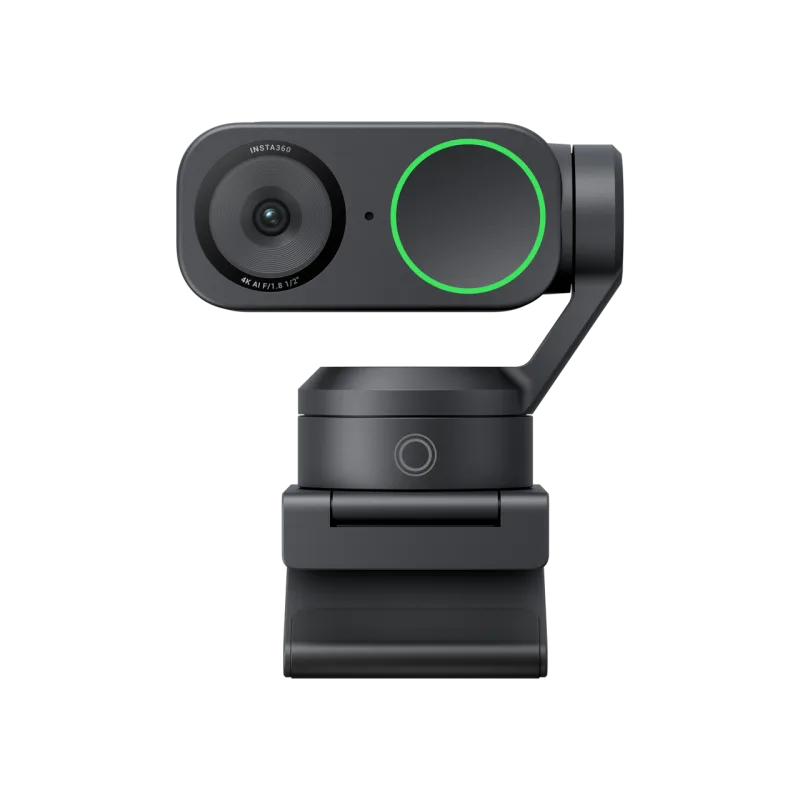
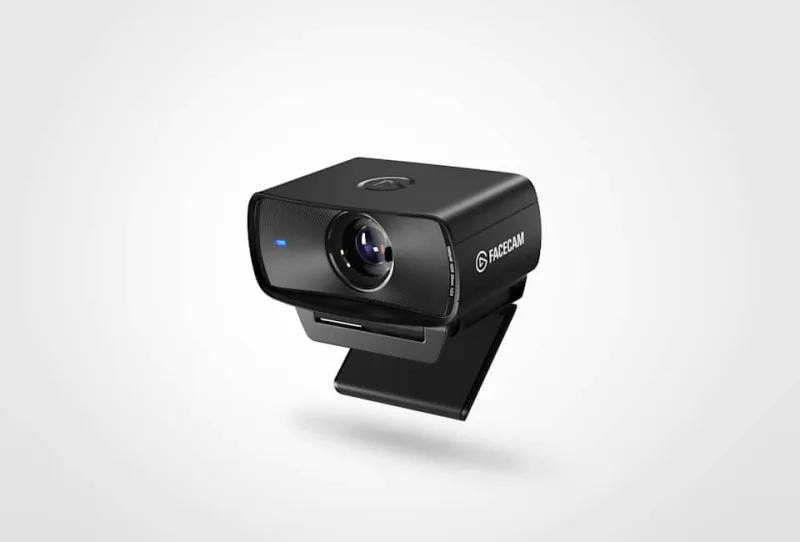
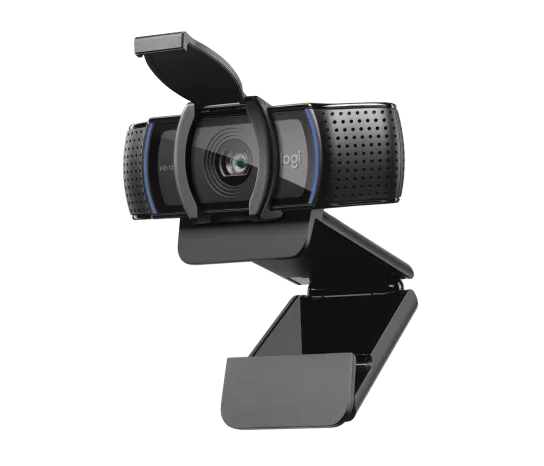
Look elsewhere for 4K or for a camera that physically follows you: the OBSBOT Tiny 2 or Insta360 Link 2 do that. Streamers who want fixed-focus 1080p60 might prefer the Elgato Facecam MK.2, and anyone on a tight budget could look at the Logitech Brio 100.

Questions about the Anker PowerConf C300

Can you turn off noise suppression on the Anker PowerConf C300?

No. Expert Reviews found the AI noise suppression on the C300 microphones cannot be disabled.

What field of view does the Anker PowerConf C300 have?

Up to 115 degrees. The AnkerWork software can narrow it to 90 or 78 degrees.

Does the Anker PowerConf C300 work on Linux?

Yes, as a camera. One owner reports it works on Linux, but the AnkerWork control software does not.

Does the Anker PowerConf C300 come with a privacy cover?

Yes. Expert Reviews lists two stick-on privacy shutters in the box, alongside the monitor clip.

Other webcam picks

The other badge winners in our webcams ranking.

All 10 webcams, compared

  1. 1 Logitech C920s HD Pro WebcamBest Choice 9.0 out of 10 Check Price
  2. 2 OBSBOT Tiny 2Best Premium 8.7 out of 10 Check Price
  3. 3 Logitech Brio 100Best Budget 8.6 out of 10 Check Price
  4. 4 Insta360 Link 2 8.6 out of 10 Check Price
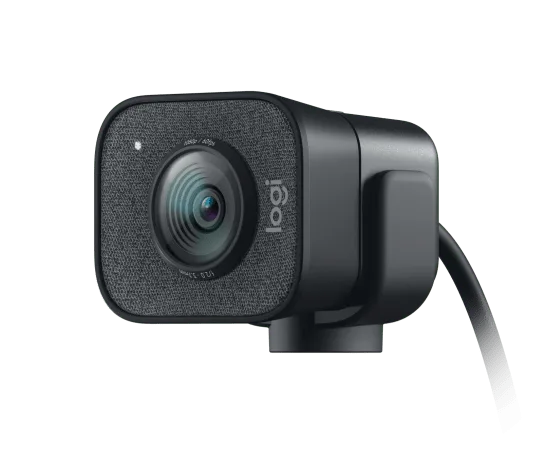
  5. 5 Logitech StreamCam 8.6 out of 10 Check Price
  6. 6 Elgato Facecam MK.2 8.5 out of 10 Check Price
  7. 7 NexiGo N60 8.5 out of 10 Check Price
  8. 8 OBSBOT Meet SE 8.5 out of 10 Check Price
  9. 9 Anker PowerConf C300This review 8.4 out of 10 Check Price
  10. 10 Razer Kiyo V2 8.2 out of 10 Check Price
See the full webcams ranking

The Anker PowerConf C300 on Amazon

Anker PowerConf C300

The Anker PowerConf C300 is a 1080p webcam for video calls, with AI framing, HDR and a field of view you can narrow in software. 8.4 out of 10.

Check Price on Amazon

How we score it

Every score here comes from our ranking model; no editor sets the order. We haven't read the review sites for this guide yet, so for now it is led by owners. It ranks products by how happy owners are, holding back any product few owners have rated until more agree. How many rated it and how new it is only settle close calls, and value for money earns its own badge rather than a higher place. We compared 21 models for this guide before settling on these ten.

Brands can't pay to be included or to move up. We last checked these picks in November 2026.

How we rank, in full