vetted ten.

Elgato Facecam MK.2 review

No. 6 of 10 in our webcams ranking · Updated · How we rank

Our verdict: The Elgato Facecam MK.2 ranks 6th of the 10 webcams we compare, with 8.5 out of 10.

Elgato Facecam MK.2

Elgato Facecam MK.2

8.5/10

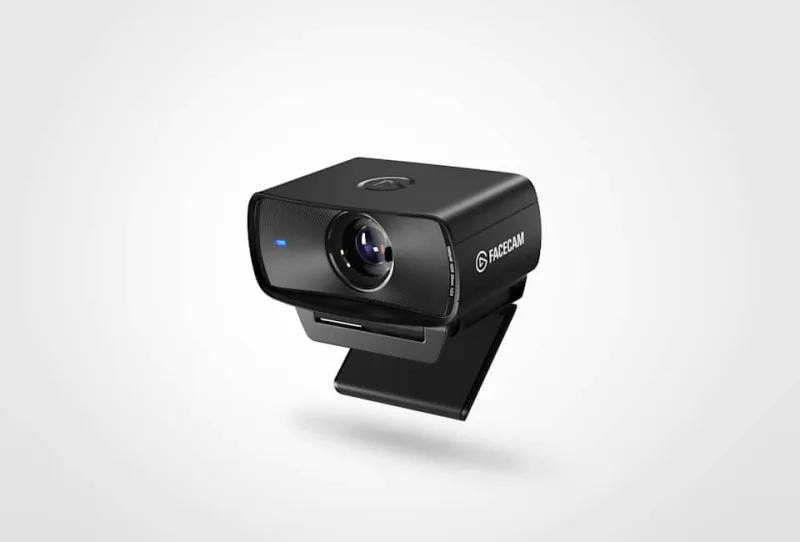
The Facecam MK.2 is a 1080p60 USB webcam from Elgato with a Sony sensor and a fixed-focus lens set for desk distances. It suits streamers and home workers who sit still, have a USB 3 port and own a separate microphone.

Check Price on Amazon

Why it's here

  • Uncompressed 1080p at 60fps from a 1/2.5-inch Sony STARVIS sensor
  • Slide-across privacy shutter built in
  • Camera Hub gives manual control of exposure, white balance and zoom
  • Monitor mount in the box plus a 1/4-inch tripod thread

Keep in mind

  • Fixed focus, so it only stays sharp at roughly 30 to 120cm
  • Needs a USB 3 port for uncompressed video, and HDR is limited to 1080p30
  • No built-in microphone, so you need a separate mic for good audio
Why the Elgato Facecam MK.2 scores 8.5

Each bar shows where it places among the 10 webcams in this guide, so a full bar is 1st of 10. How happy owners are counts for most of the score.

  • How happy owners are6th of 10
  • How many rated it7th of 10
  • How new it is4th of 10

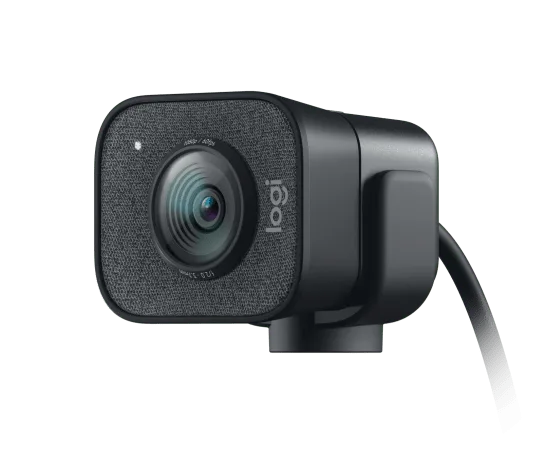
Why it sits behind the Logitech StreamCam

The Logitech StreamCam (8.6) beats the Elgato Facecam MK.2 (8.5) because it leaves owners a little happier. The Elgato Facecam MK.2 is the newer design, but not by enough to close the gap.

About the Elgato Facecam MK.2

The MK.2 uses a 1/2.5-inch Sony STARVIS CMOS sensor behind Elgato's Prime lens: fixed focus, f/2.4, equivalent to 24mm full-frame, with a field of view of up to 84 degrees. Focus is set to stay sharp from about 30cm to 120cm, so the camera never hunts for focus but also has no autofocus.

Over a USB 3.0 connection it outputs uncompressed 1080p at 60fps. HDR is available up to 1080p30, and lower modes include 720p60 and 540p60. Plugged into a USB 2.0 port it still works, but only with compressed MJPEG video. The connector is USB-C.

A sliding shutter covers the lens. The camera measures 84 x 38 x 61mm and weighs 90g, or 136g with the monitor mount. There is also a 1/4-inch thread for a tripod or arm. The box holds the camera, the monitor mount and a 180cm braided USB-C to USB-C 3.0 cable.

Elgato's free Camera Hub (also called Elgato Studio) runs on Windows 11 and macOS 13.3 or newer. It gives manual control of exposure, white balance and zoom. Gadget Scout also lists ISO, shutter speed, noise-reduction levels and digital pan and tilt, with settings stored on the camera and a Stream Deck plugin. The camera works with Zoom, OBS Studio, Discord and similar apps.

What owners report about the Elgato Facecam MK.2

We found too little owner feedback on this exact model that we could read in full, so we have not summarised what owners report.

Who the Elgato Facecam MK.2 suits

It suits someone who sits at a desk and wants a clean, natural 1080p60 picture with manual control. Streamers who already have a microphone and a light will get the most from it, as will anyone who likes a physical shutter over the lens. Gadget Scout found the picture pleasantly warm in good light, with noise showing in dim rooms.

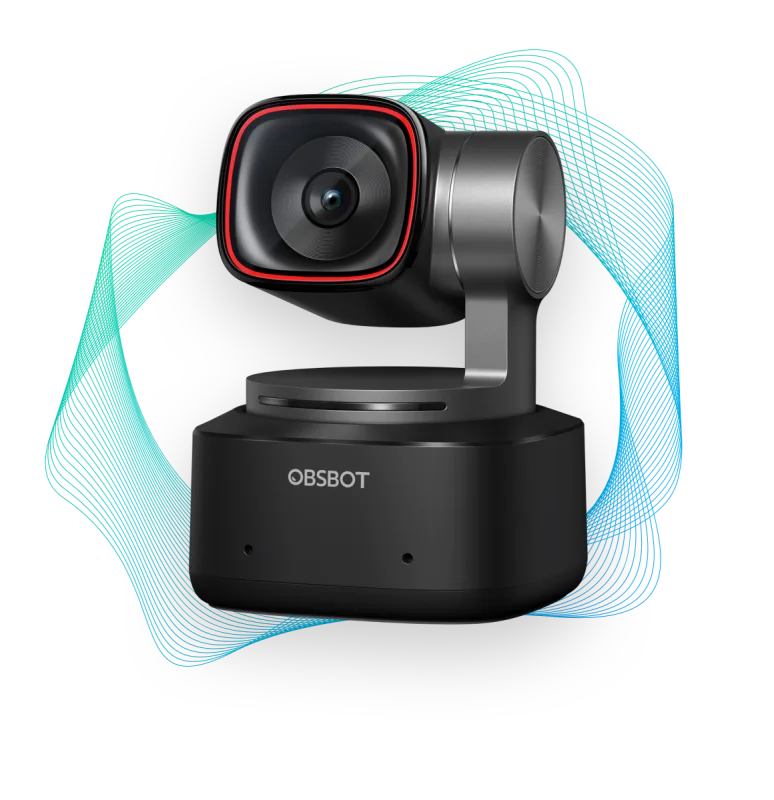
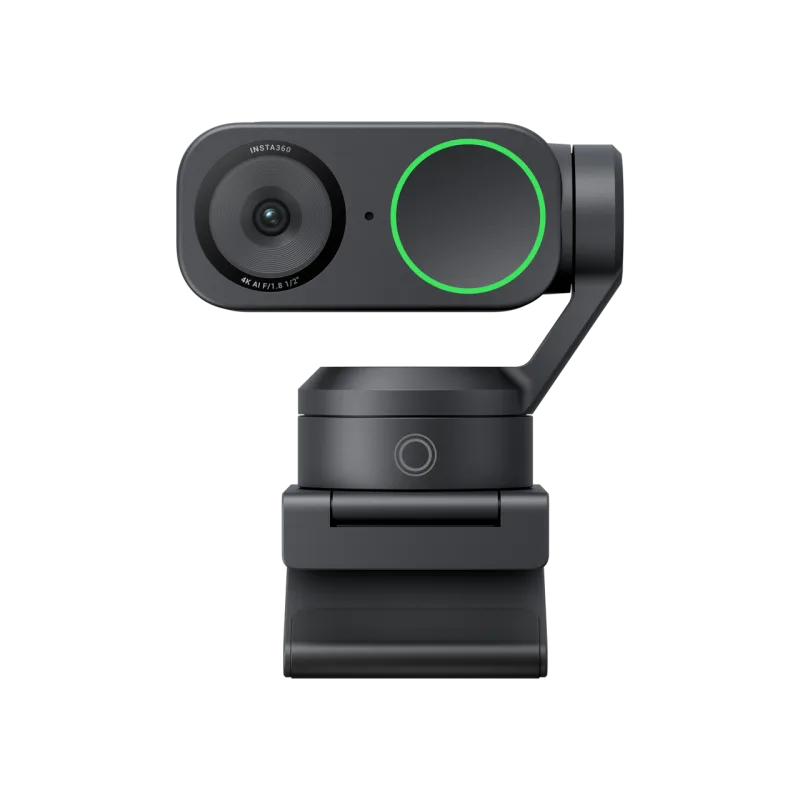
Look elsewhere if you move about or show products to the camera: the lens stays sharp only at 30 to 120cm, and the Logitech StreamCam adds face-tracking autofocus. If you want 4K, the OBSBOT Tiny 2 or Insta360 Link 2 are the better fit. For a camera with a built-in mic at a budget price, the NexiGo N60 has one. Check you have a USB 3 port before buying.

Questions about the Elgato Facecam MK.2

Why does my Elgato Facecam MK.2 look grainy?

Usually because the room is dim. Gadget Scout found the picture still noisy in low light and a front light helped a lot. You can also raise the noise-reduction level in Camera Hub.

Why is my Elgato Facecam MK.2 not working?

Most often it is the USB connection. Elgato says the Facecam needs a USB 3 port for full quality, so use the supplied cable and plug straight into the computer rather than a hub. Install Camera Hub and check the camera is allowed in your video app.

Does the Elgato Facecam MK.2 have a microphone?

No. You need a headset, USB mic or audio interface for sound.

How do I install the Elgato Facecam MK.2?

Clip the monitor mount on, or use the 1/4-inch thread on a tripod, and connect the supplied cable to a USB 3 port. Then download Elgato's free Camera Hub for Windows 11 or macOS 13.3 or newer to adjust the picture.

Does the Elgato Facecam MK.2 work with USB 2.0?

Yes, but only with compressed MJPEG video. Uncompressed 1080p60 needs a USB 3.0 connection.

Other webcam picks

The other badge winners in our webcams ranking.

All 10 webcams, compared

  1. 1 Logitech C920s HD Pro WebcamBest Choice 9.0 out of 10 Check Price
  2. 2 OBSBOT Tiny 2Best Premium 8.7 out of 10 Check Price
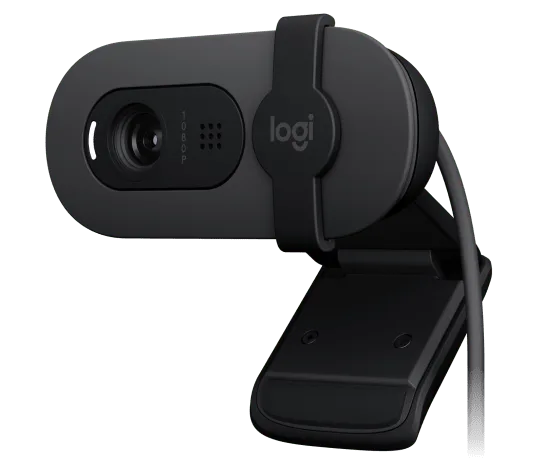
  3. 3 Logitech Brio 100Best Budget 8.6 out of 10 Check Price
  4. 4 Insta360 Link 2 8.6 out of 10 Check Price
  5. 5 Logitech StreamCam 8.6 out of 10 Check Price
  6. 6 Elgato Facecam MK.2This review 8.5 out of 10 Check Price
  7. 7 NexiGo N60 8.5 out of 10 Check Price
  8. 8 OBSBOT Meet SE 8.5 out of 10 Check Price
  9. 9 Anker PowerConf C300 8.4 out of 10 Check Price
  10. 10 Razer Kiyo V2 8.2 out of 10 Check Price
See the full webcams ranking

The Elgato Facecam MK.2 on Amazon

Elgato Facecam MK.2

The Facecam MK.2 is a 1080p60 USB webcam from Elgato with a Sony sensor and a fixed-focus lens set for desk distances. 8.5 out of 10.

Check Price on Amazon

How we score it

Every score here comes from our ranking model; no editor sets the order. We haven't read the review sites for this guide yet, so for now it is led by owners. It ranks products by how happy owners are, holding back any product few owners have rated until more agree. How many rated it and how new it is only settle close calls, and value for money earns its own badge rather than a higher place. We compared 21 models for this guide before settling on these ten.

Brands can't pay to be included or to move up. We last checked these picks in November 2026.

How we rank, in full