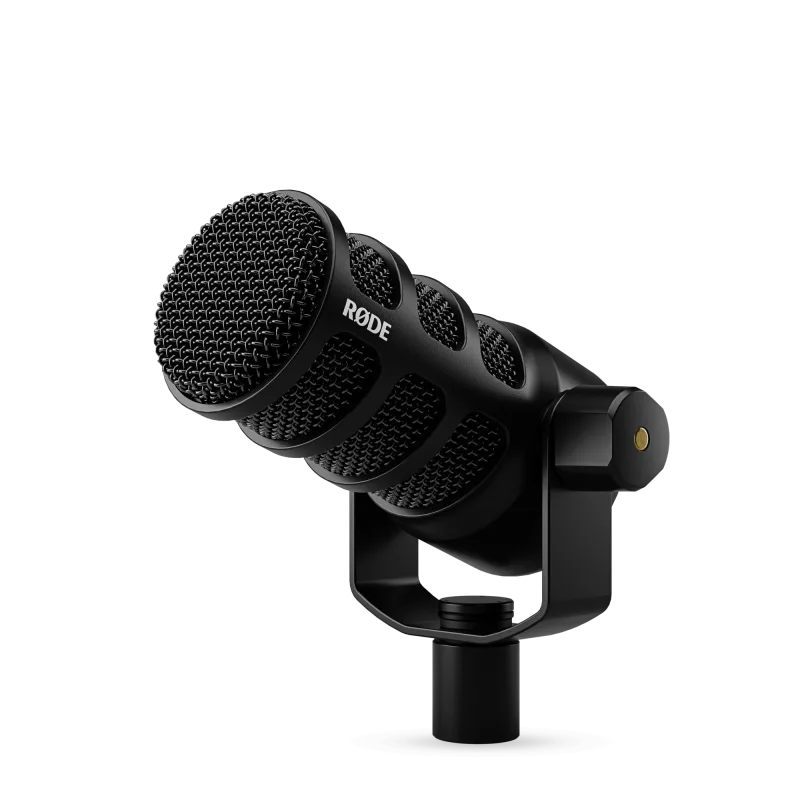
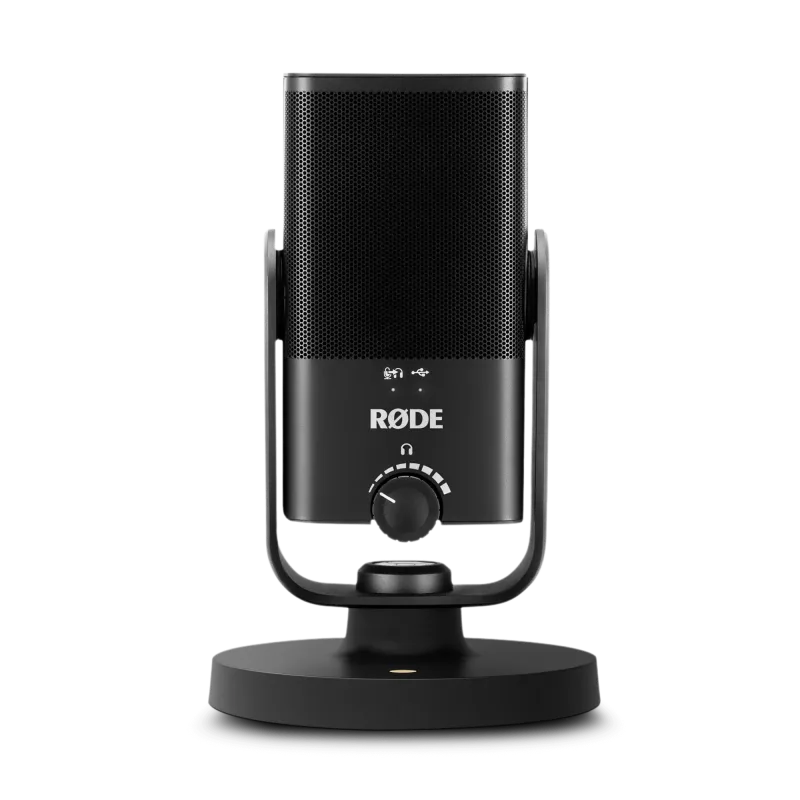
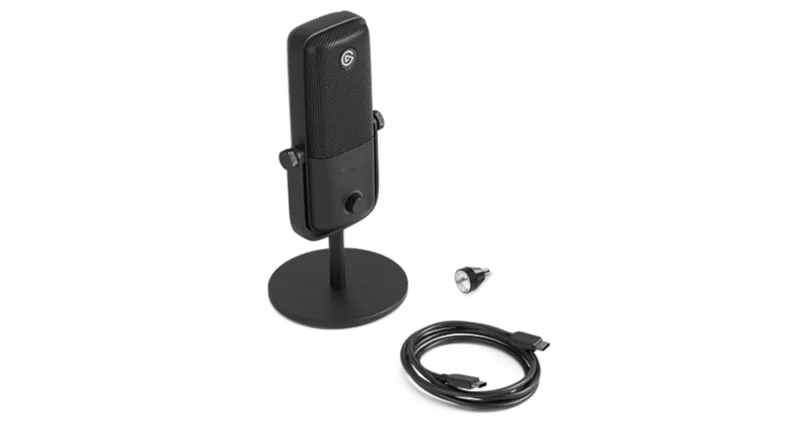
Our verdict: The RØDE PodMic USB ranks 3rd of the 10 USB microphones we compare, with 9.0 out of 10. It takes our Best Premium badge.
RØDE PodMic USB
9.0/10Best Premium
The RØDE PodMic USB is a heavy dynamic broadcast mic with USB-C and XLR outputs and a headphone output. It suits podcasters and streamers in untreated rooms who want a mic that still works if they buy an interface later.
Dynamic capsule with a tight cardioid pattern rejects room noise
USB-C and XLR outputs for an interface upgrade later
Zero-latency headphone output with level control
On-board APHEX processing and VoxLab presets in the software
Keep in mind
Heavy, so it needs a proper boom arm or sturdy stand
No stand in the standard box
Works best a few centimetres from the mouth, and the foam pop filter is basic
Why the RØDE PodMic USB scores 9.0
Each bar shows where it places among the 10 USB microphones in this guide, so a full bar is 1st of 10. How happy owners are counts for most of the score.
How happy owners are4th of 10
How many rated it6th of 10
How new it is5th of 10
Level with the RØDE NT-USB Mini
The RØDE NT-USB Mini and the RØDE PodMic USB score the same, so either is a safe pick. The RØDE NT-USB Mini goes first because it leaves owners a little happier. The RØDE PodMic USB is the newer design. It takes our Best Premium badge.
About the RØDE PodMic USB
The PodMic USB is a dynamic cardioid microphone with a neodymium capsule, an all-metal body and an integrated swing mount. It has an internal shockmount and an internal pop filter, and an external pop filter comes in the box with a USB-C cable. A USB-C to USB-A cable is not included, and neither is a stand or boom arm. The mic weighs 900 g, so it needs a solid arm.
Plug it into a computer over USB-C and it converts at 24-bit/48kHz. Plug it into an audio interface or mixer over XLR and it behaves like an ordinary analogue mic. TechRadar notes that you cannot record from both outputs at once. The headphone output has zero-latency monitoring, controlled by a scroll wheel on the mic.
Over USB, the on-board processing is powered by APHEX. RØDE's software (RØDE Central, RØDE Connect, RØDE Capture and UNIFY) gives access to a high-pass filter, noise gate, compressor, Aural Exciter and Big Bottom, and the VoxLab tool applies presets. MusicRadar got its best results from a light high-pass filter and moderate compression. RØDE Central needs macOS 11 or later, or Windows 10 version 1803 or later.
What owners report about the RØDE PodMic USB
Owner feedback for this exact model is limited, so the picture is thin. Those who like it describe good rejection of background noise and a broadcast-style sound that works in an ordinary room. They find it easy to set up as plug and play, and some like that USB-C leaves their XLR input free for another mic. The solid all-metal build gets praise, and one owner using a RØDE PSA1 arm calls the pairing sturdy.
Complaints are fewer and more specific. One owner reports loud noise in recordings whenever the boom arm is touched. Another finds the unprocessed sound a little artificial until it is processed, and wanted an EQ in the software. One owner rates the sound below a Blue Yeti, and one feels the extras do not justify the extra cost over the original XLR-only PodMic if you already own an interface.
Who the RØDE PodMic USB suits
Buy it if you record or stream at a desk in a room with echo, keyboard clatter or background noise, and want a dynamic mic that sounds broadcast-like with little setup. It also makes sense if you may add an audio interface later, because the XLR output and 900 g metal body carry over. Budget for a sturdy boom arm and sit close to it.
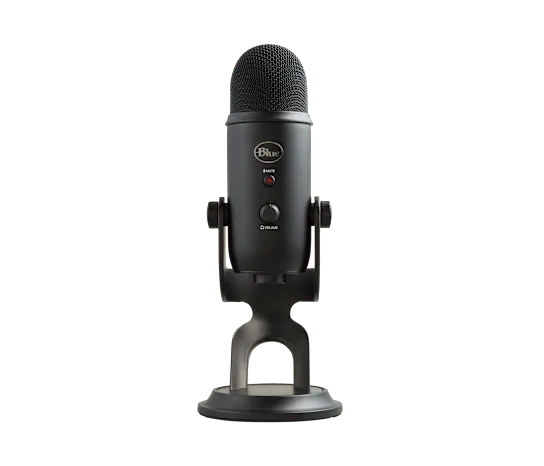
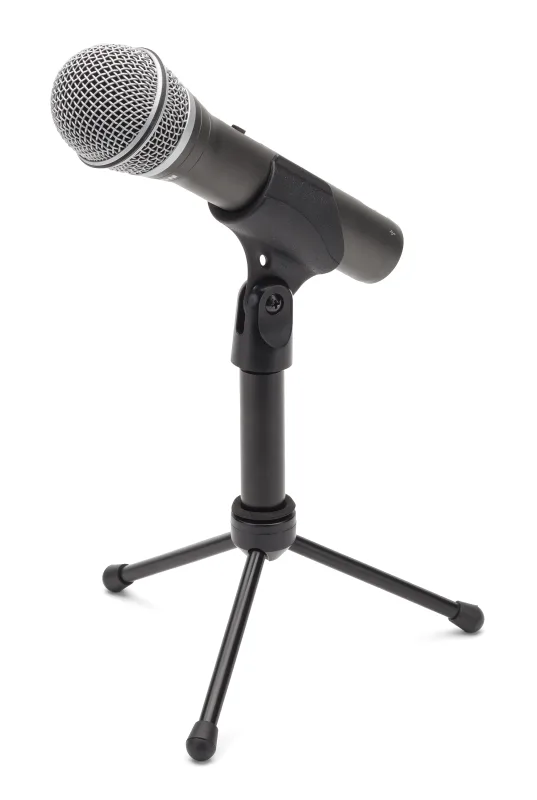
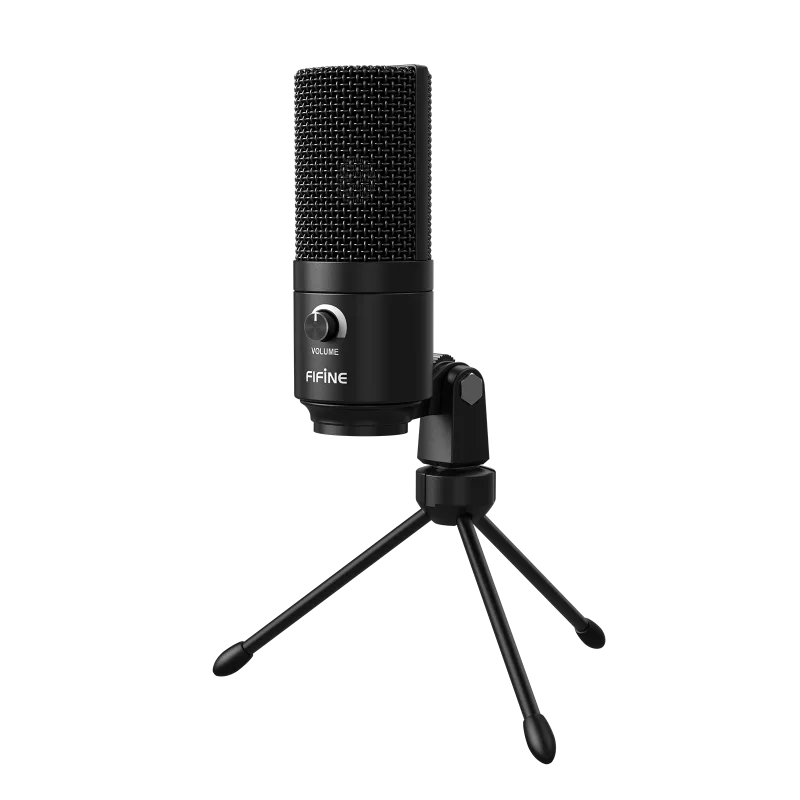
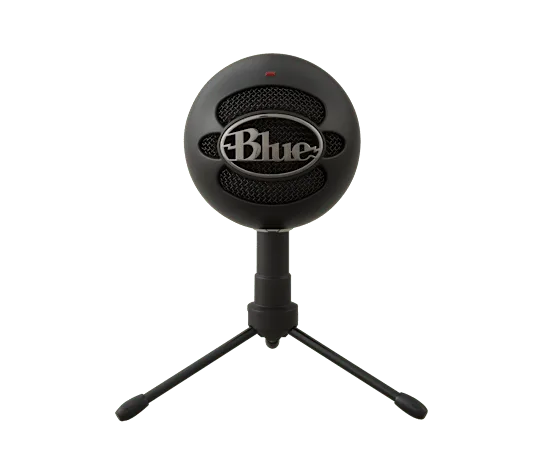
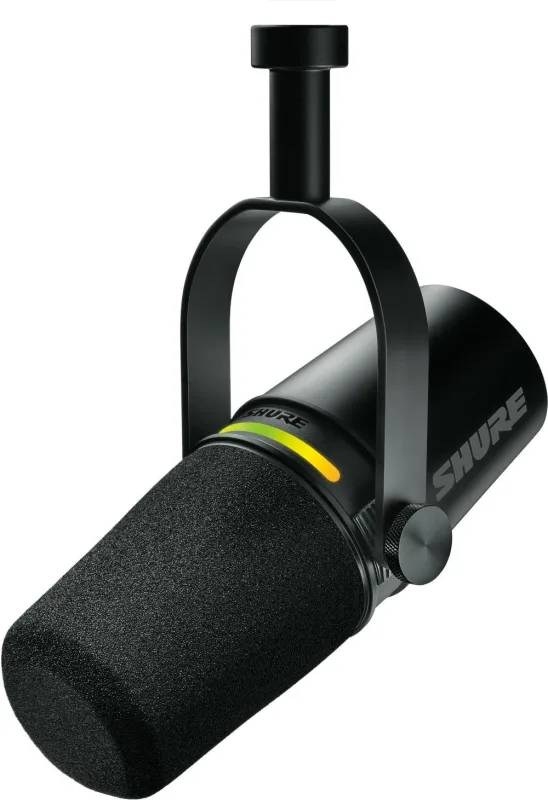
Look elsewhere if you want a mic that sits on a desk out of the box: the Blue Yeti or FIFINE K669B USB Condenser Microphone come with their own stands. For a dynamic mic with USB-C and XLR, the Shure MV7+ is an alternative, and the Samson Q2U costs less. For a smaller mic with a built-in pop filter, look at the RØDE NT-USB Mini.
Questions about the RØDE PodMic USB
Is a USB mic good for recording?
Yes. A USB mic like the RØDE PodMic USB connects straight to a computer and converts at 24-bit/48kHz, which is enough for podcasts, streams and voice work. If you later want an interface, this model also has an XLR output.
Why is my RØDE PodMic USB so quiet?
Usually the gain is set too low or you are too far from the mic. Sit close, about 13 cm and slightly off-axis, and set the gain properly. MusicRadar found hiss came mainly from pushing gain or processing too hard, not from the capsule.
Does a RØDE PodMic USB require phantom power?
No. It is a dynamic microphone, and dynamic mics do not need phantom power. Used over XLR, it just needs an interface or mixer with a mic preamp.
What type of microphone is best for recording podcasts?
A dynamic mic suits most podcasters in ordinary rooms, because its cardioid pattern picks up less room noise than a condenser. The RØDE PodMic USB is built for this, and you speak close to it.
Can you use the RØDE PodMic USB over USB and XLR at the same time?
No. TechRadar notes that the two outputs cannot be recorded at the same time. Choose USB-C for a computer or XLR for an interface or mixer.
Other USB microphone picks
The other badge winners in our USB microphones ranking.
Every score here comes from our ranking model; no editor sets the order. We haven't read the review sites for this guide yet, so for now it is led by owners. It ranks products by how happy owners are, holding back any product few owners have rated until more agree. How many rated it and how new it is only settle close calls, and value for money earns its own badge rather than a higher place. We compared 15 models for this guide before settling on these ten.
Brands can't pay to be included or to move up. We last checked these picks in November 2026.