Our verdict: The Shure MV7+ ranks 7th of the 10 USB microphones we compare, with 8.9 out of 10.
Shure MV7+
8.9/10
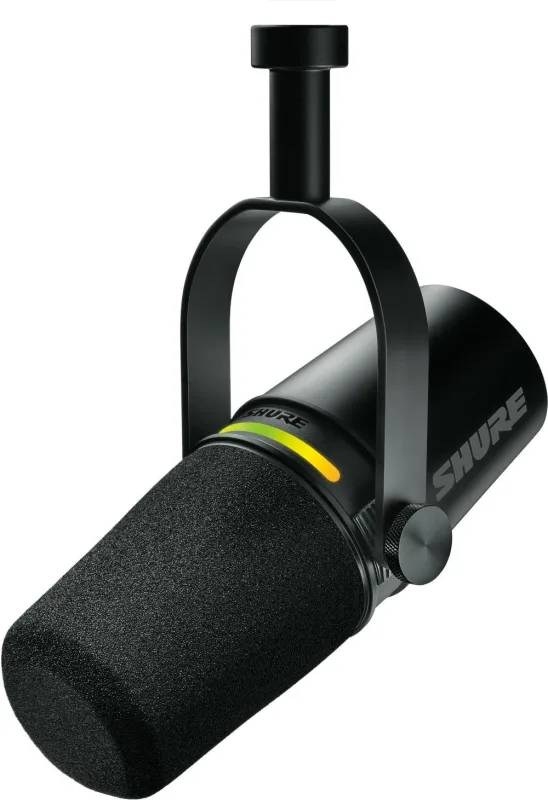
The Shure MV7+ is a dynamic podcast microphone with USB-C and XLR outputs and a headphone jack. It suits solo voice work in an untreated room, and anyone who may add an audio interface later.
USB-C and XLR outputs give an upgrade path to an interface
Dynamic capsule rejects keyboard clatter and room echo
Touch-panel mute and a headphone jack for live monitoring
Auto Level, denoiser and digital pop filter in the MOTIV Mix app
Keep in mind
Needs a close mouth distance, so quiet speakers must turn the gain up
A boom arm or stand is a separate purchase for most desks
One of the most expensive microphones here for a single-voice job
Why the Shure MV7+ scores 8.9
Each bar shows where it places among the 10 USB microphones in this guide, so a full bar is 1st of 10. How happy owners are counts for most of the score.
How happy owners are7th of 10
How many rated it7th of 10
How new it is4th of 10
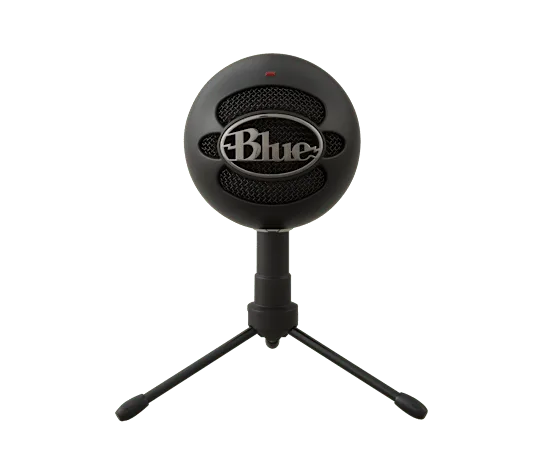
Level with the Blue Snowball iCE
The Blue Snowball iCE and the Shure MV7+ score the same, so either is a safe pick. The Blue Snowball iCE goes first because it has been rated by more owners. The Shure MV7+ is the newer design.
About the Shure MV7+
The MV7+ is a dynamic microphone built for speech. Shure's Voice Isolation Technology focuses on the speaker and reduces background noise. It has two outputs: USB-C for plugging straight into a computer, and XLR for an interface or mixer. A 3.5mm headphone jack lets you monitor yourself as you record.
The top of the microphone is an LED touch panel. It works as a level meter and a mute control, and the colours can be changed. Most other settings live in the MOTIV Mix desktop app, which runs on Windows 10 and later or macOS 12 and later. There you get Auto Level Mode, which adjusts gain based on distance, volume and spatial detection, plus a real-time denoiser, a Digital Popper Stopper for plosives, and Plate, Hall and Studio reverb. The Podcast Host notes that these processing features work only in USB mode.
The box holds the microphone in black, a USB-C to USB-C cable and a quick start guide. Shure sells it with no stand, a desktop stand or a boom, so check which one you are buying. An XLR cable is not included.
Over XLR, The Podcast Host found the gain demanding. On an SSL2+ interface the gain knob had to sit near 80% and distortion crept in. It suggests an interface with more preamp power, or an inline booster such as a Cloudlifter. The same review says the swing stand has no shock absorption, so knocks can reach the recording.
What owners report about the Shure MV7+
Owner feedback we could find for this exact model is limited, mostly short reviews on Thomann UK. Those owners are positive. They like the voice quality, the plug-and-play USB-C connection and the premium feel. One owner uses it directly with an iPhone and a MacBook and finds it portable.
The one drawback owners mention is distance. It gives its best results close to the mouth, which fits a dynamic capsule. We found no owner reports on long-term durability.
Independent reviewers raise points owners did not. Laptop Mag liked the single-touch mute panel, and The Podcast Host did not like the Shure Mix software.
Who the Shure MV7+ suits
It suits solo podcasters, streamers and home workers who want a voice-focused microphone that ignores keyboard noise and room echo. It works over USB today, and the XLR output means it can move to an interface later. Plan for a boom arm or stand if your desk lacks one.
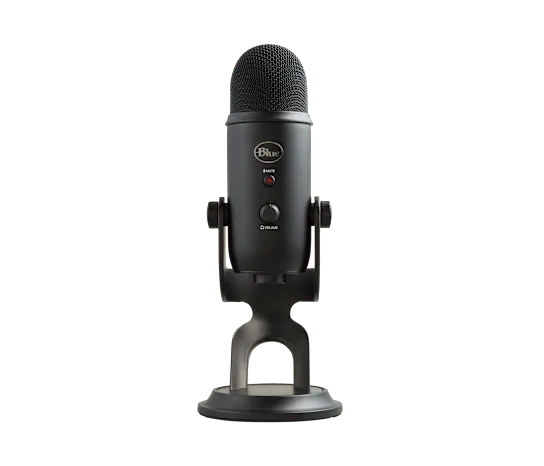
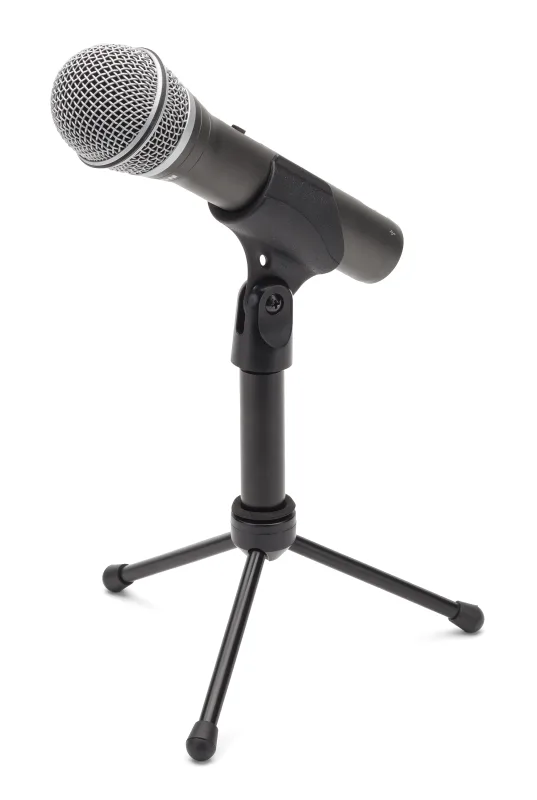
Look elsewhere if you need a budget microphone, or if you record quietly from a distance. The Samson Q2U is a cheaper dynamic option with USB and XLR. For two people on one microphone setup, the Shure MV7i has a second combo input. The Blue Yeti suits a desk mic that picks up more of the room.
Questions about the Shure MV7+
Does the Shure MV7+ need an audio interface?
No, not over USB-C. It plugs straight into a computer. You only need an interface or preamp if you use the XLR output.
What kind of microphone is the Shure MV7+?
It is a dynamic microphone with USB-C and XLR outputs, aimed at podcasting and voice work. It also has a headphone jack for monitoring.
How do I make the Shure MV7+ sound better?
Sit close to the microphone, as owners say it works best that way. Then use the MOTIV Mix app: Auto Level Mode, the denoiser and the Digital Popper Stopper are all there.
Do I need the Shure Mix software to use the MV7+?
No for basic recording, but the processing features such as the denoiser and popper stopper need the app. The Podcast Host says they work only in USB mode.
Does the Shure MV7+ come with a stand?
Not necessarily. Shure offers it with no stand, a desktop stand or a boom. The box contents it lists are the microphone, a USB-C to USB-C cable and a quick start guide.
Other USB microphone picks
The other badge winners in our USB microphones ranking.
Every score here comes from our ranking model; no editor sets the order. We haven't read the review sites for this guide yet, so for now it is led by owners. It ranks products by how happy owners are, holding back any product few owners have rated until more agree. How many rated it and how new it is only settle close calls, and value for money earns its own badge rather than a higher place. We compared 15 models for this guide before settling on these ten.
Brands can't pay to be included or to move up. We last checked these picks in November 2026.