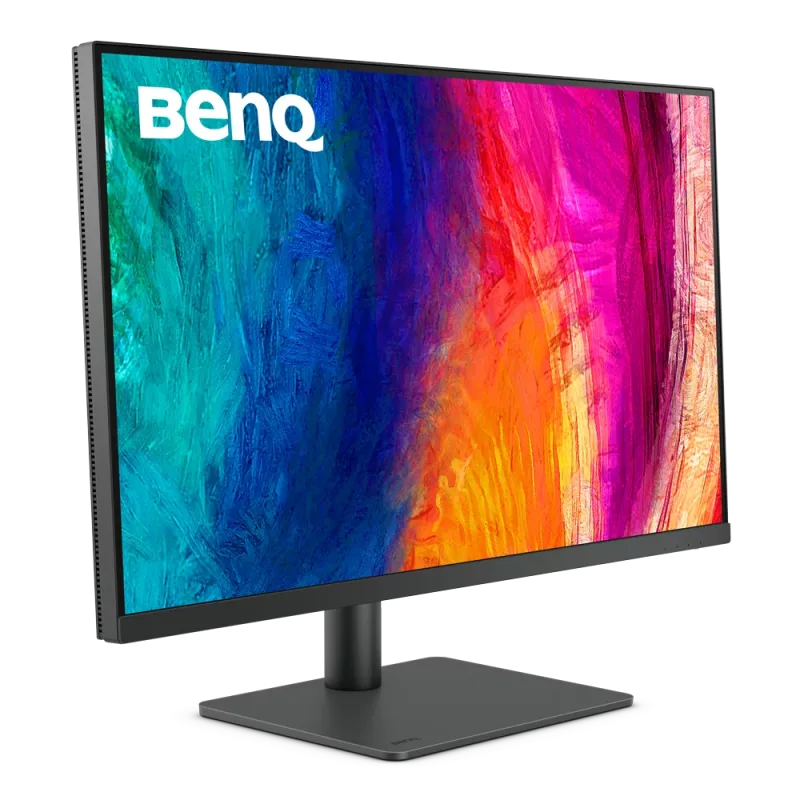
Our verdict: The Dell 27 Plus 4K USB-C Monitor S2725QC ranks 3rd of the 10 monitors we compare, with 8.9 out of 10.
Dell 27 Plus 4K USB-C Monitor S2725QC
8.9/10
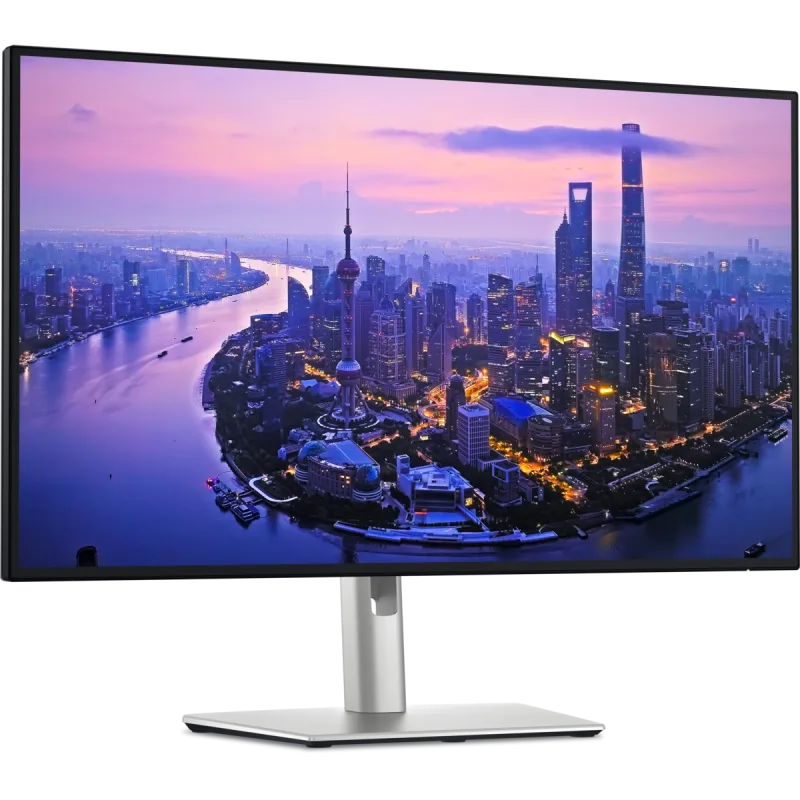
The Dell S2725QC is a 27-inch 4K IPS monitor with a 120Hz refresh rate and a USB-C port that charges a laptop. It suits a home office desk, and its HDMI 2.1 ports also take a PS5 or Xbox Series X.
4K at 27 inches gives about 163 pixels per inch, so text looks crisp, and Macs scale it cleanly
USB-C input with 65W power delivery runs and charges a laptop over one cable
Two HDMI 2.1 ports and 120Hz suit a PS5 or Xbox Series X
Height, tilt, swivel and pivot stand with built-in speakers
Keep in mind
No DisplayPort input, so a desktop PC depends on HDMI
About 350 nits and no useful HDR, so highlights look flat
Dell's US page lists a 1-year warranty, shorter than the 3 years on pricier Dell models
Why the Dell S2725QC scores 8.9
Each bar shows where it places among the 10 monitors in this guide, so a full bar is 1st of 10. How happy owners are counts for most of the score.
How happy owners are5th of 10
How many rated it3rd of 10
How new it is4th of 10
Level with the ASUS ROG Strix XG27ACS
The ASUS ROG Strix XG27ACS and the Dell 27 Plus 4K USB-C Monitor S2725QC score the same, so either is a safe pick. The ASUS ROG Strix XG27ACS goes first because it leaves owners a little happier.
About the Dell S2725QC
The S2725QC has a flat 27-inch IPS panel at 3840 x 2160, which works out to 163 pixels per inch. It runs at 120Hz with FreeSync Premium. Dell lists 350 nits of brightness, a 1,500:1 contrast ratio and 99% sRGB coverage. Response time is 4 ms in the fastest mode. Dell's page does not list HDR as a feature.
One USB-C port takes video and up to 65W of power from a laptop over DisplayPort 1.4 Alt Mode. The same port acts as an upstream link for the monitor's hub: a USB-C downstream port (up to 15W) and two USB-A ports at 5Gbps. There are also two HDMI 2.1 ports. There is no DisplayPort input. Two 5W speakers are built in.
The stand adjusts for height (up to 5.12 inches), tilt (-5° to 21°), swivel (30° each way) and pivots 90° either way into portrait. The mount is VESA 100 x 100. The monitor weighs 14.79 lb with the stand. The box holds the monitor, stand, VESA and side I/O covers, a power cable and a 1 m USB-C to USB-C cable rated at 10Gbps and 100W. No HDMI cable is included.
What owners report about the Dell S2725QC
Owner feedback for this exact model is thin, so treat these points as a partial picture. Owners who connect a laptop over the single USB-C cable report that it carries video, data and charging together. Those who answered buyers' questions call setup easy. Mac owners say it works over HDMI or USB-C, and that Dell's monitor software is needed to control volume and brightness from the keyboard.
The complaints center on build and sound. One owner found the speakers tinny and the stand wobbly and plastic, with creaking when turned into portrait. That owner also found the lowest height setting too low and needed a riser. Over USB-C, the computer's volume keys stop working because audio is routed to the monitor, and its lowest volume setting was still loud. The USB ports sit behind a sliding cover and felt flimsy to the same owner. The same owner said the image is not as sharp as a 5K iMac, but got used to it.
One Dell community thread describes a Mac mini M4 whose colors went wrong after a macOS 26 update, while an M1 MacBook Air worked normally on the same monitor. Dell's community manager pointed to the Mac and macOS rather than the monitor. It is a single report, not a pattern.
Who the Dell S2725QC suits
The S2725QC fits a person who wants one cable from a laptop to a sharp 27-inch screen, with USB ports and speakers on the monitor. It also suits someone who wants a 4K screen for a PS5 or Xbox Series X over HDMI 2.1 at 120Hz, and who works at a desk more than in a bright room.
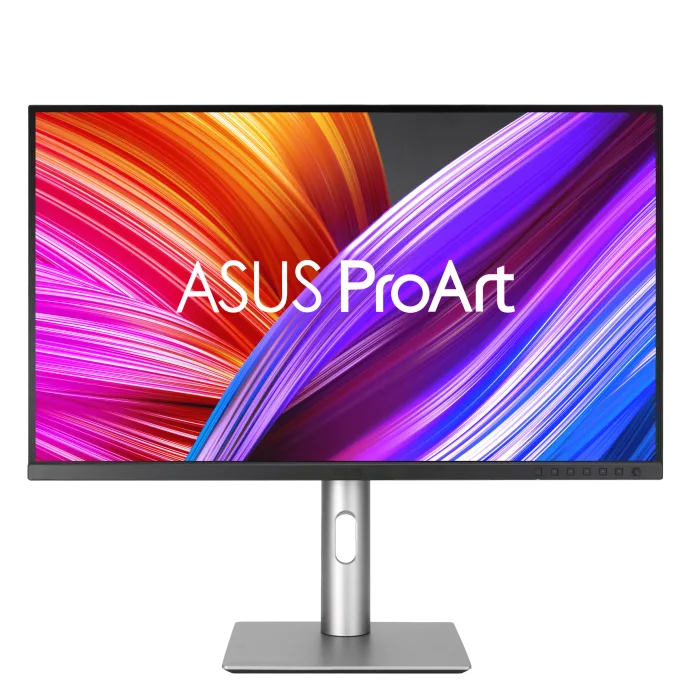
Look elsewhere if a desktop PC needs DisplayPort, since the only inputs are HDMI and USB-C. Photo and video editors who need accurate color should look at the ASUS ProArt Display PA279CRV. Anyone who wants a laptop dock with more bandwidth should consider the Dell UltraSharp 27 4K Thunderbolt Hub Monitor U2725QE. Buyers who want deep blacks or HDR will find 350 nits and an IPS panel limiting. Dell's 1-year warranty is short for a monitor kept for years.
Questions about the Dell S2725QC
Does the Dell S2725QC have USB-C?
Yes. Its USB-C upstream port carries video over DisplayPort 1.4 Alt Mode and delivers up to 65W to charge a laptop. A 1 m USB-C cable comes in the box.
Is the Dell S2725QC good for PS5?
Yes. Its two HDMI 2.1 ports support 4K at 120Hz, and owners' answers on Best Buy mention VRR support. Use HDMI for the console, since USB-C is meant for laptops. No HDMI cable is in the box.
Does the Dell S2725QC have DisplayPort?
No. Its inputs are one USB-C port and two HDMI 2.1 ports. A desktop PC must use HDMI, or a graphics card with a USB-C output.
Does the Dell S2725QC support HDR?
Only as an input signal. Best Buy's owner Q&A says it accepts HDR10 but is not certified DisplayHDR 400, and Dell's page does not list HDR as a feature. At 350 nits it has little headroom for highlights.
Can the Dell S2725QC rotate to portrait or be wall mounted?
Yes to both. The stand pivots 90° either way, and the monitor has a VESA 100 x 100 mount. An owner who put it on an arm noted that the supplied cable is short.
Every score here comes from our ranking model; no editor sets the order. We haven't read the review sites for this guide yet, so for now it is led by owners. It ranks products by how happy owners are, holding back any product few owners have rated until more agree. How many rated it and how new it is only settle close calls, and value for money earns its own badge rather than a higher place. We compared 16 models for this guide before settling on these ten.
Brands can't pay to be included or to move up. We last checked these picks in November 2026.