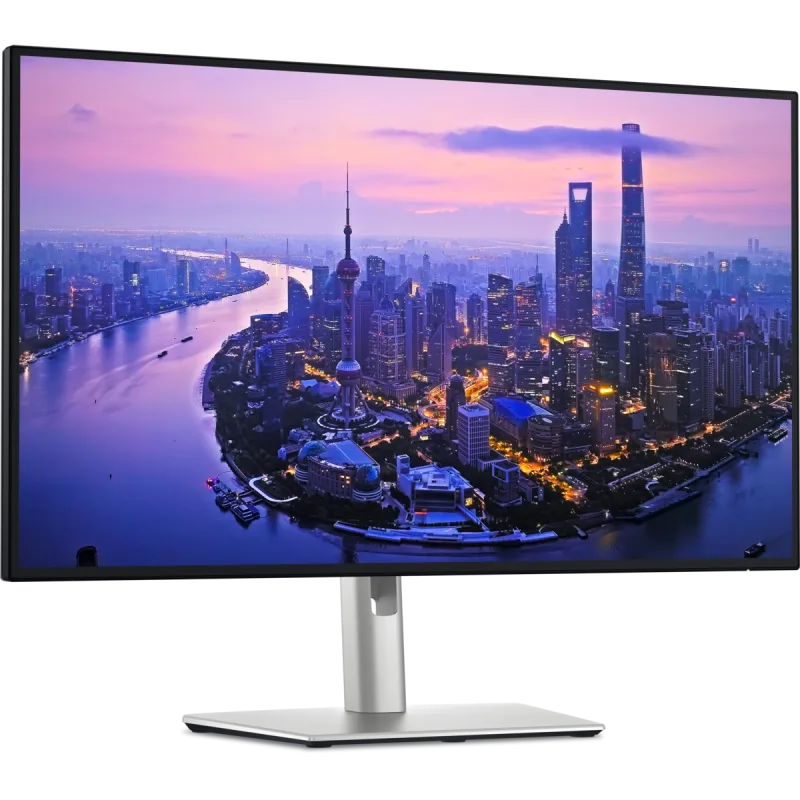
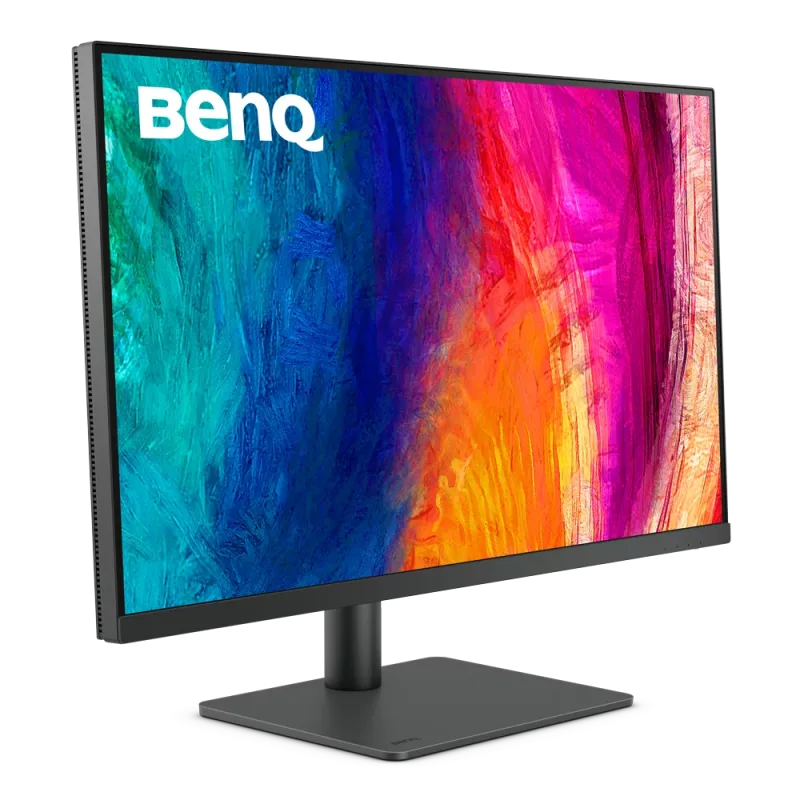
The Dell U2725QE is a 27-inch 4K IPS Black monitor that works as a laptop dock: one Thunderbolt 4 cable carries video, charging, USB and Ethernet. It suits office, creative and multi-computer desks more than gamers.
IPS Black panel with 3,000:1 contrast, 99% DCI-P3 and factory calibration, close to Delta E 1.5
Thunderbolt 4 upstream with 140W power delivery, plus a USB-C downstream port
2.5GbE Ethernet, a built-in KVM and a large bank of 10Gbps USB ports
3-year warranty, with a stand that adjusts for height, tilt, swivel and pivot
Keep in mind
A premium price for a 27-inch screen, and 120Hz with a 5ms response does not suit fast games
No speakers or webcam
Only one HDMI 2.1 input, and the many ports mean more setup for a simple desk
Why the Dell U2725QE scores 8.8
Each bar shows where it places among the 10 monitors in this guide, so a full bar is 1st of 10. How happy owners are counts for most of the score.
How happy owners are7th of 10
How many rated it6th of 10
How new it is3rd of 10
Level with the Gigabyte M27Q X
The Gigabyte M27Q X and the Dell UltraSharp 27 4K Thunderbolt Hub Monitor U2725QE score the same, so either is a safe pick. The Gigabyte M27Q X goes first because it leaves owners a little happier. The Dell UltraSharp 27 4K Thunderbolt Hub Monitor U2725QE is the newer design.
About the Dell U2725QE
The U2725QE has a flat 27-inch IPS Black panel at 3840 x 2160 and 120Hz, with an anti-glare coating. Dell lists 450 nits typical brightness (600 peak), 3,000:1 native contrast, 100% sRGB and 99% DCI-P3, and a calibrated average Delta E under 1.5. It carries VESA DisplayHDR 600. Response time is 5ms GTG in the fast mode and 8ms in the normal one.
The hub is the point. The Thunderbolt 4 upstream port supplies up to 140W to a laptop, and a second Thunderbolt 4 port downstream gives 15W. Around it are an HDMI 2.1 input, two DisplayPort 1.4 inputs, a DisplayPort output, five USB-A 10Gbps ports, two USB-C 10Gbps ports, 2.5GbE Ethernet and a 3.5 mm line-out. A built-in KVM switch lets one keyboard and mouse control two computers.
The stand adjusts for height (5.91 inches of travel), tilt, swivel and pivot, and the screen accepts 100 x 100 VESA mounts. With the stand it measures 21.09 x 24.11 x 7.44 inches and weighs about 15.56 lb. The box holds the monitor, stand, power cable, a 1.8 m DisplayPort cable, a 1 m USB-A to USB-C upstream cable and a 1 m Thunderbolt 4 cable. There are no speakers and no webcam.
What owners report about the Dell U2725QE
Owner feedback we could open for this exact model is thin, so this section is short. Owners who have posted about it describe the screen as warmer or yellower than a MacBook display, and some struggle to get whites to look neutral next to other screens.
Dell's own support article says the tint is by design: the color temperature is set to 6500K. It points to a different preset mode in the on-screen menu, turning off Auto Color Temp (which warms the picture in dim rooms) and brighter room lighting as ways to cool it down. One owner also found HDR just made the screen much brighter, and a Dell community manager said HDR should only be on for HDR content. The same manager said other owners have reported trouble with the auto brightness setting, and advised turning it off.
We found no owner reports on how the monitor holds up after months of use.
Who the Dell U2725QE suits
Buy it if you work from a laptop and want one cable to handle a 4K screen, charging, a keyboard, drives and wired Ethernet. The KVM switch and the pivoting stand help if you switch between two computers or want a vertical screen for documents and code. The calibrated color is enough for general creative work.
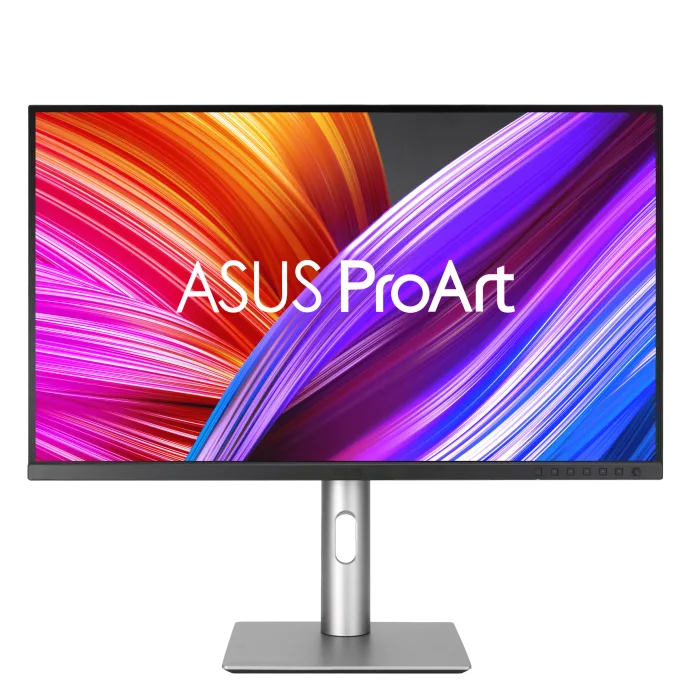
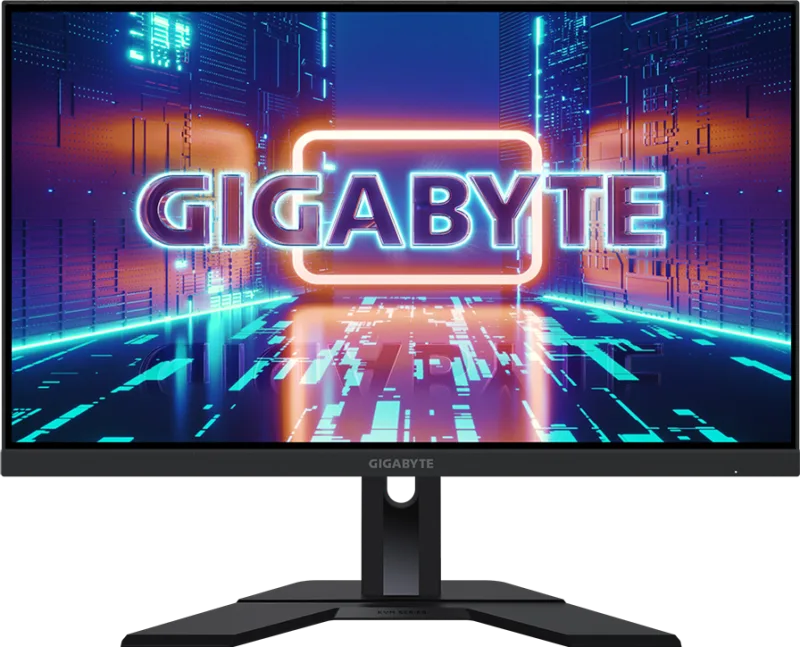
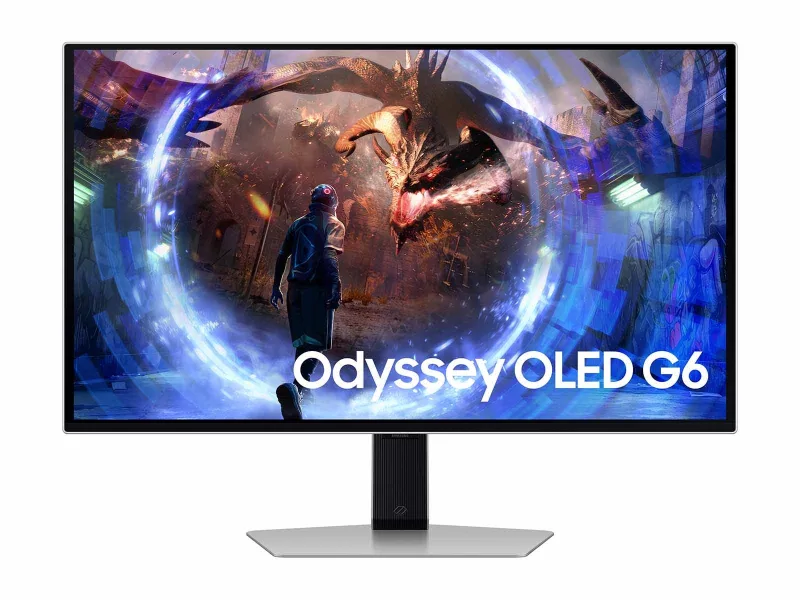
Look elsewhere for fast games: 120Hz with a 5ms response is aimed at work, and the Samsung Odyssey OLED G6 G60SD or Gigabyte M27Q X fit better. If you need speakers, there are none. Pick the Dell 27 Plus 4K USB-C Monitor S2725QC for a simpler desk, or the ASUS ProArt Display PA279CRV if color-critical photo and video work is the priority.
Questions about the Dell U2725QE
Is the Dell U2725QE worth it?
Yes, if you will use the dock features: 140W Thunderbolt 4 charging, 2.5GbE Ethernet, KVM and the USB ports. Without them, a simpler 4K monitor does the same screen job for less, and gamers should look at a faster panel.
Does the Dell U2725QE have speakers?
No. Dell lists no built-in speakers, only a 3.5 mm audio line-out, and sells an optional soundbar separately. There is no webcam either.
Why does the Dell U2725QE look yellow?
Dell says the warm look is by design, because the color temperature is calibrated to 6500K. Choose another preset in the on-screen menu or turn off Auto Color Temp to make it cooler.
Can the Dell U2725QE be used vertically?
Yes. The stand adjusts for height, tilt, swivel and pivot, so the screen can rotate to portrait.
How much power does the Dell U2725QE deliver to a laptop?
Up to 140W over the Thunderbolt 4 upstream port. The downstream Thunderbolt 4 port gives 15W.
The Dell U2725QE is a 27-inch 4K IPS Black monitor that works as a laptop dock: one Thunderbolt 4 cable carries video, charging, USB and Ethernet. 8.8 out of 10.
Every score here comes from our ranking model; no editor sets the order. We haven't read the review sites for this guide yet, so for now it is led by owners. It ranks products by how happy owners are, holding back any product few owners have rated until more agree. How many rated it and how new it is only settle close calls, and value for money earns its own badge rather than a higher place. We compared 16 models for this guide before settling on these ten.
Brands can't pay to be included or to move up. We last checked these picks in November 2026.