
Sceptre E275B-FPT165
The cheapest way into a fast 27-inch IPS screen here.
Check Price on Amazon Read the full reviewOur verdict: The best monitor in 2026 is the Sceptre E275B-FPT165. It tops our ranking with 8.9 out of 10.
Just one pick here: nothing cheaper than the No. 1 is a better buy and no dearer model makes the top half.
The cheapest way into a fast 27-inch IPS screen here.
Check Price on Amazon Read the full reviewWe compared 16 monitors sold in the US and ranked ten by owner ratings. They span 27-inch 1080p screens, 1440p gaming panels, 4K work monitors, a 32-inch designer display, two QD-OLEDs and a Thunderbolt hub model. Every product links to its full review below.
Sceptre E275B-FPT165Best Choice
8.9 out of 10
Check Price
 ASUS ROG Strix XG27ACS
8.9 out of 10
Check Price
 Dell 27 Plus 4K USB-C Monitor S2725QC
8.9 out of 10
Check Price
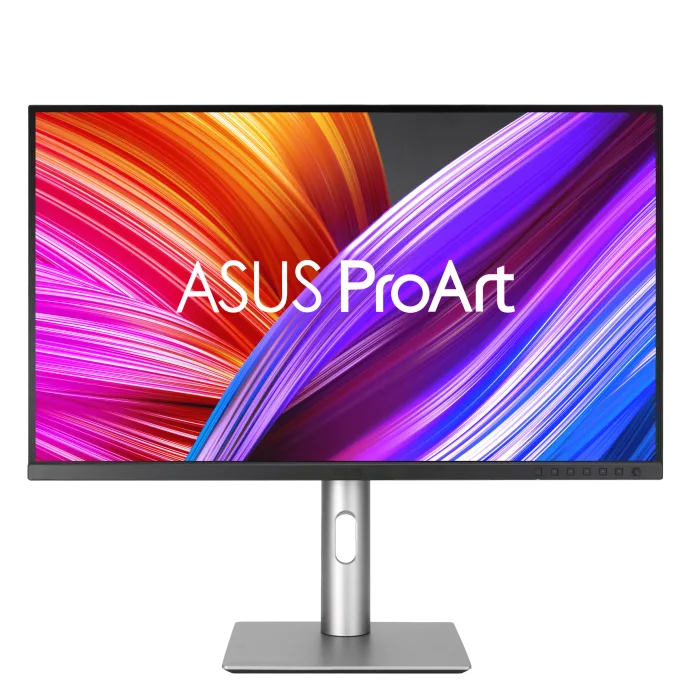 ASUS ProArt Display PA279CRV
8.8 out of 10
Check Price
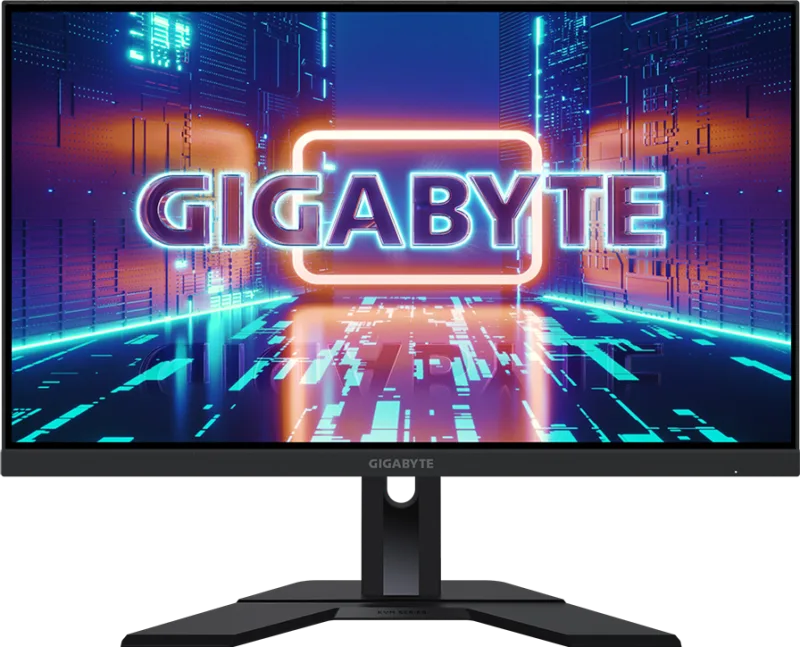 Gigabyte M27Q X
8.8 out of 10
Check Price
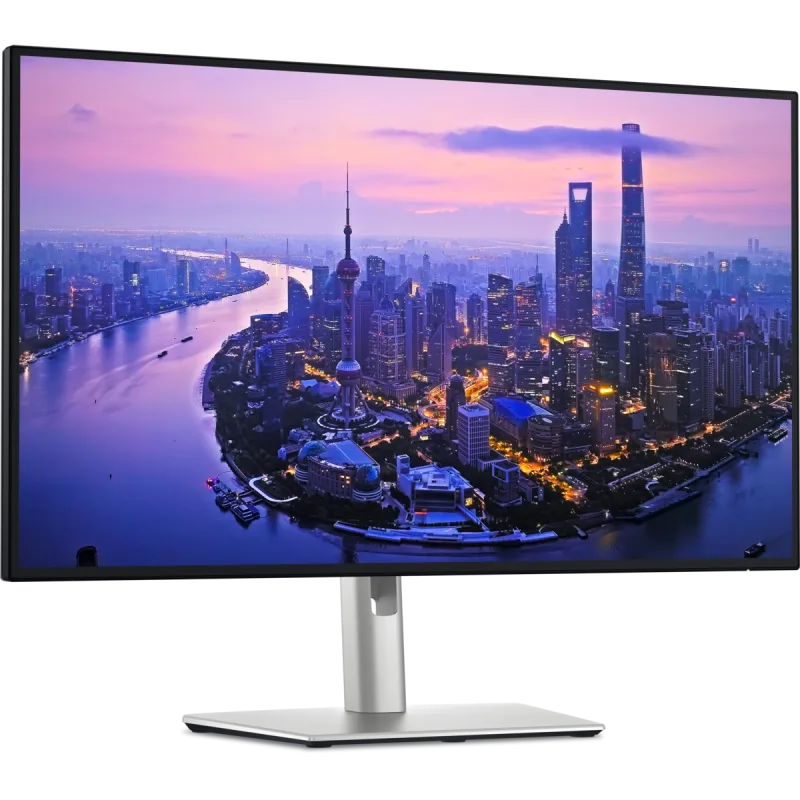 Dell UltraSharp 27 4K Thunderbolt Hub Monitor U2725QE
8.8 out of 10
Check Price
 Dell S 27 Monitor S2725HSM
8.7 out of 10
Check Price
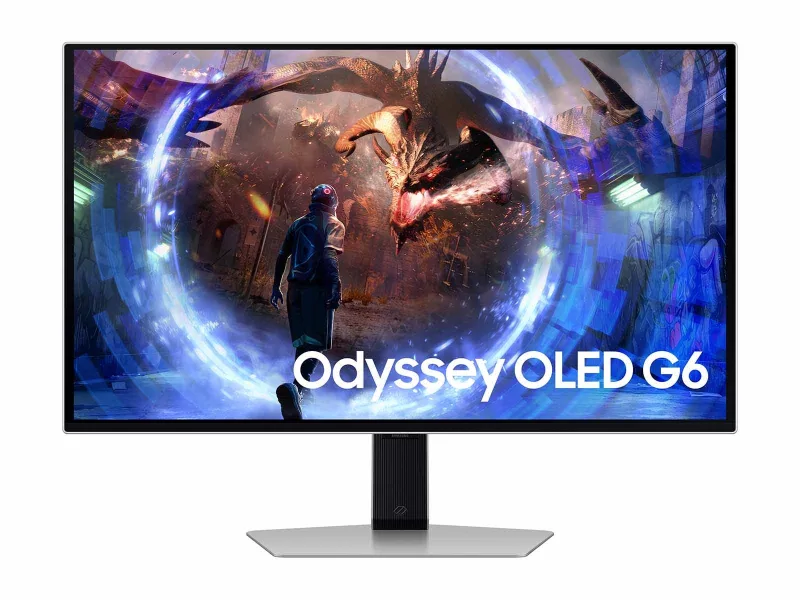 Samsung Odyssey OLED G6 G60SD LS27DG602SNXZA
8.6 out of 10
Check Price
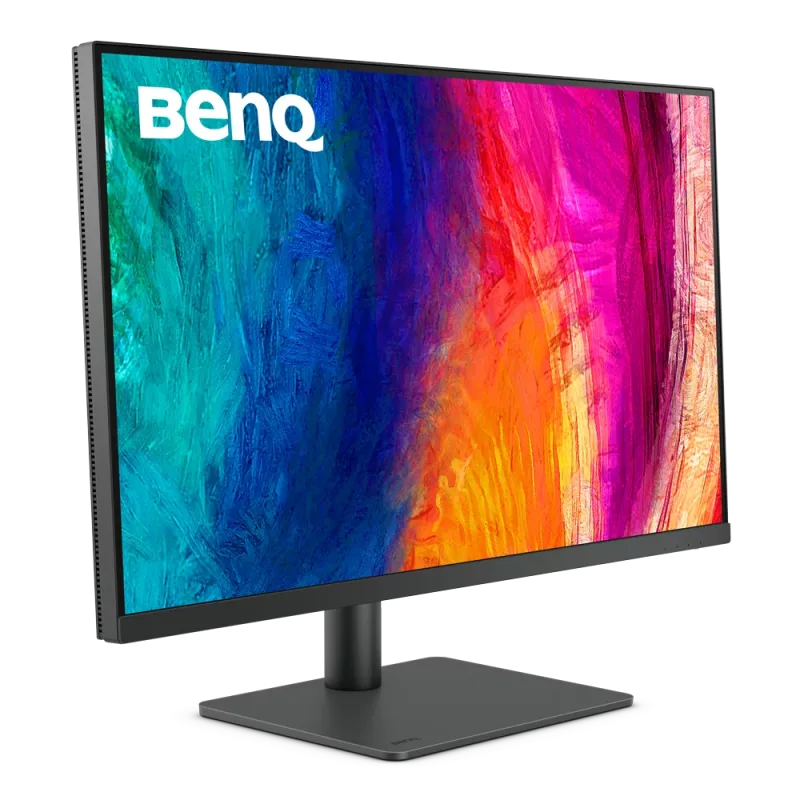 BenQ PD3205U
8.6 out of 10
Check Price
 MSI MPG 322UR QD-OLED X24
8.5 out of 10
Check Price
The Sceptre E275B-FPT165 and the ASUS ROG Strix XG27ACS score the same, so either is a safe pick. The Sceptre E275B-FPT165 goes first because it leaves owners a little happier. No. 2 is the newer design.
The cheapest way into a fast 27-inch IPS screen here. Owners buy it as an inexpensive gaming or everyday monitor.
Each bar shows its place in this guide, so a full bar is 1st of 10. How happy owners are counts for most of the score.
A fast 27-inch 1440p IPS gaming screen at 180Hz. It is a sensible step up from 1080p for a PC gamer on a normal graphics card.
Each bar shows its place in this guide, so a full bar is 1st of 10. How happy owners are counts for most of the score.
A 27-inch 4K IPS screen at 120Hz that charges a laptop over USB-C. It is the sharp all-rounder for a home office, and it works with a console too.
Each bar shows its place in this guide, so a full bar is 1st of 10. How happy owners are counts for most of the score.
A color-accurate 27-inch 4K screen for photo and video work. It charges a laptop over USB-C and covers wide gamuts at a mid-range price.
Each bar shows its place in this guide, so a full bar is 1st of 10. How happy owners are counts for most of the score.
A 27-inch 1440p IPS screen at 240Hz with a built-in KVM switch. It suits one desk shared by a gaming PC and a work laptop.
Each bar shows its place in this guide, so a full bar is 1st of 10. How happy owners are counts for most of the score.
A docking-station monitor for a laptop desk. One Thunderbolt 4 cable carries video, 140W of charging, USB devices and wired Ethernet.
Each bar shows its place in this guide, so a full bar is 1st of 10. How happy owners are counts for most of the score.
A budget 27-inch 1080p IPS screen at 144Hz that still has a height-adjustable stand and speakers. It is a good second screen or a first monitor.
Each bar shows its place in this guide, so a full bar is 1st of 10. How happy owners are counts for most of the score.
A 27-inch QD-OLED gaming panel with deep blacks and a 360Hz refresh rate. It is the fastest and most dramatic screen in this ranking.
Each bar shows its place in this guide, so a full bar is 1st of 10. How happy owners are counts for most of the score.
A big 32-inch 4K IPS screen built for designers and CAD users. It gives a lot of workspace and accurate sRGB color, and its USB-C port charges a laptop.
Each bar shows its place in this guide, so a full bar is 1st of 10. How happy owners are counts for most of the score.
A 32-inch 4K QD-OLED gaming screen at 240Hz. It pairs true blacks with the sharpness of 4K, and it suits a PC with a strong graphics card.
Each bar shows its place in this guide, so a full bar is 1st of 10. How happy owners are counts for most of the score.
Match size to resolution and viewing distance. A 24-inch 1080p screen is about 92 pixels per inch, a 27-inch 1440p is about 109, and a 27-inch 4K is about 163. A 32-inch 4K is about 138 and suits a deeper desk. For a desk 2 to 3 feet deep, 27 inches is the usual fit, and a 32-inch needs about 3 feet of viewing distance.
For reading, spreadsheets and photo work, yes: 4K at 27 inches makes text noticeably smoother, and macOS scales it cleanly. For games, 4K needs a strong graphics card, and a 1440p screen at a higher refresh rate often feels better. If you do both, a 4K screen at 120Hz such as the Dell S2725QC covers both jobs.
For office work, 60Hz is enough. Higher rates make cursor movement and scrolling smoother, which some non-gamers notice right away. For games, 144Hz is the sweet spot, and 240Hz or 360Hz helps mainly in fast competitive shooters on a PC that can hold those frame rates. Check the port too: some screens only reach their top rate over DisplayPort.
IPS has the widest viewing angles and the most accurate color, which is why most work monitors use it. VA gives deeper blacks than IPS but can smear in fast motion. OLED and QD-OLED have perfect blacks and very fast response, but they cost more, are less bright for full-screen white, and can burn in if a static image stays on for hours. Pick IPS for office use and OLED for gaming and movies.
Any monitor here works with a Mac, but 4K at 27 inches or 5K gives the sharpest scaled text, while 1080p looks soft. USB-C charging varies a lot: 65W suits a thin laptop, 96W or 140W suits a MacBook Pro, and 7.5W or 18W only sends video. For a PS5 or Xbox Series X at 4K 120Hz you need HDMI 2.1, which the Dell S2725QC and U2725QE have, and HDMI 2.0 screens top out at 60Hz in 4K.
An ultrawide replaces two monitors with one wide screen and no bezel in the middle, but it gives less vertical space and some apps and games do not support the aspect ratio. Two monitors are cheaper and easier to arrange. A curve helps most on screens wider than 32 inches. Every monitor here is flat and standard width, and ultrawide models fit a separate guide. A monitor typically draws 25 to 45 watts, which costs roughly $12 to $22 a year at about 17 cents per kWh for 8 hours a day.
Every score here comes from our ranking model; no editor sets the order. We haven't read the review sites for this guide yet, so for now it is led by owners. It ranks products by how happy owners are, holding back any product few owners have rated until more agree. How many rated it and how new it is only settle close calls, and value for money earns its own badge rather than a higher place. We compared 16 models for this guide before settling on these ten.
Brands can't pay to be included or to move up. We last checked these picks in November 2026.
How we rank, in fullThe cheapest way into a fast 27-inch IPS screen here. 8.9 out of 10.