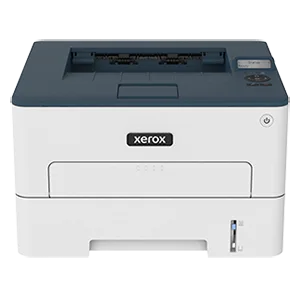
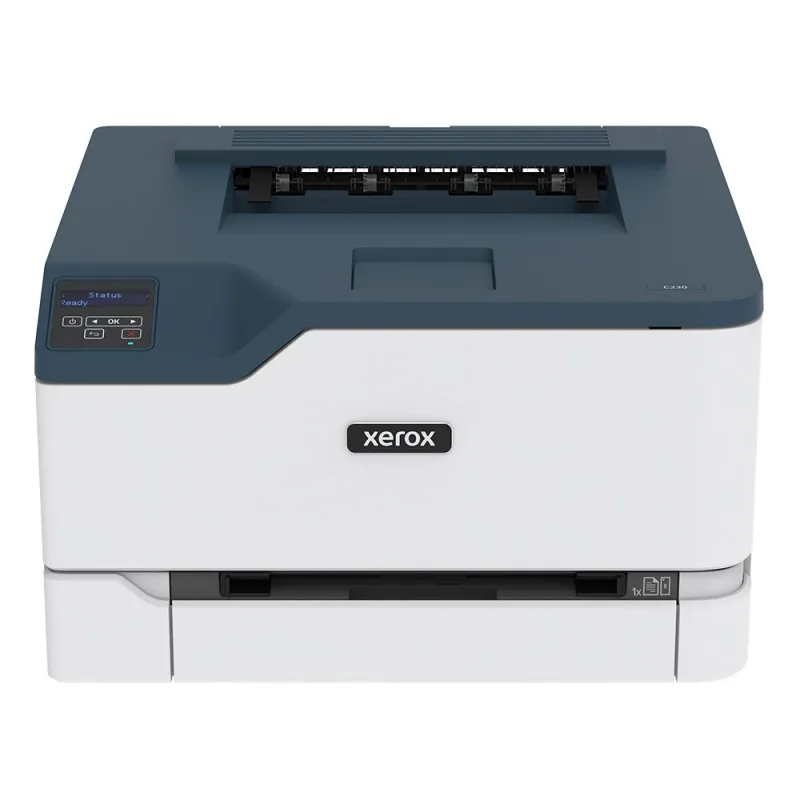
Our verdict: The Xerox B230 Black-and-White Printer (B230/DNI) ranks 9th of the 10 laser printers we compare, with 7.1 out of 10.
Xerox B230 Black-and-White Printer (B230/DNI)
7.1/10
The Xerox B230 is a compact black-and-white laser printer that prints only. It has automatic two-sided printing, Wi-Fi and Ethernet, and suits a home or small office that prints mostly text.
Rated up to 36 pages per minute with automatic two-sided printing
Wi-Fi, Ethernet and USB, with AirPrint, Mopria and Wi-Fi Direct
250-sheet tray
One-year Quick Exchange service from Xerox
Keep in mind
Drum and toner are separate parts, and the standard toner is rated for only about 1,200 pages
Some owners report paper jams when printing two-sided
Why the Xerox (B230/DNI) scores 7.1
Each bar shows where it places among the 10 laser printers in this guide, so a full bar is 1st of 10. How happy owners are counts for most of the score.
How happy owners are9th of 10
How many rated it10th of 10
How new it is9th of 10
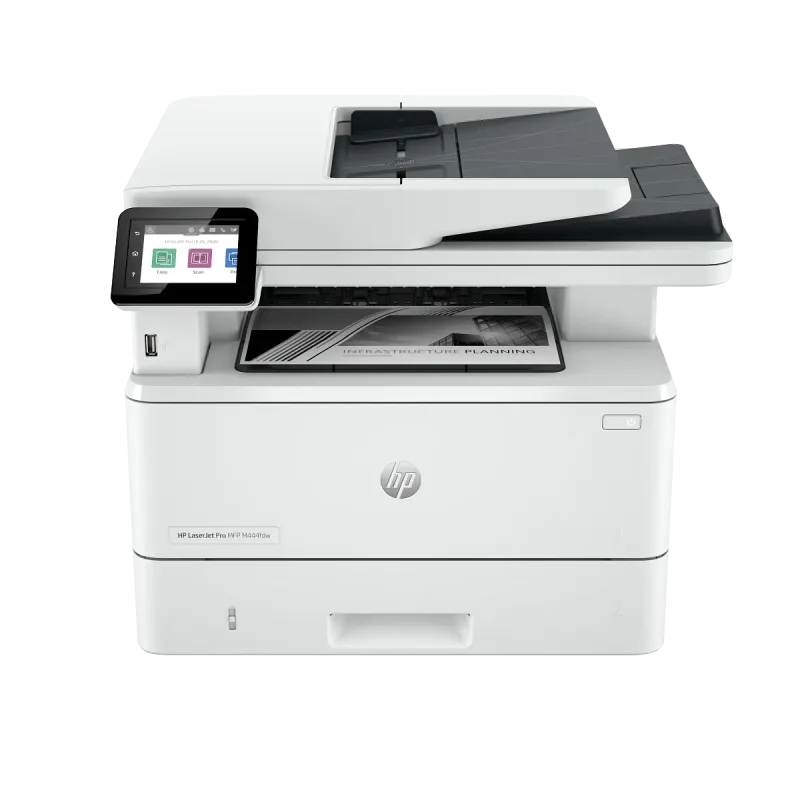
Why it sits behind the HP LaserJet Pro 4002dn Printer (2Z605F)
The HP LaserJet Pro 4002dn Printer (2Z605F) (7.4) beats the Xerox B230 Black-and-White Printer (B230/DNI) (7.1) because it leaves owners a little happier and is the newer design.
About the Xerox (B230/DNI)
The B230 (B230/DNI) is a single-function monochrome laser: no scanner, copier or fax. Xerox rates it at up to 36 pages per minute, with a first page out in as little as 6.8 seconds. Maximum resolution is 600 x 600 dpi. It has 256 MB of memory and a 1.0 GHz processor.
Paper goes in a 250-sheet tray, and a single-sheet manual slot takes custom sizes from 3 x 5 in. to 8.5 x 14 in. Two-sided printing is automatic and standard. Xerox recommends up to 2,500 pages a month and rates the duty cycle at up to 30,000 images a month.
Connections are 10/100 Ethernet, Hi-Speed USB 2.0 and Wi-Fi (802.11 b/g/n). It supports Apple AirPrint, Mopria and Wi-Fi Direct, and prints from Chromebooks. The Xerox Smart Start installer handles driver setup. It measures 14 x 13.1 x 9.13 in. and weighs 15 lb.
What owners report about the Xerox (B230/DNI)
Owners on Xerox's own review page describe it as a dependable desk printer for daily documents, reports and receipts. Wireless printing from around the house gets praise, as does the automatic two-sided printing. One owner who moved over from an HP found it easier to install and configure.
The complaints are specific. Some owners say it pulls in several sheets at once when the tray is loaded with a stack, and that paper jams at the back. A few want it to print faster. Entering a Wi-Fi password on the small screen is slow, so some owners found wireless setup tedious. One owner found the default output light, and fixed it by raising the toner darkness setting.
Owner feedback available for this exact model was limited, and came mostly from one page, so treat these as early patterns, not a verdict on long-term durability. ITPro's review, which does not say which regional model it covered, rates it as good for black text and weaker for graphics, and notes that Xerox's software failed with one of its print system options during setup.
Who the Xerox (B230/DNI) suits
It fits a home office or small team that prints mostly text, wants two-sided output, and needs to share the printer over Wi-Fi or Ethernet. It is compact, and the monochrome-only design keeps it simple.
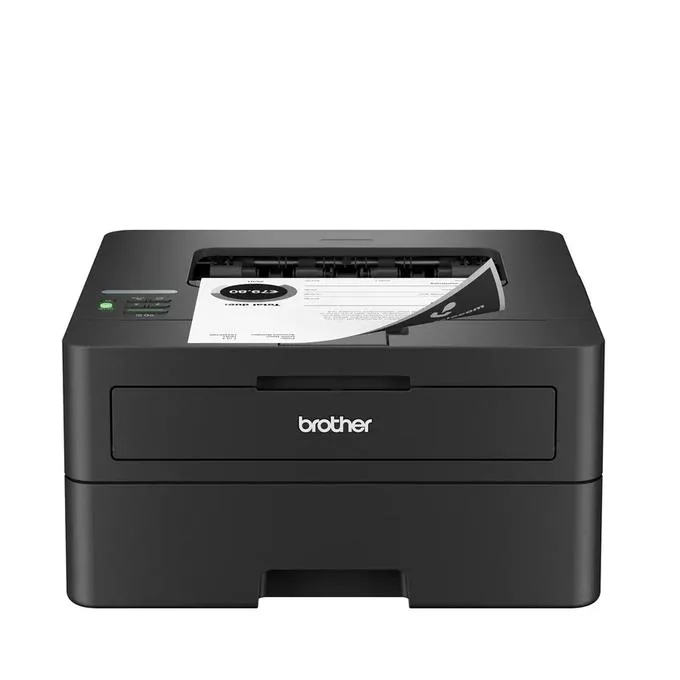
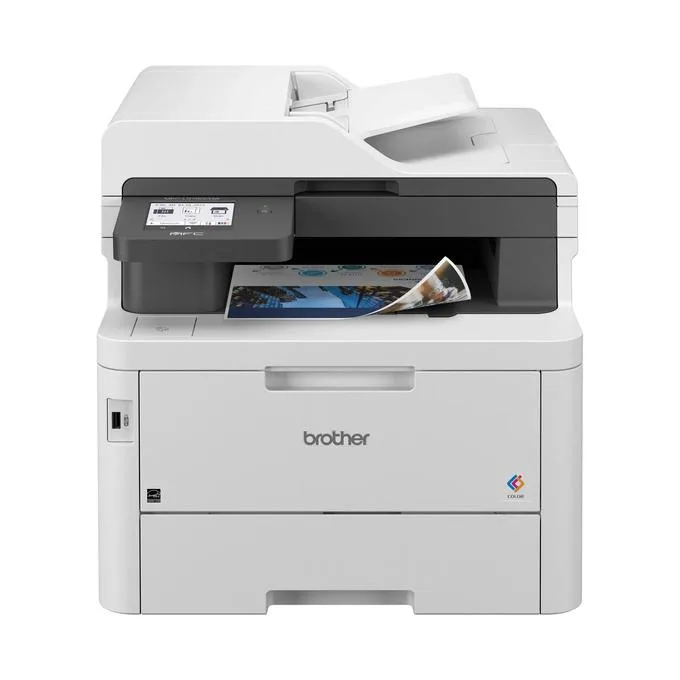
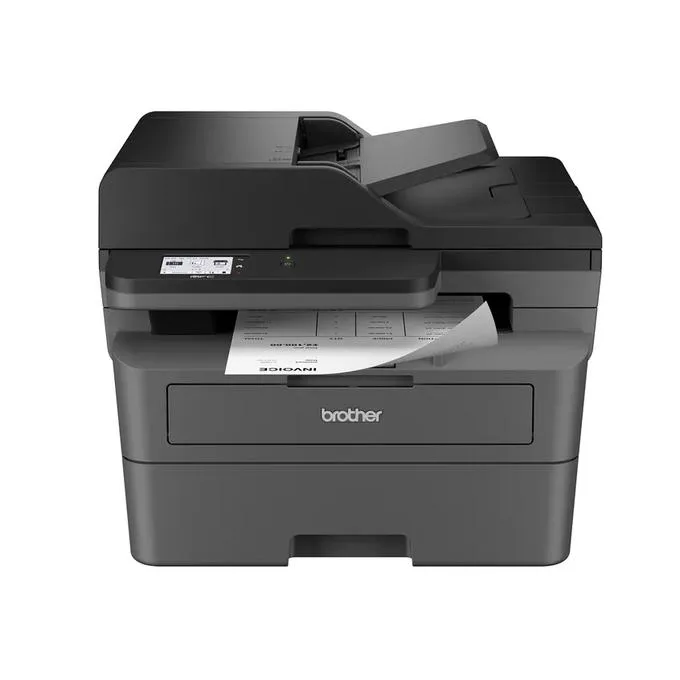
Look elsewhere if you need to scan, copy or fax: the Brother MFC-L2820DW is the practical all-in-one choice. For heavier volume, the HP LaserJet Pro 4002dn is the better pick. If you print from thick stacks of paper and hate jams, load only a few sheets at a time or consider the Brother HL-L2460DW.
Questions about the Xerox (B230/DNI)
How do I set up the Xerox B230 on Wi-Fi?
Connect it from the printer's small screen by choosing your network and typing the password, or use the Xerox Smart Start installer on your computer. Owners say typing a long password on the screen is slow, so a USB or Ethernet connection is quicker if Wi-Fi is not essential.
Does the Xerox B230 work with Mac, Windows and phones?
Yes. Xerox lists support for Windows 7 SP1 through Windows 11 and macOS 10.14 to 12, and the printer supports Apple AirPrint, Mopria and Wi-Fi Direct for phones and tablets. It also prints from Chromebooks.
Does the Xerox B230 print two-sided automatically?
Yes. Automatic two-sided printing is standard. Some owners report paper jams when printing two-sided.
How fast is the Xerox B230?
Xerox rates it at up to 36 pages per minute, with the first page out in as little as 6.8 seconds. One owner wished it were faster in daily use.
What warranty does the Xerox B230 have?
Xerox lists a one-year Quick Exchange warranty.
Other laser printer picks
The other badge winners in our laser printers ranking.
Every score here comes from our ranking model; no editor sets the order. We haven't read the review sites for this guide yet, so for now it is led by owners. It ranks products by how happy owners are, holding back any product few owners have rated until more agree. How many rated it and how new it is only settle close calls, and value for money earns its own badge rather than a higher place. We compared 20 models for this guide before settling on these ten.
Brands can't pay to be included or to move up. We last checked these picks in November 2026.