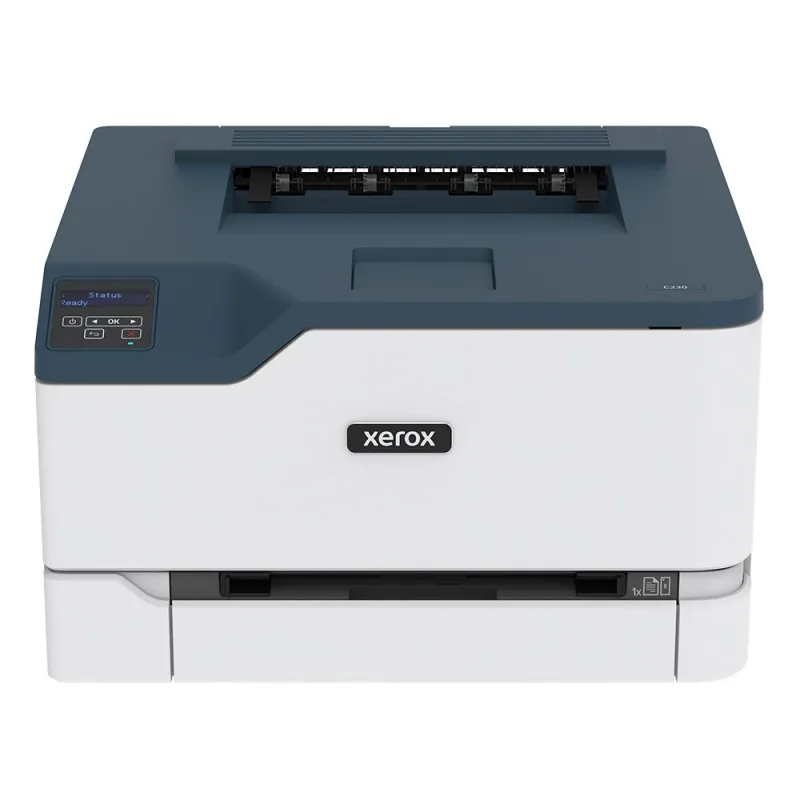
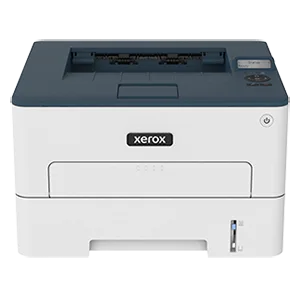
Our verdict: The Xerox C230 Color Printer (C230/DNI) ranks 10th of the 10 laser printers we compare, with 7.1 out of 10.
Xerox C230 Color Printer (C230/DNI)
7.1/10
The Xerox C230 is a compact print-only color laser with automatic duplex and Wi-Fi. It suits a home or small office that prints mostly documents and the occasional color chart or flyer.
Color and black both rated up to 24 pages per minute
Automatic duplex, Wi-Fi, Wi-Fi Direct, AirPrint and Mopria
250-sheet tray in a compact body
Owners praise ease of use and print quality for office documents
Keep in mind
Owners complain that replacement toner is expensive
Some report fading partway down the page on large print jobs
Print only, and the starter color cartridges are rated for just 500 pages
Why the Xerox (C230/DNI) scores 7.1
Each bar shows where it places among the 10 laser printers in this guide, so a full bar is 1st of 10. How happy owners are counts for most of the score.
How happy owners are10th of 10
How many rated it7th of 10
How new it is10th of 10
Level with the Xerox B230 Black-and-White Printer (B230/DNI)
The Xerox B230 Black-and-White Printer (B230/DNI) and the Xerox C230 Color Printer (C230/DNI) score the same, so either is a safe pick. The Xerox B230 Black-and-White Printer (B230/DNI) goes first because it leaves owners a little happier.
About the Xerox (C230/DNI)
The C230 (model C230/DNI) is a single-function color laser printer. It prints in color and black at up to 24 pages per minute, and the first black-and-white page can come out in as little as 11 seconds. Maximum resolution is 600 x 600 dpi with 4800 Color Quality. It has 256 MB of memory and a 1.0 GHz processor.
Paper goes in a 250-sheet tray and comes out in a 150-sheet output area. The tray takes Letter and Legal. Two-sided printing is automatic. Xerox rates the monthly duty cycle at up to 30,000 images but recommends up to 1,500 pages a month.
Connections are Ethernet, Hi-Speed USB 2.0 and 802.11 b/g/n wireless. Wi-Fi Direct, Apple AirPrint and Mopria cover printing from phones and tablets without a driver. It runs on 110V. Xerox lists driver support for macOS 10.14 to 12 and Windows 7 SP1 through Windows 11, plus several Windows Server versions.
What owners report about the Xerox (C230/DNI)
Owners most often praise print quality, speed and paper capacity. Solid color fills come out well, and one owner calls the build durable. Another is still happy after about two years. Reviewed.com also rates it a versatile color printer that handles large jobs in good time.
Complaints are more specific. Several owners say image files and PDFs, including phone photos, trigger memory errors and the page does not print. Setup draws frequent criticism: some find the configuration confusing, the documentation thin and a phone app necessary, and a few struggle to connect it to a computer. One owner says it drifts into sleep and is hard to wake. Another has trouble with envelopes and the manual feed.
Supplies are the other sore point. Owners call replacement toner expensive, and Reviewed.com warns that the toner supplied may not last long, so it suggests buying a spare cartridge. One owner reports a leaking cartridge. Durability reports are mixed, with one unit failing soon after working well. Feedback on this exact model is modest, and the Xerox site is where most of it sits.
Who the Xerox (C230/DNI) suits
The C230 fits a home office or small team that needs color now and then and mostly prints documents. It is compact, prints two-sided without help, and prints from phones over Wi-Fi.
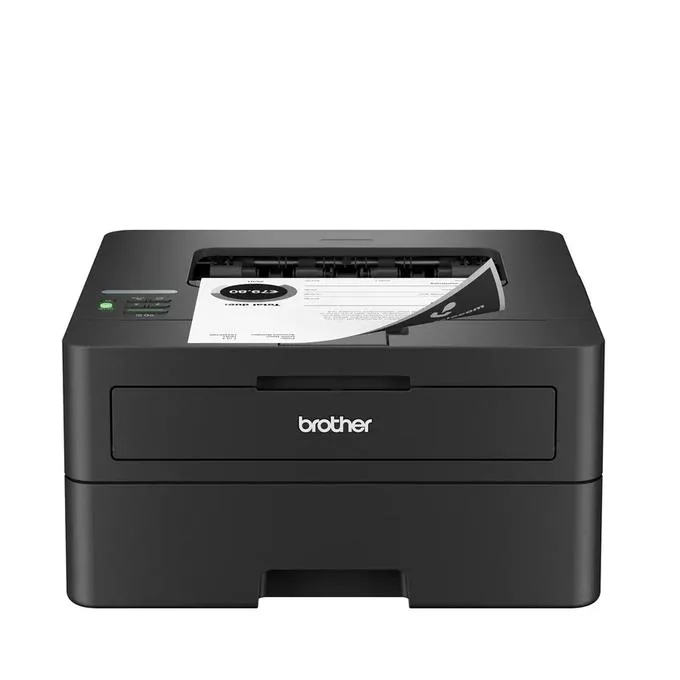
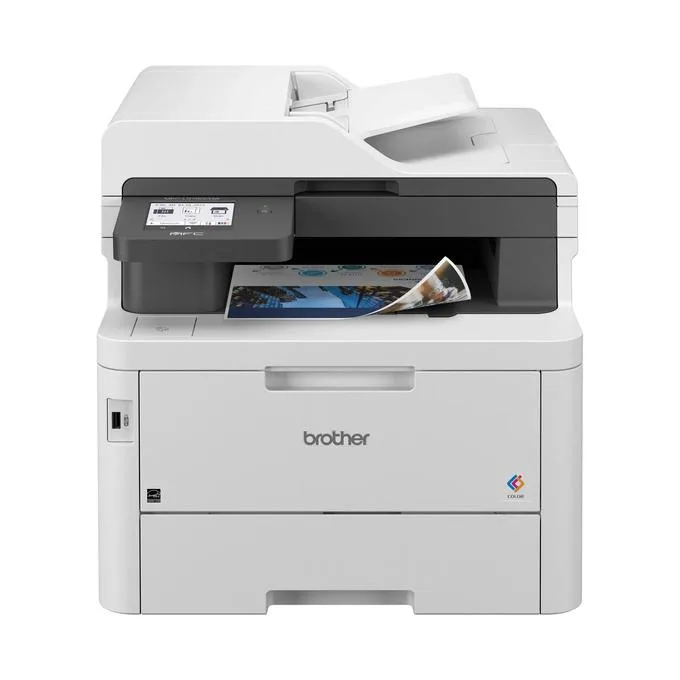
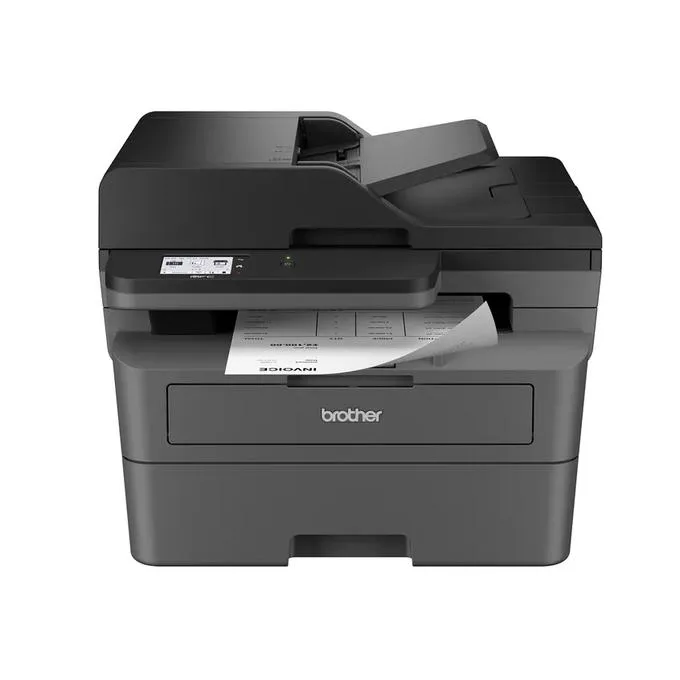
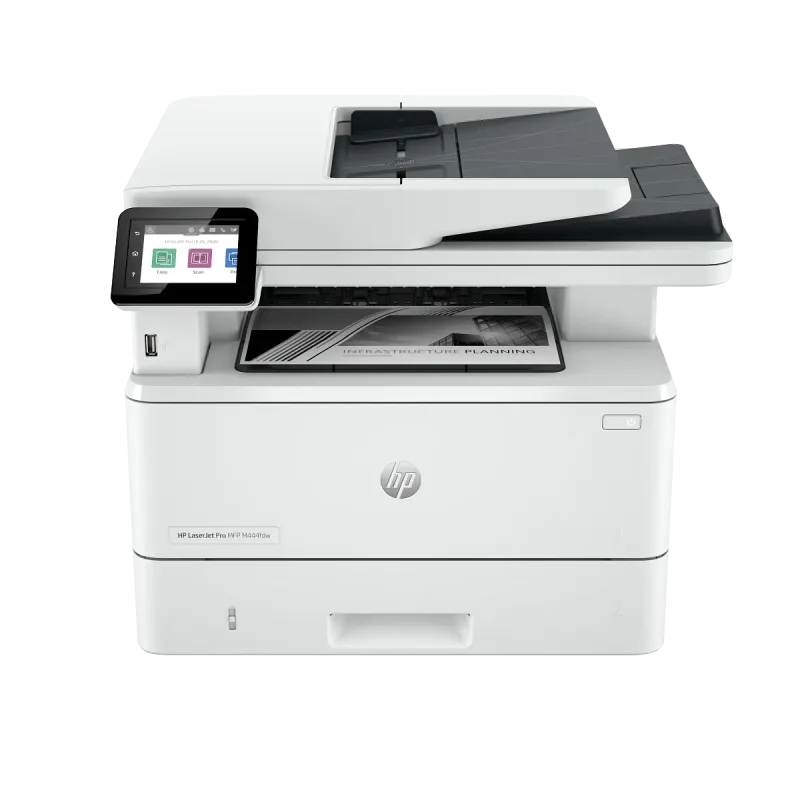
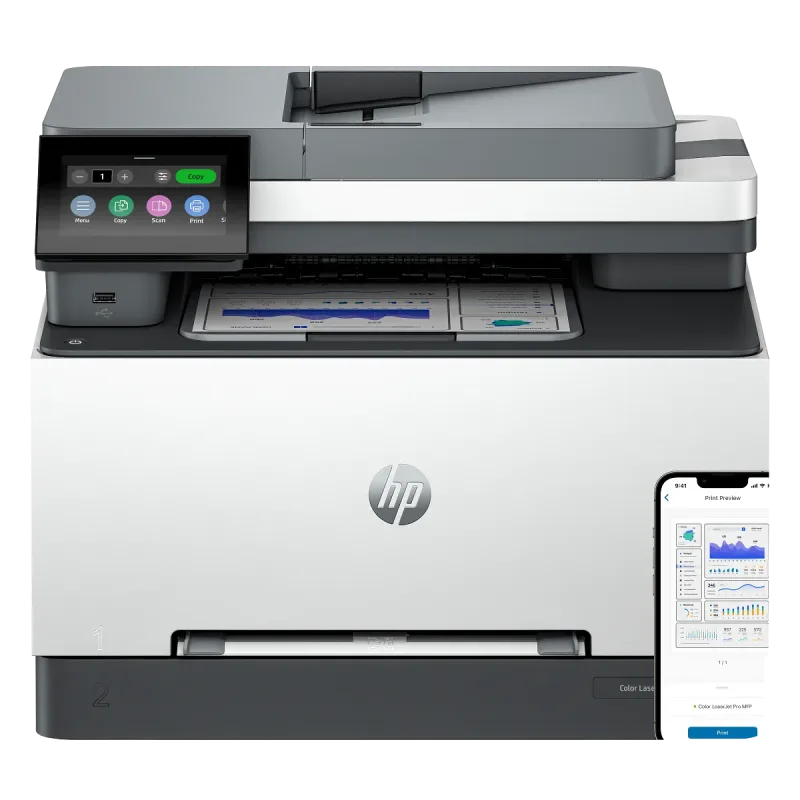
Look elsewhere if you scan or copy: it only prints, and the Brother MFC-L3780CDW or HP Color LaserJet Pro MFP 3301fdw add those functions in color. If you print only black and white, the Xerox B230 or Brother HL-L2460DW costs less to run. Heavy color printing will make the toner costs add up.
Questions about the Xerox (C230/DNI)
What operating systems does the Xerox C230 support?
Xerox lists macOS 10.14, 10.15, 11 and 12, and Windows 7 SP1, 8, 8.1 Update 1, 10 and 11. Several Windows Server versions are also listed. Phones and tablets can print through AirPrint or Mopria without a driver.
How many pages a month can the Xerox C230 print?
Xerox recommends up to 1,500 pages a month. The maximum duty cycle is up to 30,000 images a month, which Xerox says is not meant to be sustained regularly.
Why does my Xerox C230 say it is out of memory?
Owners report this when printing large image files, PDFs and phone photos, since the printer has 256 MB of memory. Several suggest using Xerox's own print driver, and simplifying the file may help. Check Xerox support if it persists.
How fast does the Xerox C230 print its first page?
Xerox says the first black-and-white page can come out in as little as 11 seconds. Sustained speed is up to 24 pages per minute in both color and black.
Other laser printer picks
The other badge winners in our laser printers ranking.
Every score here comes from our ranking model; no editor sets the order. We haven't read the review sites for this guide yet, so for now it is led by owners. It ranks products by how happy owners are, holding back any product few owners have rated until more agree. How many rated it and how new it is only settle close calls, and value for money earns its own badge rather than a higher place. We compared 20 models for this guide before settling on these ten.
Brands can't pay to be included or to move up. We last checked these picks in November 2026.