Our verdict: The HyperX QuadCast S USB Microphone ranks 3rd of the 10 USB microphones we compare, with 9.1 out of 10.
HyperX QuadCast S USB Microphone
9.1/10
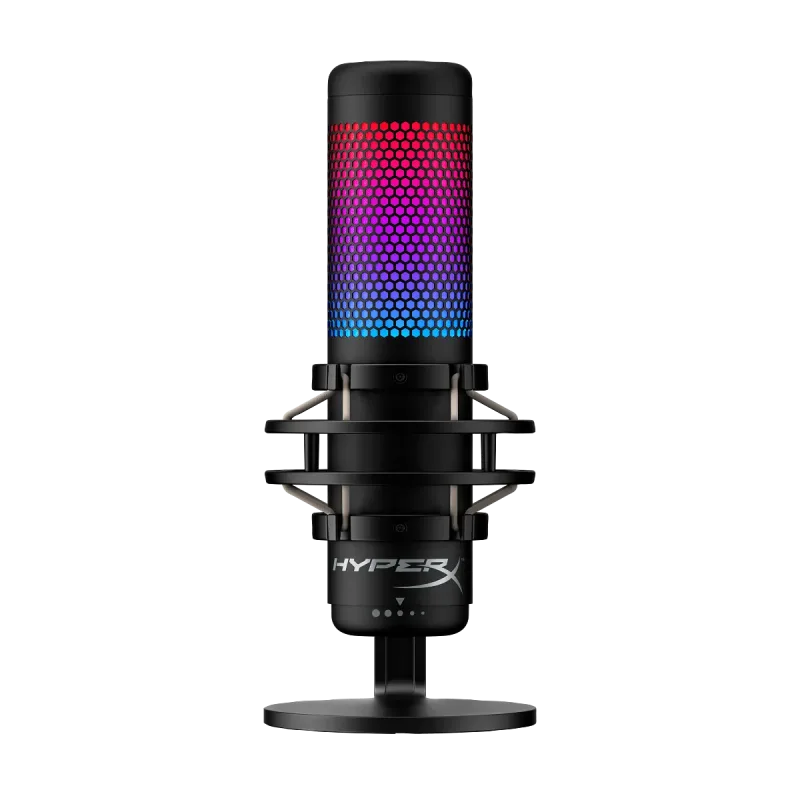
The HyperX QuadCast S is a USB condenser microphone with RGB lighting, four pickup patterns and a tap-to-mute top. It suits streamers and podcasters on a Windows PC, Mac or PlayStation who want one mic for solo and group recording.
Cardioid, omnidirectional, bidirectional and stereo patterns
Tap-to-mute with a clear light, plus a gain knob on the base
Built-in shock mount and a headphone jack for zero-latency monitoring
Works with PC, Mac and PlayStation
Keep in mind
The Ngenuity lighting and control software is Windows only
Tall stand and RGB lighting take up desk space
Picks up room noise and keyboard sound as a condenser
Why the HyperX QuadCast S USB scores 9.1
Each bar shows where it places among the 10 USB microphones in this guide, so a full bar is 1st of 10. How happy owners are counts for most of the score.
How happy owners are2nd of 10
How many rated it3rd of 10
How new it is8th of 10
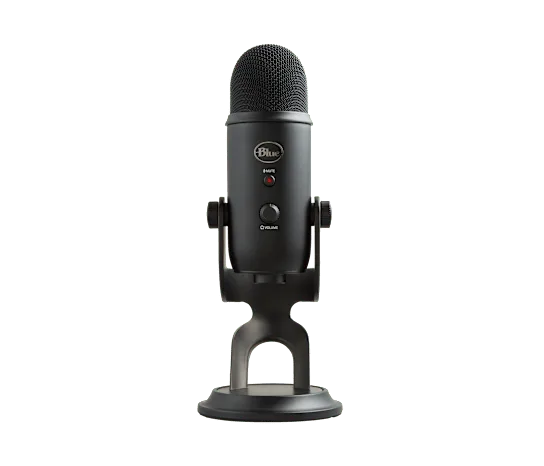
Level with the Logitech Blue Yeti USB Microphone
The Logitech Blue Yeti USB Microphone and the HyperX QuadCast S USB Microphone score the same, so either is a safe pick. The Logitech Blue Yeti USB Microphone goes first because it has been rated by more owners.
About the HyperX QuadCast S USB
The QuadCast S has an all-metal, cylindrical body with RGB lighting under the grille. It uses three 14mm condenser capsules, which is how it offers four pickup patterns: cardioid, bidirectional, omnidirectional and stereo. A knob on the base switches between them. A second knob sets gain.
Connection is USB-C, with a 3 meter cable, and recording is 48kHz/16-bit. A headphone jack on the mic lets you monitor your own voice without delay. The mic is bolted to a built-in shock mount that cuts handling noise and vibration. The mount can't be removed, but a stand adapter lets you put the mic on a standard boom arm.
Touching the top of the mic mutes it, and the lighting turns off while it is muted, so the state is easy to read. The mic works without software. HyperX's Ngenuity app is optional, runs on Windows only and needs a Microsoft account. It handles lighting colors, headphone volume and pattern display. On a Mac, the lighting stays on its default cycle.
What owners report about the HyperX QuadCast S USB
Owner feedback for this exact model was thin in the pages we could open, so this section is short. The clearest pattern is in retailer question threads, where owners and HyperX staff answer other shoppers. They say the included arm adapter fits a standard boom arm, and that the mic works with PlayStation 5.
The same threads are firm on Xbox: HyperX's answers say the QuadCast S does not work with current Xbox Series consoles because of USB audio limits, and one owner answer says the same for older Xbox One models. Owners who hear muffled audio on a PC are pointed to the Windows sound settings, such as turning off the main audio device and updating drivers.
Repair guides for the mic list what tends to fail: popping audio from a loose or worn USB-C cable, a mute that stops responding when the touch sensor fails, and a gain or pattern knob that goes bad. These are faults a repair guide covers, not a count of how often they happen.
Who the HyperX QuadCast S USB suits
Buy it if you record or stream from a Windows PC, Mac or PlayStation and want switchable patterns for solo talk, two-person interviews or a room. The headphone jack and clear mute light suit live chat and streaming. Plan for desk space and a boom arm if the stand is too tall.
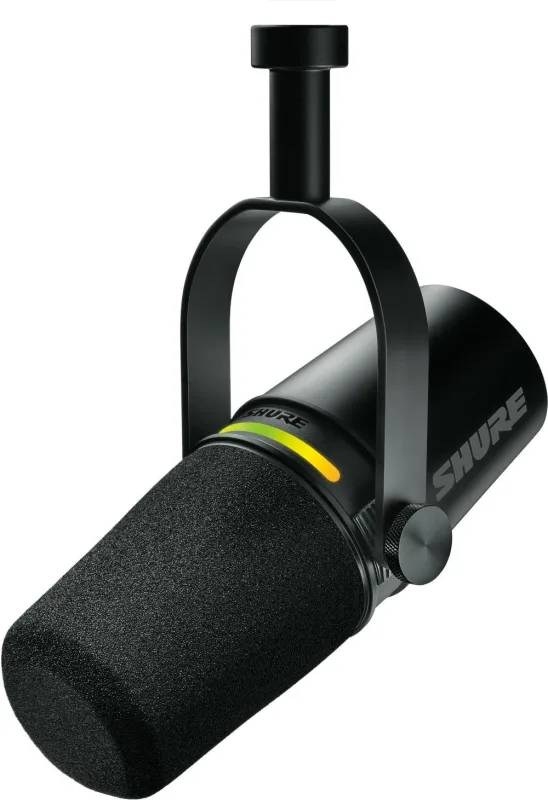
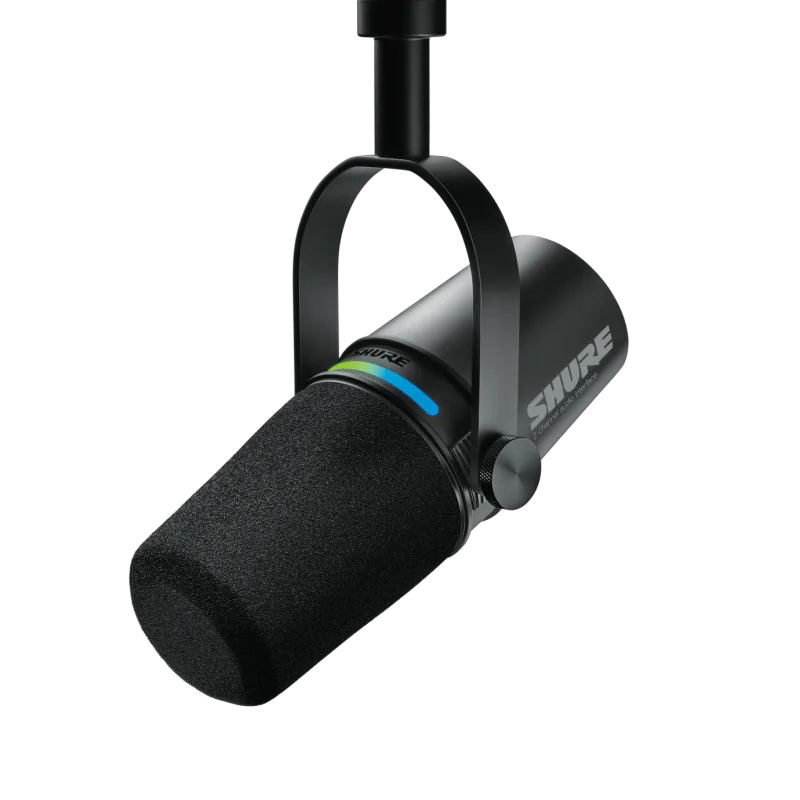
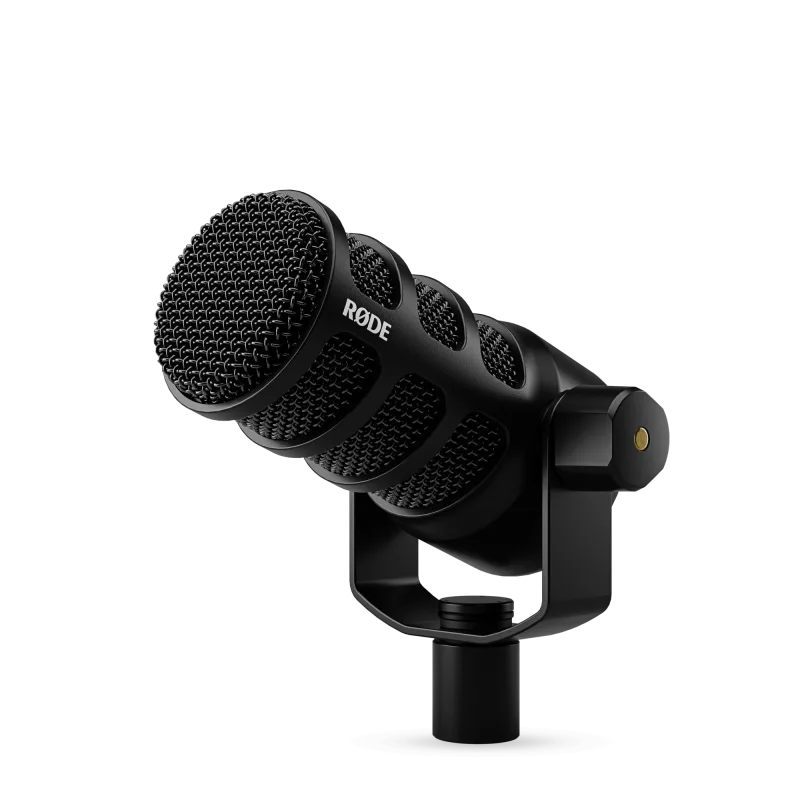
Look elsewhere if you use an Xbox, since HyperX says it is not compatible. It is also a poor fit for a noisy room or a loud mechanical keyboard, as a condenser hears everything nearby. For that, a dynamic mic such as the Shure MV7+ or RODE PodMic USB handles room noise better. If you want Mac lighting control, no option exists, because Ngenuity is Windows only.
Questions about the HyperX QuadCast S USB
How do I connect the HyperX QuadCast S to an Xbox?
You can't connect it directly. HyperX staff say the QuadCast S is not compatible with the newest Xbox Series consoles because of USB audio limitations. It works with PC, Mac and PlayStation.
Does the HyperX QuadCast S have software?
Yes. Ngenuity is optional and runs on Windows only. It sets lighting colors and headphone volume, and the mic works without it.
Is the HyperX QuadCast S USB microphone good?
Yes, for a streaming and podcast desk. SoundGuys found its sound clear and liked the four patterns, mute light and headphone jack. It faulted the weak pop filter, a gain knob that can't go low enough for loud singing, and the Windows-only software.
Can I use the HyperX QuadCast S on an Xbox Series S?
No. HyperX staff say it is not compatible with Xbox Series consoles. PlayStation 5 is supported.
Can the HyperX QuadCast S go on a boom arm?
Yes. The mic comes with a stand adapter that fits a standard boom arm, according to a HyperX answer on Best Buy. The shock mount is built in and can't be removed.
Other USB microphone picks
The other badge winners in our USB microphones ranking.
Every score here comes from our ranking model; no editor sets the order. We haven't read the review sites for this guide yet, so for now it is led by owners. It ranks products by how happy owners are, holding back any product few owners have rated until more agree. How many rated it and how new it is only settle close calls, and value for money earns its own badge rather than a higher place. We compared 20 models for this guide before settling on these ten.
Brands can't pay to be included or to move up. We last checked these picks in November 2026.