vetted ten.

Logitech Blue Yeti USB Microphone review

No. 2 of 10 in our USB microphones ranking · Updated · How we rank

Our verdict: The Logitech Blue Yeti USB Microphone ranks 2nd of the 10 USB microphones we compare, with 9.1 out of 10.

Logitech Blue Yeti USB Microphone

Logitech Blue Yeti USB Microphone

9.1/10

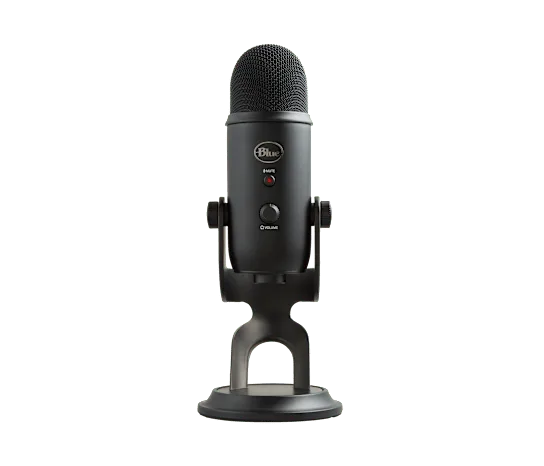
The Logitech Blue Yeti is a plug-and-play USB condenser microphone with three capsules and four pickup patterns. It suits solo streamers, podcasters and anyone recording a group around one mic.

Check Price on Amazon

Why it's here

  • Cardioid, omnidirectional, bidirectional and stereo patterns, so it handles solo, interviews and groups
  • Gain knob, mute button and headphone jack with zero-latency monitoring on the body
  • Plug and play with Windows, Mac and PlayStation
  • Blue VO!CE voice effects through Logitech G HUB

Keep in mind

  • Big and heavy on a desk, and the stock stand needs an adapter to fit a boom arm
  • Sensitive condenser that picks up keyboard clatter and room noise
  • No XLR output, so there is no upgrade path
  • Older mini-USB connection at the mic end
Why the Logitech Blue Yeti USB scores 9.1

Each bar shows where it places among the 10 USB microphones in this guide, so a full bar is 1st of 10. How happy owners are counts for most of the score.

  • How happy owners are1st of 10
  • How many rated it1st of 10
  • How new it is9th of 10

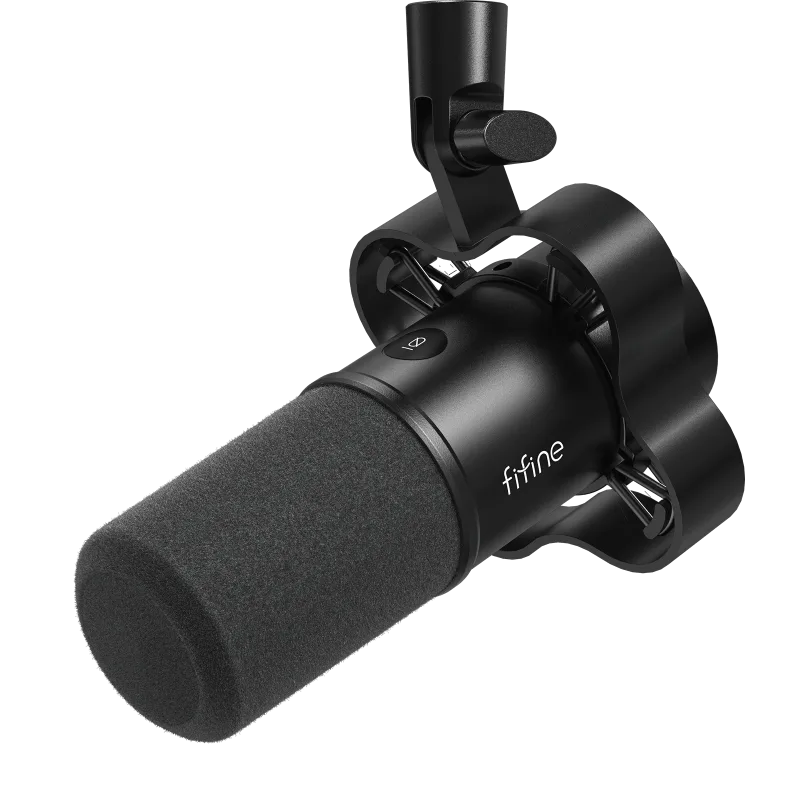
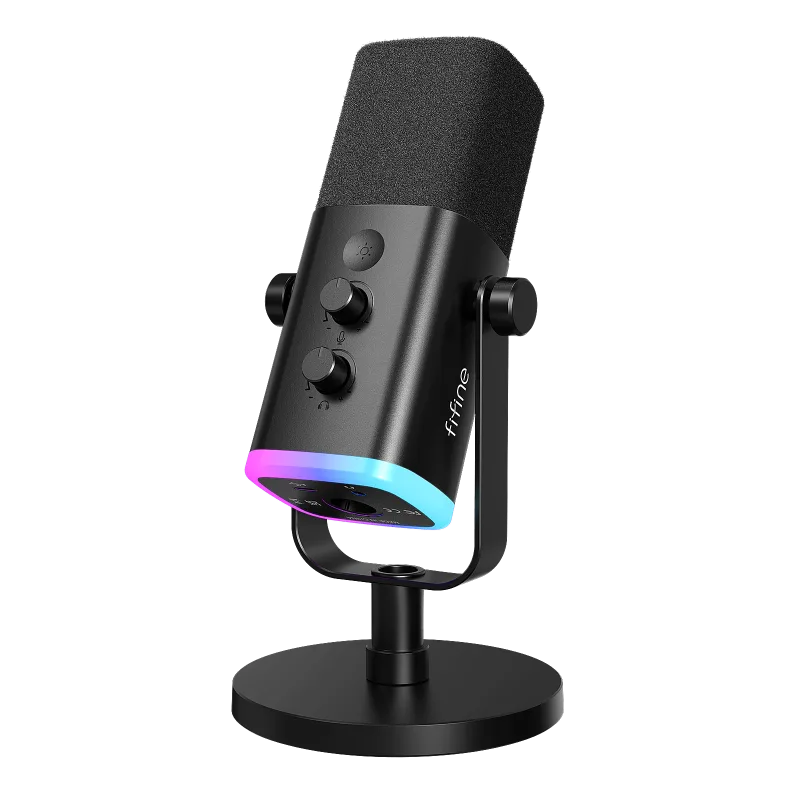
Why it sits behind the FIFINE AmpliGame AM8 USB/XLR Dynamic Microphone

The FIFINE AmpliGame AM8 USB/XLR Dynamic Microphone (9.2) beats the Logitech Blue Yeti USB Microphone (9.1): owners are about as happy with both, and it is the newer design.

About the Logitech Blue Yeti USB

The Yeti is a USB condenser mic with a three-capsule array of 14mm capsules. It records cardioid, bidirectional, omnidirectional and stereo patterns, so one mic covers a single voice, a two-person interview or a table of people. Logitech's page says no drivers are required: plug it into a computer with the included USB cable and it works.

The body has a gain control, an instant mute button and a headphone output for monitoring without delay. Logitech's Blue VO!CE filters and effects need the free G HUB software. The mic lifts off its desktop stand if you want to use a boom arm.

Logitech's support page lists a 48 kHz sample rate at 16-bit, a 20 Hz to 20 kHz frequency response and a maximum SPL of 120 dB. The microphone alone weighs 1.2 lb. The stand adds 2.2 lb. It works with Windows and macOS over USB 2.0 or 3.0.

What owners report about the Logitech Blue Yeti USB

Owner feedback for this exact model was thin in the sources we could open, so this section is short.

The clearest pattern is echo or a delayed voice in headphones. In a forum thread, the cause was headphones plugged into the computer instead of the mic. Monitoring through the computer adds delay, and the Yeti's own headphone jack avoids it. The suggested fixes were to plug the headphones into the mic, set the gain about halfway and choose the cardioid pattern.

Who the Logitech Blue Yeti USB suits

The Yeti suits people who want one USB mic that adapts: a solo streamer or caller using cardioid, or a small group or interview using omnidirectional or bidirectional. Mute, gain and headphone monitoring sit on the body, and it needs no driver.

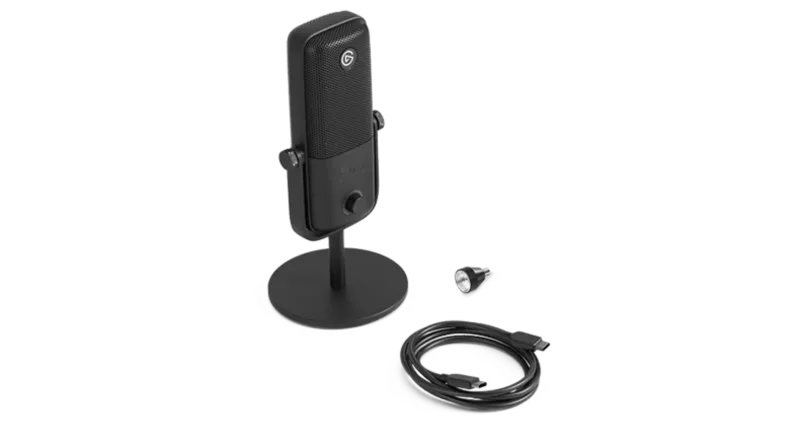
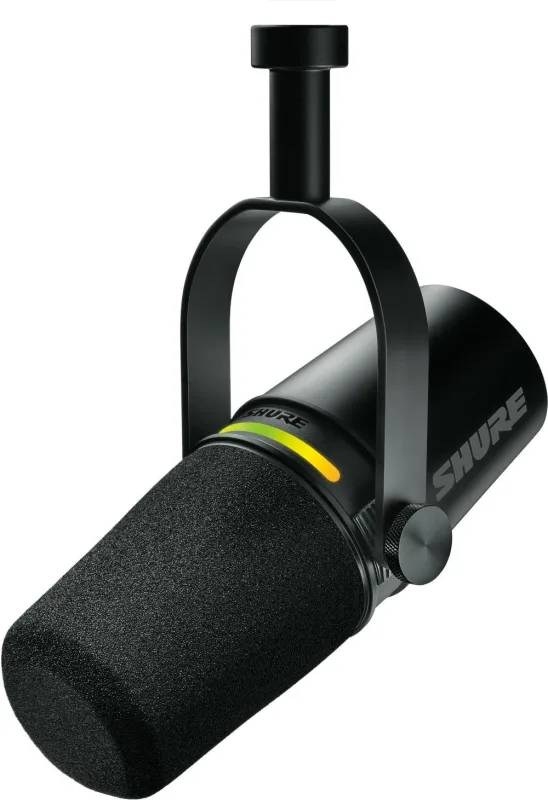
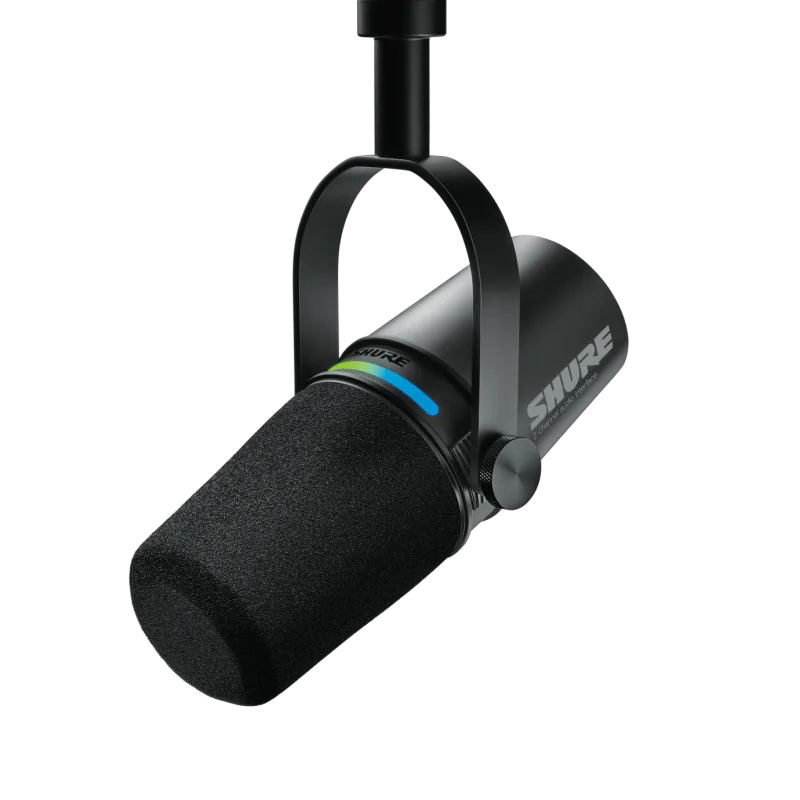
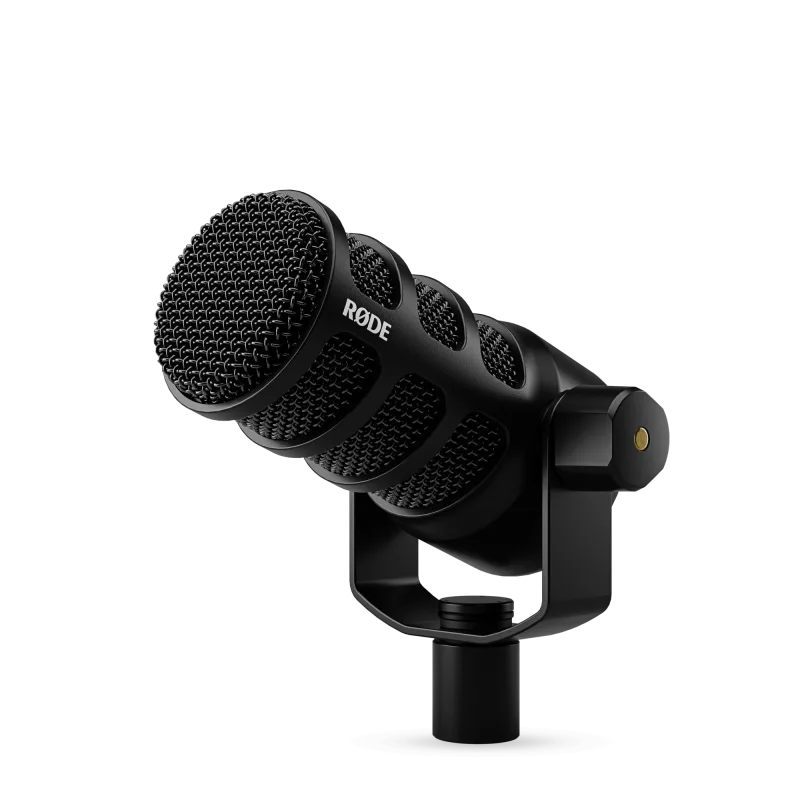
Look elsewhere if you want a path to XLR gear, since the guide notes it has no XLR output. It is also a poor fit for a noisy or untreated room: a sensitive condenser picks up what is around it. The Shure MV7+ or the RODE PodMic USB give a dynamic mic with USB and XLR, and the Elgato Wave:3 is built around streaming software.

Questions about the Logitech Blue Yeti USB

What type of cord does a Blue Yeti mic use?

It uses a USB cable, and Logitech lists an included USB cable. The guide notes the mic end is an older mini-USB connection, so a USB-C-only cable will not fit without the right ends.

Can I use any USB-C cable for my Logitech Blue Yeti?

Not safely assumed. The Yeti's mic end is mini-USB, so you need a cable that ends in mini-USB there, whatever the computer end is.

How do I set up the Logitech Yeti mic?

Plug it into your computer with the USB cable. Logitech says no drivers are required. Choose it as the input in your recording app, and plug headphones into the mic to monitor. G HUB is only needed for Blue VO!CE effects.

Why is my Blue Yeti microphone echoing?

Usually because you are hearing yourself through the computer. In one forum thread the fix was plugging headphones into the Yeti's own jack, setting gain about halfway and choosing the cardioid pattern.

Other USB microphone picks

The other badge winners in our USB microphones ranking.

The Logitech Blue Yeti USB on Amazon

Logitech Blue Yeti USB Microphone

The Logitech Blue Yeti is a plug-and-play USB condenser microphone with three capsules and four pickup patterns. 9.1 out of 10.

Check Price on Amazon

How we score it

Every score here comes from our ranking model; no editor sets the order. We haven't read the review sites for this guide yet, so for now it is led by owners. It ranks products by how happy owners are, holding back any product few owners have rated until more agree. How many rated it and how new it is only settle close calls, and value for money earns its own badge rather than a higher place. We compared 20 models for this guide before settling on these ten.

Brands can't pay to be included or to move up. We last checked these picks in November 2026.

How we rank, in full