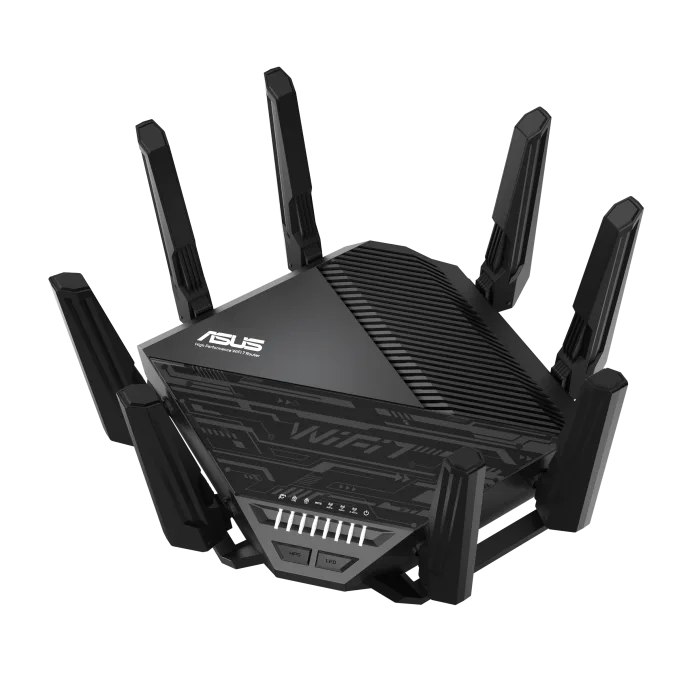
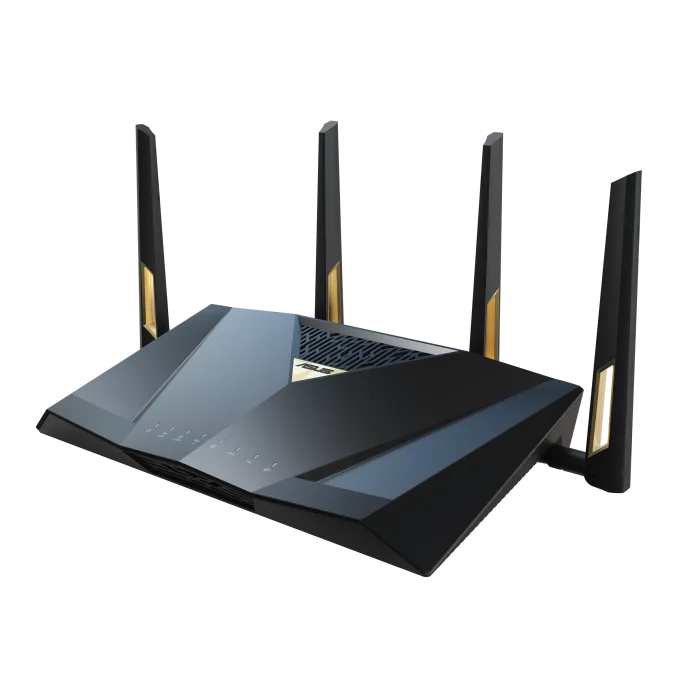
Our verdict: The ASUS RT-BE96U BE19000 Tri-Band WiFi 7 Extendable Router ranks 6th of the 10 wifi routers we compare, with 8.2 out of 10.
ASUS RT-BE96U BE19000 Tri-Band WiFi 7 Extendable Router
8.2/10
The ASUS RT-BE96U is a tri-band Wi-Fi 7 router rated at 19 Gbps, with two 10 Gbps ports and free security tools. It suits large homes, multi-gig internet plans and people who like to adjust settings.
Two 10 Gbps ports, with dual-WAN and link aggregation
AiProtection Pro security and parental controls with no subscription
AiMesh lets you add other ASUS routers as nodes
Deep settings for VPN, QoS and gaming traffic
Keep in mind
Among the priciest here
The settings menus are dense for first-time users
Large unit that runs warm and needs airflow
Why the ASUS BE19000 scores 8.2
Each bar shows where it places among the 10 wifi routers in this guide, so a full bar is 1st of 10. How happy owners are counts for most of the score.
How happy owners are5th of 10
How many rated it7th of 10
How new it is6th of 10
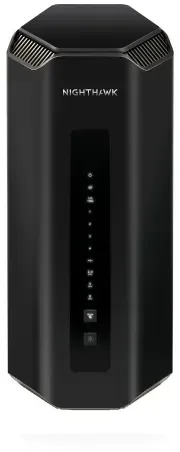
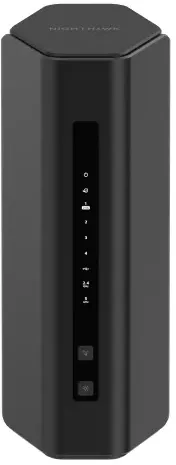
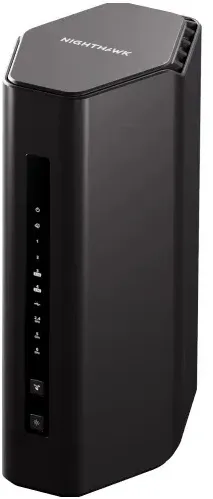
Level with the NETGEAR Nighthawk Tri-Band WiFi 7 Router (RS300)
The NETGEAR Nighthawk Tri-Band WiFi 7 Router (RS300) and the ASUS RT-BE96U BE19000 Tri-Band WiFi 7 Extendable Router score the same, so either is a safe pick. The NETGEAR Nighthawk Tri-Band WiFi 7 Router (RS300) goes first because it is the newer design.
About the ASUS BE19000
The RT-BE96U is the US-sold BE19000 model from ASUS. It runs 6 GHz, 5 GHz and 2.4 GHz bands, with 320 MHz channels and 4096-QAM. ASUS lists top physical rates of 11,529 Mbps on 6 GHz, 5,764 Mbps on 5 GHz and 1,376 Mbps on 2.4 GHz. Eight external antennas, 4x4 on each band, sit on a 2.6 GHz quad-core processor with 2 GB of RAM.
Two of the ports are 10 Gbps: one WAN/LAN and one LAN. The rest are Gigabit: one WAN/LAN and three LAN. A USB 3.2 Gen 1 port and a USB 2.0 port take storage drives. Dual-WAN, link aggregation on LAN 3 and 4, and a USB port that can serve as a backup WAN are all supported. Three aluminum heatsinks, an aluminum plate, a top vent and a 2 cm stand handle cooling.
On the software side, AiProtection Pro (powered by Trend Micro) and parental controls need no subscription. VPN support covers WireGuard, with site-to-site VPN and the Instant Guard app for remote access. AiMesh lets the router act as the main unit for other compatible ASUS routers. The box holds the router, an RJ-45 cable, a power adapter, a quick start guide and a warranty card.
What owners report about the ASUS BE19000
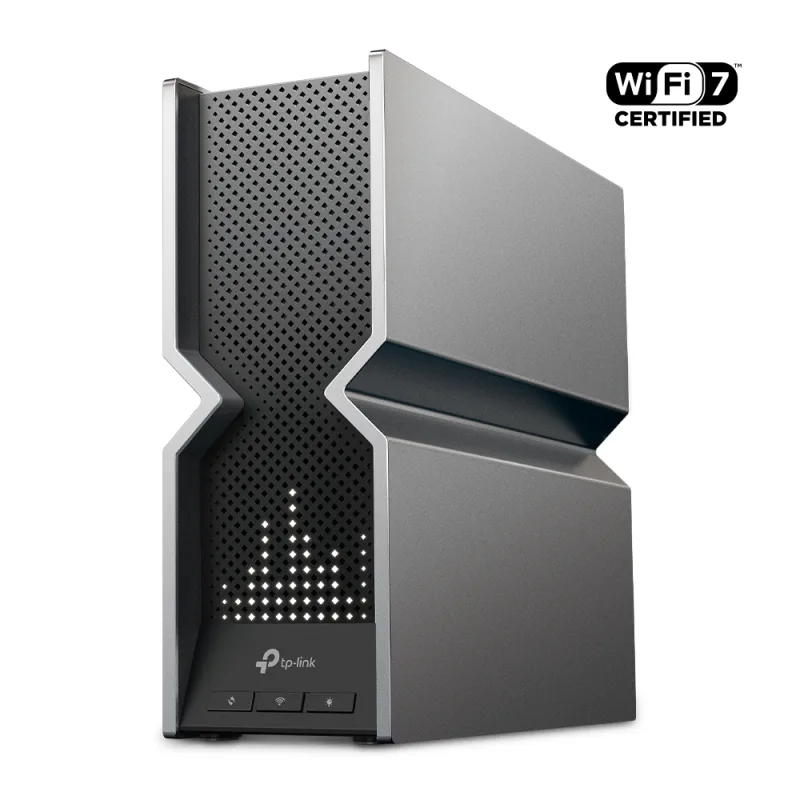
Owner feedback we could open for this exact model is thin, so treat this section as a partial picture. Readers who commented on a detailed review report that the router has run without trouble for a month or more, and one said it beat a TP-Link Deco BE95 they had used before. Another reader said the packaging on a newer unit was lighter than on early ones.
One reader asked why Multi-Link Operation did not show two bands at once on their devices. ASUS says MLO firmware support was still in development when it posted the page, so check the current firmware notes before counting on it. One review's author found the web interface more dependable than the mobile app.
We found no pattern we could confirm on long-term durability. Forum threads on ASUS BE-series routers mention disconnects after firmware updates, but we could not open them, so we make no claim about how often it happens on this model.
Who the ASUS BE19000 suits
Buy it if you have a large home, a multi-gig internet plan or a 10G NAS and want both 10G ports used. It also fits anyone who wants VPN, security and parental controls without a monthly fee, or plans to grow into a mesh with other ASUS routers.
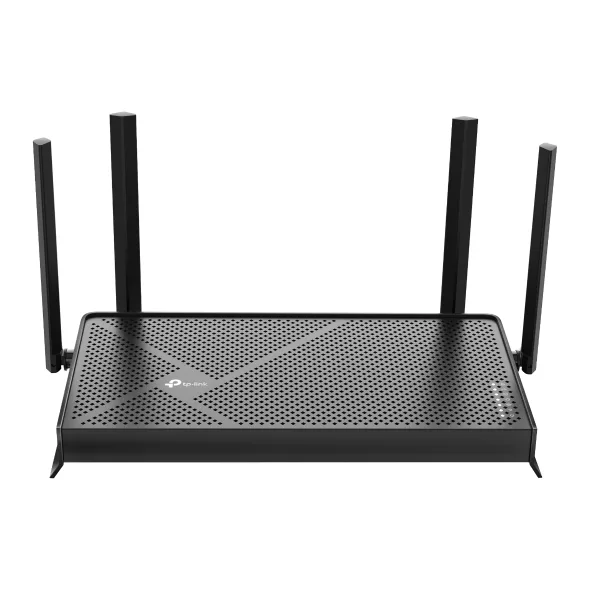
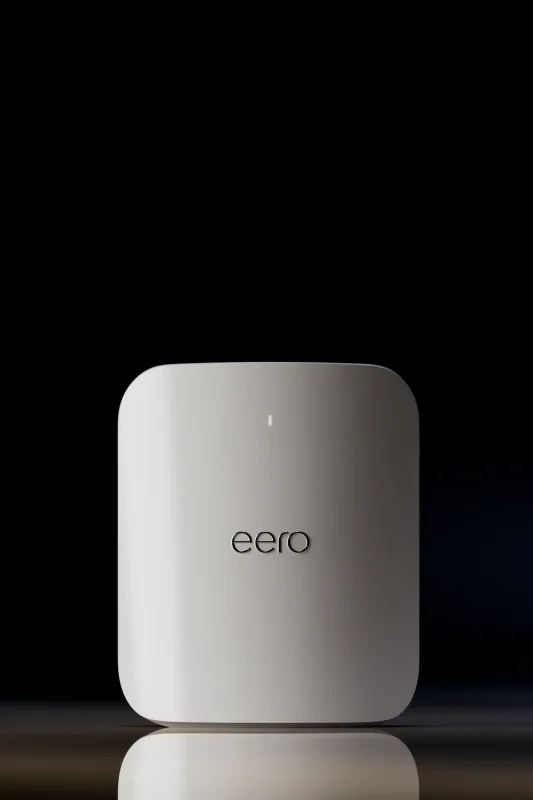
Look elsewhere if you want a router you set up in minutes and forget. The Amazon eero Max 7 is simpler, and the TP-Link Archer BE550 gives you 2.5G wired ports at a lower cost. If you have a small home and no 10G gear, the RT-BE96U is more router than you need. The Gigabit LAN ports also limit wired devices that could use 2.5G.
Questions about the ASUS BE19000
What are the specs of the ASUS RT-BE96U BE19000?
It is a tri-band Wi-Fi 7 router with 8 antennas and a 2.6 GHz quad-core processor. It has two 10 Gbps ports, four Gigabit ports and two USB ports. ASUS lists top rates of 11,529 Mbps on 6 GHz, 5,764 Mbps on 5 GHz and 1,376 Mbps on 2.4 GHz.
Is the ASUS RT-BE96U good?
Yes, for the right buyer. A detailed independent review found it very fast on 6 GHz, with long range and a stable three-day stress run. Its downsides are its size and weight, and its Gigabit-only LAN ports beyond the two 10G ones.
How do you set up the ASUS RT-BE96U?
Connect it to your modem with the included RJ-45 cable and follow the setup steps in the ASUS web interface or app. One reviewer found the web interface more dependable than the app. You can back up settings from an older ASUS router and restore them, though that reviewer recommends a fresh setup.
Does the ASUS RT-BE96U need a subscription for security?
No. ASUS says AiProtection Pro, powered by Trend Micro, needs no subscription. Parental controls are free too.
Can the ASUS RT-BE96U work in a mesh with other routers?
Yes. It supports AiMesh, so it can be the main router with other compatible ASUS AiMesh routers as nodes.
Other wifi router picks
The other badge winners in our wifi routers ranking.
Every score here comes from our ranking model; no editor sets the order. We haven't read the review sites for this guide yet, so for now it is led by owners. It ranks products by how happy owners are, holding back any product few owners have rated until more agree. How many rated it and how new it is only settle close calls, and value for money earns its own badge rather than a higher place. We compared 15 models for this guide before settling on these ten.
Brands can't pay to be included or to move up. We last checked these picks in November 2026.