Our verdict: The LG 27UP85NP-W ranks 7th of the 10 monitors we compare, with 8.3 out of 10.
LG 27UP85NP-W
8.3/10
The LG 27UP85NP-W is a 27-inch 4K IPS monitor that charges a laptop over USB-C. It suits people who want sharp text and good colour on a work or editing desk, not fast gaming.
27-inch 4K panel gives crisp text and detail at normal desk distance
USB-C with 90W power delivery plus two HDMI ports and DisplayPort
95% DCI-P3 coverage suits photo and video editing
Height, tilt and pivot stand
Keep in mind
60Hz only at 4K
DisplayHDR 400 is a basic HDR tier with little visible effect
Needs a graphics card or console that can drive 4K to make full use of it
Why the LG 27UP85NP-W scores 8.3
Each bar shows where it places among the 10 monitors in this guide, so a full bar is 1st of 10. How happy owners are counts for most of the score.
How happy owners are6th of 10
How many rated it6th of 10
How new it is6th of 10
Level with the Dell UltraSharp U3225QE
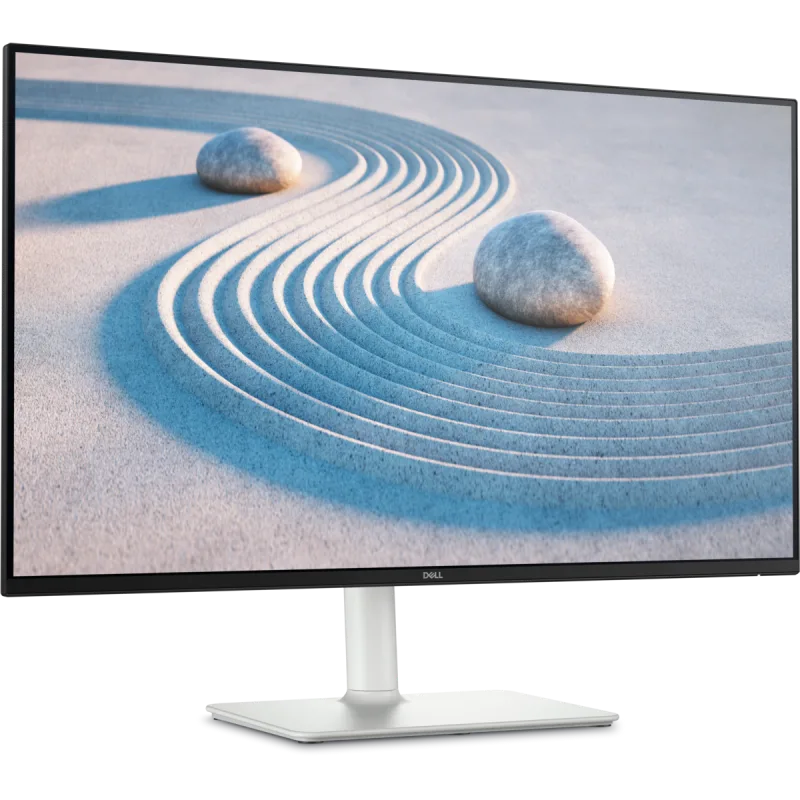
The Dell UltraSharp U3225QE and the LG 27UP85NP-W score the same, so either is a safe pick. The Dell UltraSharp U3225QE goes first because it is the newer design.
About the LG 27UP85NP-W
The LG 27UP85NP-W has a 27-inch IPS panel at 3840 x 2160, with 178° viewing angles and a typical contrast ratio of 1200:1. LG rates it at 95% DCI-P3 (typical) and 1.07 billion colours. It is factory calibrated and hardware calibration ready, using LG's Calibration Studio software.
The USB-C port carries video at 4K 60Hz, data and 90W of power to a laptop, so one cable can run the screen and charge the machine. Two HDMI ports and one DisplayPort 1.4 sit alongside it, with two USB 3.0 downstream ports and a headphone output. Refresh rate tops out at 60Hz, response time is 5ms (GtG at Faster), and AMD FreeSync is supported. HDR10 is supported at VESA DisplayHDR 400.
The stand adjusts for height, tilt and pivot, so the screen can turn to portrait. Retailer listings give 11cm of height travel and a 100 x 100mm VESA mount. There are two 5W speakers. LG's page lists a DisplayPort cable as the accessory.
What owners report about the LG 27UP85NP-W
There is little owner feedback for this exact model, and what there is comes from a few European retailer pages. Those owners are positive about the picture. They like the colours, the anti-glare finish and the flicker-free panel, and one says colours sit close to a MacBook Pro screen. Another found it easier on the eyes over long days of documents and photos.
The USB-C connection gets praise. One owner charges a MacBook Pro M1 over it while using the screen, and another says it charges devices while transferring data with no settings change.
Complaints are about the extras. The speakers are described as mediocre. The stand does not swivel left and right, the power supply is bulky, the USB-C power cannot be switched off, and the headphone jack and USB-A ports are awkward to reach at the back. One owner noticed a slight colour difference between two of these screens side by side.
Who the LG 27UP85NP-W suits
This suits someone with a laptop who wants one cable for display and charging, and who values sharp text and accurate colour for office work, photo editing or video editing. The pivot stand helps with long documents or code in portrait.
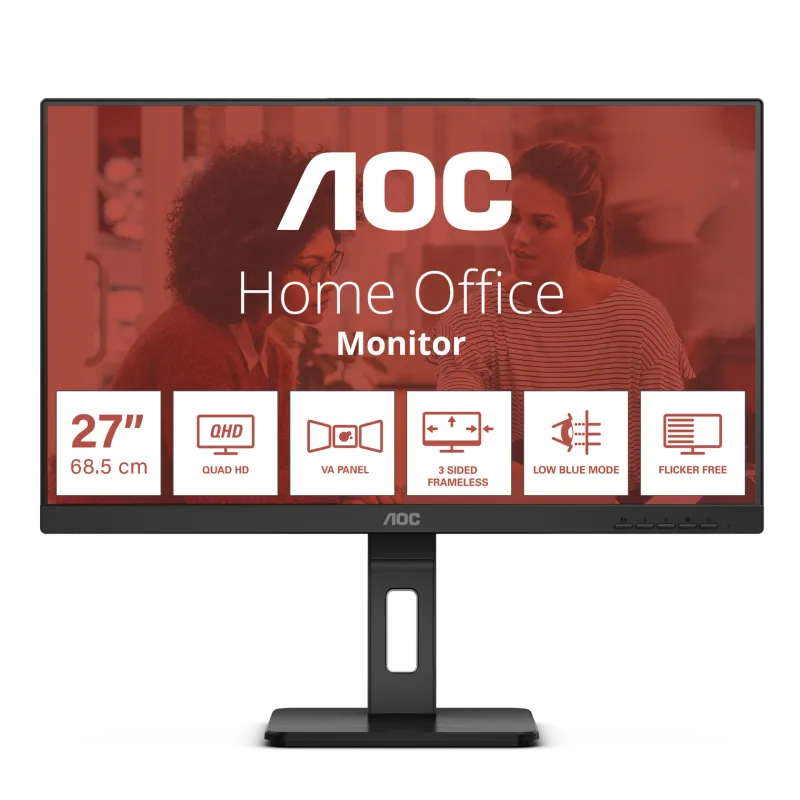
Look elsewhere for fast gaming: it is 60Hz at 4K, and the HDR400 tier adds little. A graphics card or console that can drive 4K is needed to use the resolution. For a cheaper 4K screen, consider the AOC U27B3M. For a larger 4K panel with 120Hz, the Dell UltraSharp U3225QE is the alternative.
Questions about the LG 27UP85NP-W
Does the LG 27UP85NP-W charge a laptop over USB-C?
Yes. Its USB-C port supports 90W power delivery, plus data and 4K 60Hz video on the same cable. An owner reports it charges a MacBook Pro M1.
Is the LG 27UP85NP-W good for gaming?
Not really. It is 60Hz at 4K with a 5ms response time, although it supports AMD FreeSync. It suits work and editing better than fast games.
Does the LG 27UP85NP-W have built-in speakers?
Yes, two 5W speakers. Owners describe the sound as mediocre, so headphones or external speakers are better.
Is the LG 27UP85NP-W good for photo and video editing?
Yes, for general work. LG lists 95% DCI-P3 coverage, factory calibration and hardware calibration support through its Calibration Studio software.
Can the LG 27UP85NP-W be wall mounted?
Yes. Retailer listings give a 100 x 100mm VESA mount. The stand also tilts, adjusts in height and pivots to portrait.
Every score here comes from our ranking model; no editor sets the order. We haven't read the review sites for this guide yet, so for now it is led by owners. It ranks products by how happy owners are, holding back any product few owners have rated until more agree. How many rated it and how new it is only settle close calls, and value for money earns its own badge rather than a higher place. We compared 17 models for this guide before settling on these ten.
Brands can't pay to be included or to move up. We last checked these picks in November 2026.