vetted ten.

LG 34WQ75C-B review

No. 4 of 10 in our monitors ranking · Updated · How we rank

Our verdict: The LG 34WQ75C-B ranks 4th of the 10 monitors we compare, with 8.6 out of 10. It takes our Best Premium badge.

LG 34WQ75C-B

LG 34WQ75C-B

8.6/10Best Premium

The LG 34WQ75C-B is a curved 34-inch 21:9 IPS monitor at 3440 x 1440. It suits anyone who wants one wide screen for office work and a single-cable laptop dock, and who has no need for fast refresh rates.

Check Price on Amazon

Why it's here

  • 3440 x 1440 21:9 IPS panel with room for two documents side by side
  • USB-C with 90W charging, a built-in KVM switch and an RJ45 network port
  • 99% sRGB colour coverage suits office and light photo work
  • Two 7W speakers that are louder than most monitor speakers

Keep in mind

  • Capped at 60Hz, so it is not a gaming screen
  • The stand moves up, down and tilts but does not swivel or pivot
  • HDR10 support is a label rather than a visible upgrade at this brightness
Why the LG 34WQ75C-B scores 8.6

Each bar shows where it places among the 10 monitors in this guide, so a full bar is 1st of 10. How happy owners are counts for most of the score.

  • How happy owners are3rd of 10
  • How many rated it3rd of 10
  • How new it is9th of 10

Level with the Dell S2725DS

The Dell S2725DS and the LG 34WQ75C-B score the same, so either is a safe pick. The Dell S2725DS goes first because it is the newer design.

About the LG 34WQ75C-B

The 34WQ75C-B has a 34.14-inch IPS panel with a 3800R curve and a 3440 x 1440 resolution. Refresh rate tops out at 60Hz with a 5ms response time (GtG at Faster). LG gives typical brightness as 300 cd/m² and typical contrast as 1000:1, with 99% typical sRGB coverage. HDR10 is supported, but the LG page lists no DisplayHDR certification, and there is no FreeSync, G-Sync or other adaptive sync.

The back panel has one USB-C port that carries video, data and up to 90W of power to a laptop, plus two HDMI inputs and one DisplayPort 1.4. There is an RJ45 network port and a built-in KVM switch, so one keyboard and mouse can move between two computers. USB-A is one upstream (2.0) and four downstream (two 3.0, two 2.0). A 3.5mm headphone output sits alongside two 7W MaxxAudio speakers.

The One Click Stand tilts from -5° to 20° and raises the screen by 0 to 110mm. It does not swivel or pivot. The monitor weighs 8.6kg with the stand and 6.7kg without, and the stand-free body fits 100 x 100mm VESA mounts. LG lists USB-C, HDMI and DisplayPort cables as included.

What owners report about the LG 34WQ75C-B

Owner feedback we could find for this exact model is thin. The one long-term account we found is from an owner who has used it daily for about six months for coding, work and video, and reports no faults.

That owner likes the whites and general picture quality, and finds the curve keeps the screen edges easy to see. At QHD, Windows scaling can stay at 100%, where their earlier 4K screens needed more. They run two windows side by side, sometimes three.

Complaints are small. The monitor is heavy, so setting it up needs care. Moving down from 4K felt like a step back at first, and the owner has never used the built-in speakers. They also note an ultrawide adds little if you mostly use one app full screen.

Who the LG 34WQ75C-B suits

Buy it if you work from a laptop and want one cable for video, charging and wired network, or if you switch one keyboard and mouse between two computers. It also suits anyone who keeps several documents or windows open at once.

Look elsewhere for gaming: 60Hz with no adaptive sync is the wrong fit, and the Dell UltraSharp U3225QE runs at 120Hz. If you want sharper text, a 4K screen such as the LG 27UP85NP-W is a better fit. The stand does not swivel or pivot, so a monitor with the full ergonomic stand, such as the AOC Q27E3UMF, suits changing desk layouts.

Questions about the LG 34WQ75C-B

What are the specs of the LG 34WQ75C-B?

It is a 34-inch 21:9 curved IPS monitor at 3440 x 1440 and 60Hz, with 99% sRGB, HDR10 support and 300 cd/m² typical brightness. It has USB-C with 90W charging, two HDMI ports, DisplayPort 1.4, an RJ45 port and two 7W speakers.

Does the LG 34WQ75C-B have a KVM switch?

Yes. LG lists a built-in KVM switch, so one keyboard and mouse can control two connected computers.

Does the LG 34WQ75C-B support FreeSync or G-Sync?

No. LG lists no adaptive sync, and the refresh rate is capped at 60Hz.

Can the LG 34WQ75C-B be wall mounted?

Yes. It takes 100 x 100mm VESA mounts once the stand is removed. The monitor then weighs 6.7kg.

How heavy is the LG 34WQ75C-B?

It weighs 8.6kg with the stand and 6.7kg without it. LG gives the shipping weight as 11.1kg.

Other monitor picks

The other badge winners in our monitors ranking.

All 10 monitors, compared

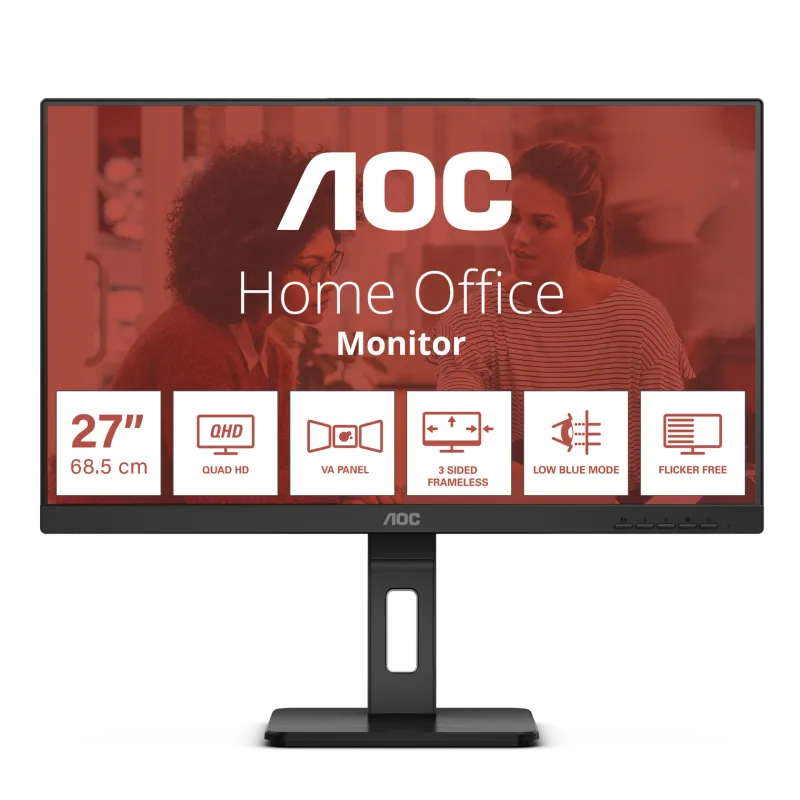
  1. 1 AOC U27B3MBest Choice 8.8 out of 10 Check Price
  2. 2 AOC Q27E3UMF 8.7 out of 10 Check Price
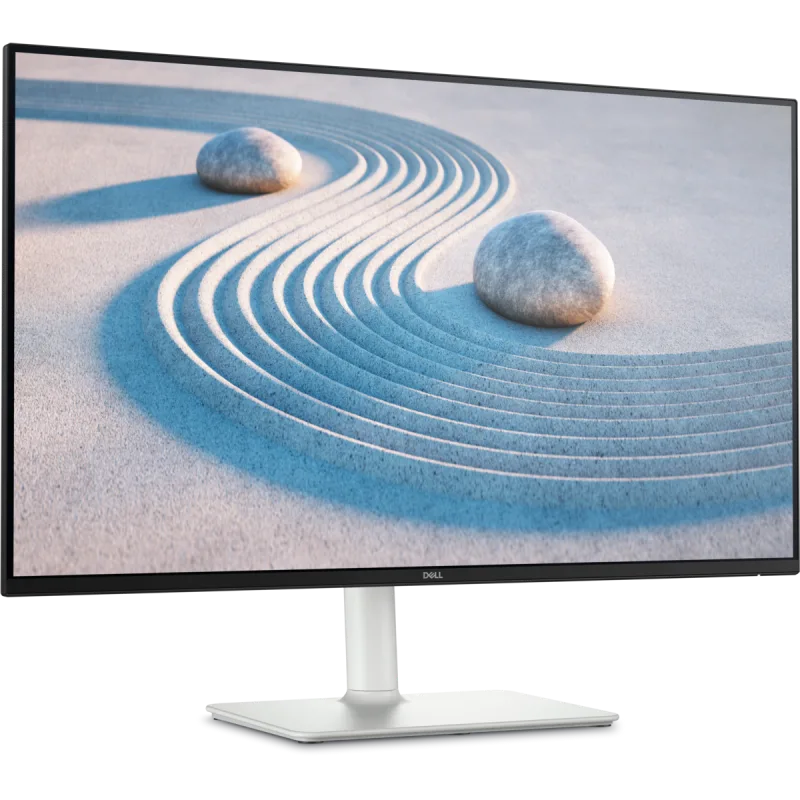
  3. 3 Dell S2725DS 8.6 out of 10 Check Price
  4. 4 LG 34WQ75C-BThis reviewBest Premium 8.6 out of 10 Check Price
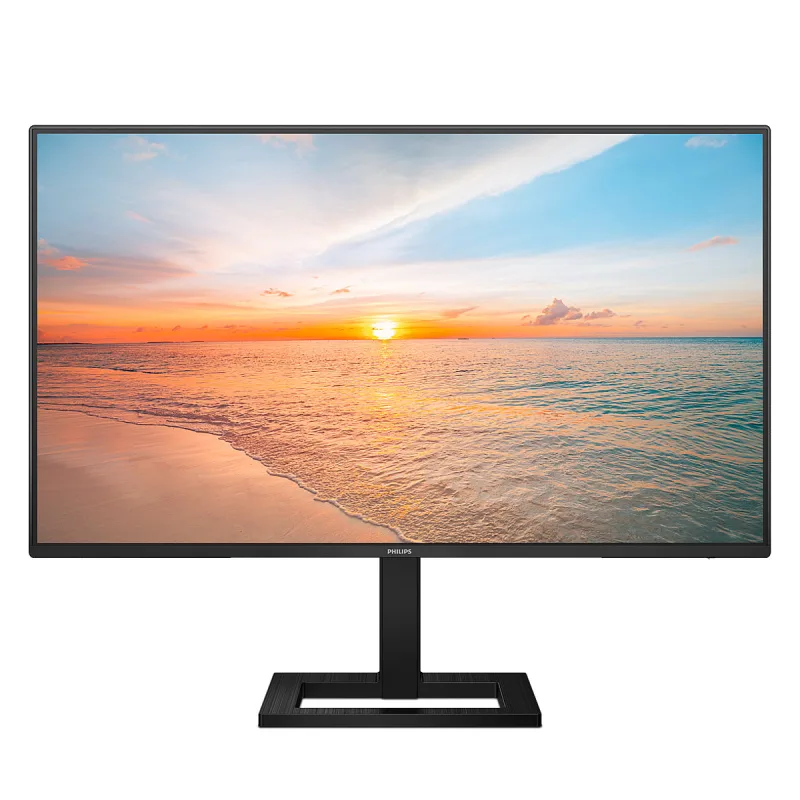
  5. 5 Philips 27E1N1300AEValue for Money 8.4 out of 10 Check Price
  6. 6 Dell UltraSharp U3225QE 8.3 out of 10 Check Price
  7. 7 LG 27UP85NP-W 8.3 out of 10 Check Price
  8. 8 BenQ PD3205U 8.3 out of 10 Check Price
  9. 9 Lenovo L24i-4ABest Budget 8.3 out of 10 Check Price
  10. 10 ASUS ProArt Display PA248CRV 8.0 out of 10 Check Price
See the full monitors ranking

The LG 34WQ75C-B on Amazon

LG 34WQ75C-B

The LG 34WQ75C-B is a curved 34-inch 21:9 IPS monitor at 3440 x 1440. 8.6 out of 10.

Check Price on Amazon

How we score it

Every score here comes from our ranking model; no editor sets the order. We haven't read the review sites for this guide yet, so for now it is led by owners. It ranks products by how happy owners are, holding back any product few owners have rated until more agree. How many rated it and how new it is only settle close calls, and value for money earns its own badge rather than a higher place. We compared 17 models for this guide before settling on these ten.

Brands can't pay to be included or to move up. We last checked these picks in November 2026.

How we rank, in full