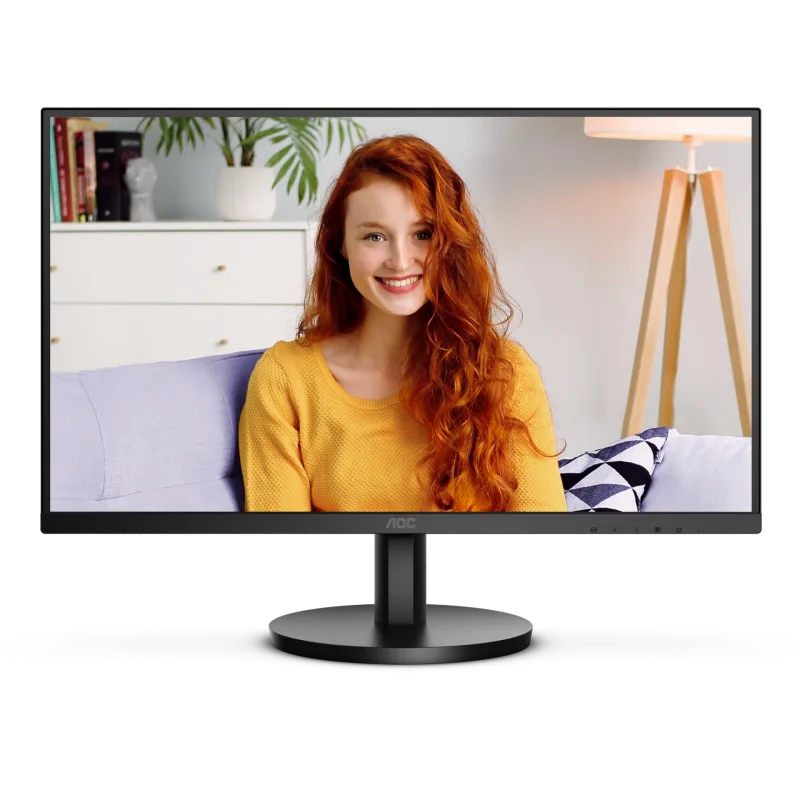
AOC U27B3M
The cheapest way into a 27-inch 4K screen here.
Check Price on Amazon Read the full reviewOur verdict: The best monitor in 2026 is the AOC U27B3M. It tops our ranking with 8.8 out of 10.
The cheapest way into a 27-inch 4K screen here.
Check Price on Amazon Read the full review
A curved 34-inch ultrawide that replaces two side-by-side windows with one panel.
Check Price on Amazon Read the full review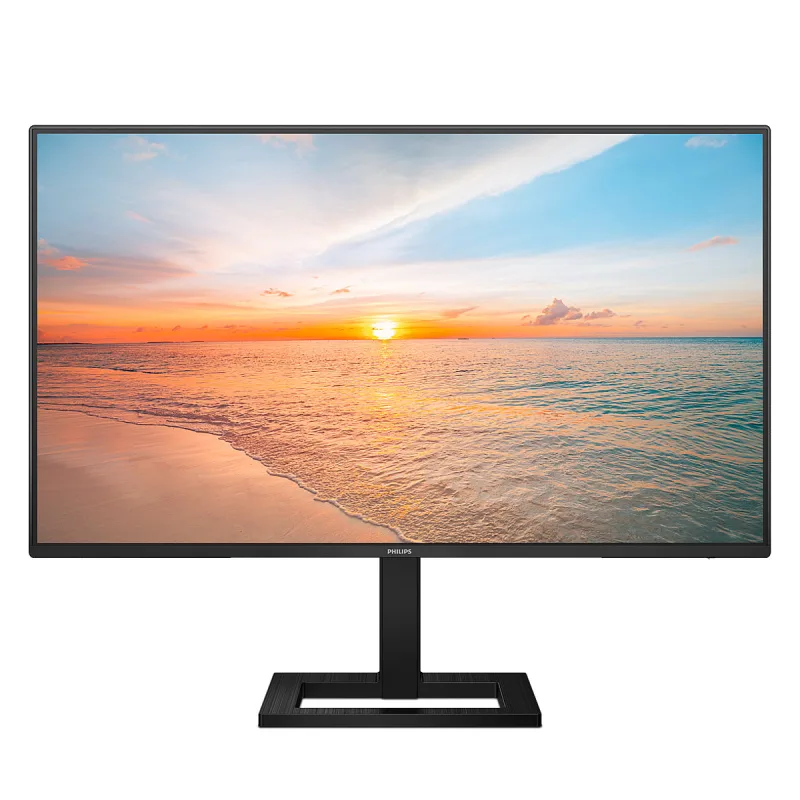
A 27-inch Full HD IPS monitor at a budget price.
Check Price on Amazon Read the full review
A plain 24-inch Full HD IPS screen at a budget price.
Check Price on Amazon Read the full reviewWe compared 17 computer monitors sold in the UK, then ranked ten of them by how happy owners are. They cover 24-inch budget and colour-accurate screens, 27-inch Full HD, QHD and 4K models, two 32-inch 4K screens and one 34-inch ultrawide. Every product links to its full review below.
AOC U27B3MBest Choice
8.8 out of 10
Check Price
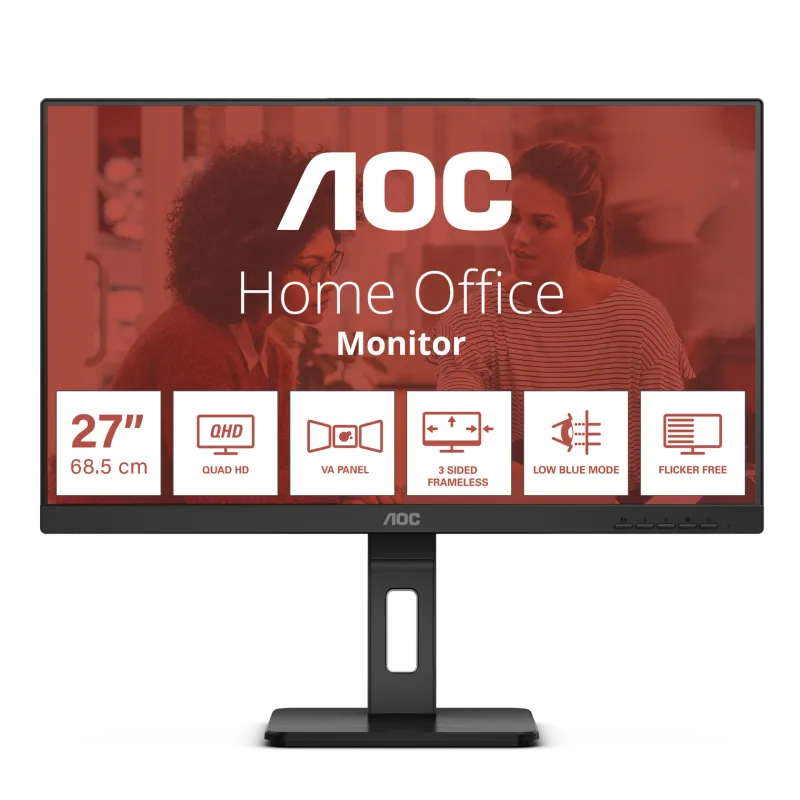 AOC Q27E3UMF
8.7 out of 10
Check Price
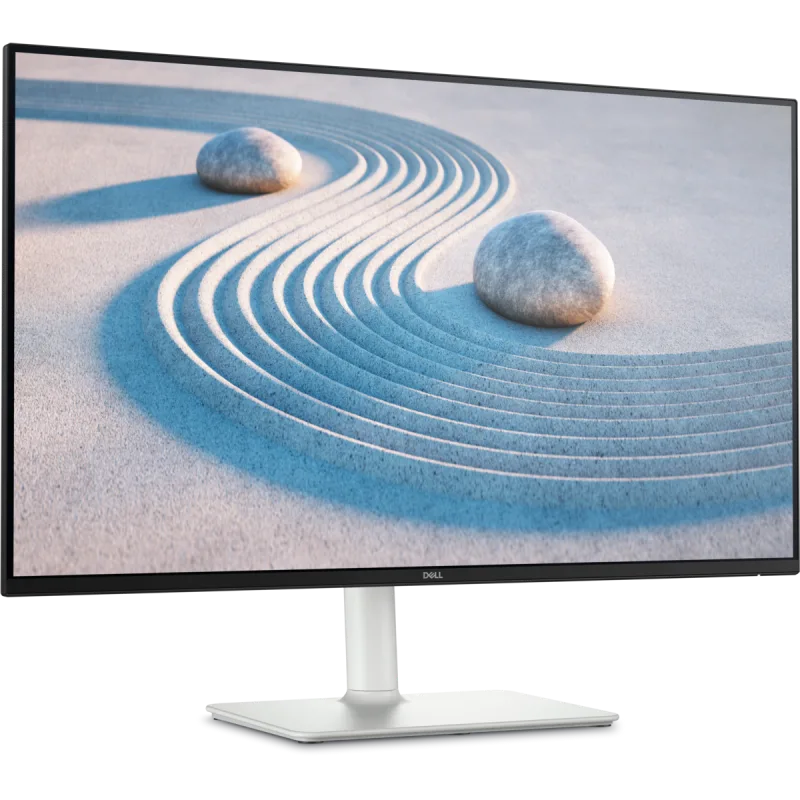 Dell S2725DS
8.6 out of 10
Check Price
LG 34WQ75C-BBest Premium
8.6 out of 10
Check Price
Philips 27E1N1300AEValue for Money
8.4 out of 10
Check Price
 Dell UltraSharp U3225QE
8.3 out of 10
Check Price
 LG 27UP85NP-W
8.3 out of 10
Check Price
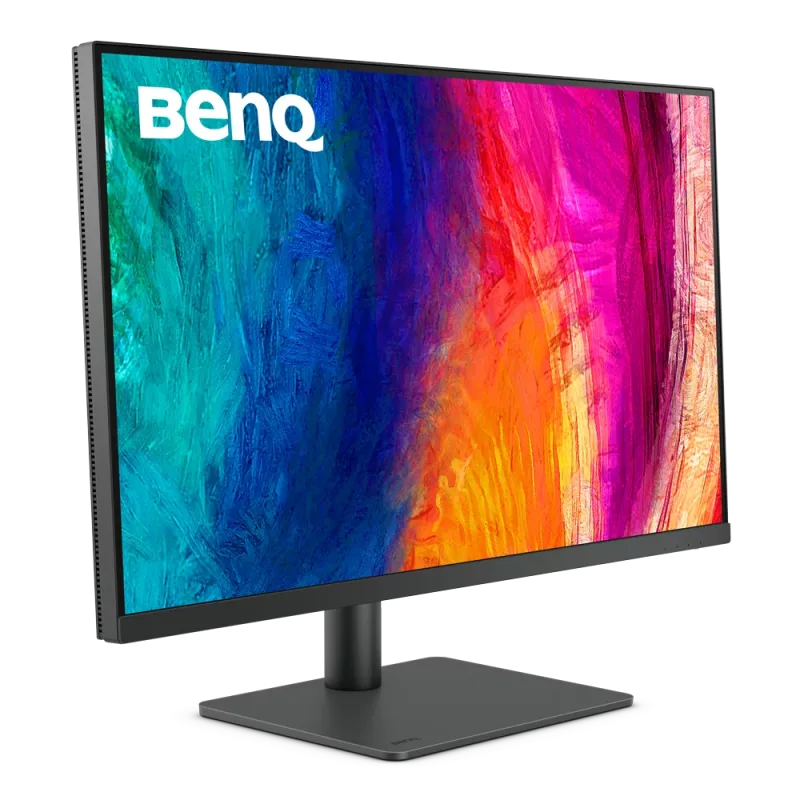 BenQ PD3205U
8.3 out of 10
Check Price
Lenovo L24i-4ABest Budget
8.3 out of 10
Check Price
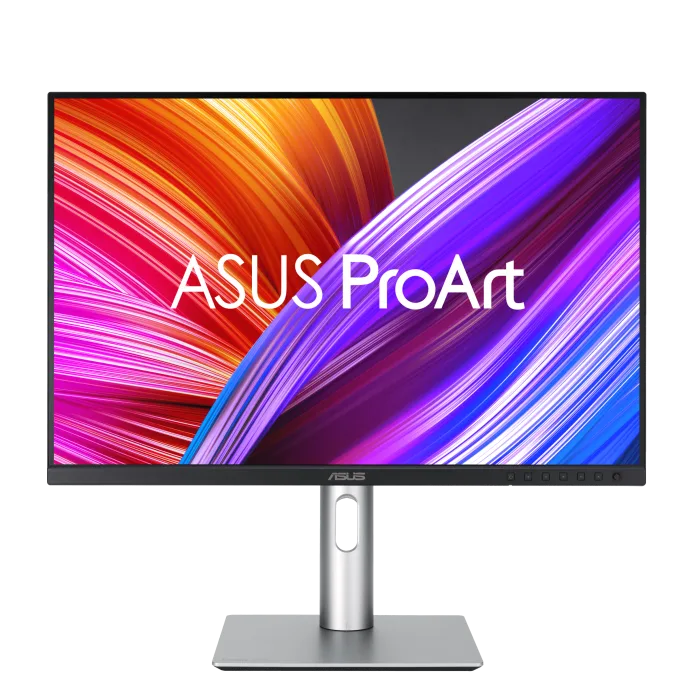 ASUS ProArt Display PA248CRV
8.0 out of 10
Check Price
The AOC U27B3M (8.8) edges the AOC Q27E3UMF (8.7) on the balance of all three parts.
The cheapest way into a 27-inch 4K screen here. The VA panel gives strong contrast and sharp text for the money.
Each bar shows its place in this guide, so a full bar is 1st of 10. How happy owners are counts for most of the score.
A 27-inch QHD monitor with the full ergonomic stand and a USB hub at a budget price. It is the practical home-office choice for a desk that also needs a hub.
Each bar shows its place in this guide, so a full bar is 1st of 10. How happy owners are counts for most of the score.
The sensible 27-inch QHD screen for a home desk. It is sharp for text, smooth at 100Hz and has a stand that adjusts every way.
Each bar shows its place in this guide, so a full bar is 1st of 10. How happy owners are counts for most of the score.
A curved 34-inch ultrawide that replaces two side-by-side windows with one panel. USB-C with 90W charging and a wired network port make it a docking screen for a work laptop.
Each bar shows its place in this guide, so a full bar is 1st of 10. How happy owners are counts for most of the score.
A 27-inch Full HD IPS monitor at a budget price. It runs at 100Hz and has a height-adjustable stand, which suits a general-purpose home desk.
Each bar shows its place in this guide, so a full bar is 1st of 10. How happy owners are counts for most of the score.
A 32-inch 4K IPS Black panel that runs at 120Hz and charges a laptop over Thunderbolt 4. It is the one-cable desk monitor for people who spend all day on text and photos.
Each bar shows its place in this guide, so a full bar is 1st of 10. How happy owners are counts for most of the score.
A 27-inch 4K IPS monitor that charges a laptop over USB-C. Text is very sharp at this size and the stand adjusts for height and rotates to portrait.
Each bar shows its place in this guide, so a full bar is 1st of 10. How happy owners are counts for most of the score.
A 32-inch 4K designer monitor that replaced the long-running BenQ PD3200U. It is factory calibrated and charges a laptop over USB-C.
Each bar shows its place in this guide, so a full bar is 1st of 10. How happy owners are counts for most of the score.
A plain 24-inch Full HD IPS screen at a budget price. It runs at 100Hz and has speakers, which covers most spare-room and student desks.
Each bar shows its place in this guide, so a full bar is 1st of 10. How happy owners are counts for most of the score.
A small colour-accurate screen for photo and video editors on a budget. Factory calibration and USB-C charging at 96W come with a tall 16:10 panel.
Each bar shows its place in this guide, so a full bar is 1st of 10. How happy owners are counts for most of the score.
A 24-inch screen suits a desk around 60cm deep, with your eyes about 60 to 70cm away. A 27-inch screen is the common choice for a home office and wants roughly 70cm of depth. A 32-inch screen or a 34-inch ultrawide needs a deep desk and sits further back to be comfortable. Ultrawide monitors suit working from home when you keep two documents open side by side, but a flat 27-inch QHD screen is simpler and usually cheaper.
At 27 inches, 4K gives noticeably sharper text and photos than QHD (2560 x 1440), and the gap grows at 32 inches. QHD is the sweet spot at 27 inches if you also game, because a 4K picture needs a strong graphics card. Full HD is fine at 24 inches and looks soft above that. Sharp 4K text also depends on your operating system scaling, which Windows and macOS both handle.
For office work, 60Hz is fine, and 75 to 100Hz makes scrolling and cursor movement feel smoother at no great cost. Competitive gamers benefit from 144Hz or more, which is where gaming monitors sit, and none of the ten here reaches that. For a PS5 or Xbox Series X, look for HDMI 2.1 to get 4K at 120Hz; a monitor with HDMI 2.0 or older tops out at 60Hz at 4K.
HDMI and DisplayPort work with almost any laptop, but the laptop then needs its own charger. A USB-C port with power delivery carries the picture, data and charging down one cable. Check that the monitor's wattage (65W, 90W or more) covers your laptop, and that your laptop's USB-C port supports video output. A built-in USB hub and KVM switch let one keyboard and mouse control two computers.
IPS panels have the best viewing angles and colour and are the safe choice. VA panels give deeper blacks and contrast at a lower price but show angle shifts and smearing in fast motion. OLED monitors have the best contrast and response, but they cost more and can suffer burn-in from static desktop elements. Entry-level HDR labels such as HDR10 and DisplayHDR 400 mean little without high brightness, so judge a monitor on its panel. For photo and video work, look for 95% or more of DCI-P3, or 99% of sRGB if you edit for the web.
A height-adjustable stand lets you put the top of the screen at eye level, which helps neck comfort over a long day. Many budget monitors tilt only, so if you want height adjustment, look for it in the spec or budget for a VESA monitor arm (most use a 100 x 100mm pattern). Built-in speakers are usually weak, so plan on headphones. Flicker-free and low blue light modes are common and help with eye strain. Before ordering, check that the amazon.co.uk listing is a computer monitor rather than a TV or portable screen, and that the model number matches the one you want.
Every score here comes from our ranking model; no editor sets the order. We haven't read the review sites for this guide yet, so for now it is led by owners. It ranks products by how happy owners are, holding back any product few owners have rated until more agree. How many rated it and how new it is only settle close calls, and value for money earns its own badge rather than a higher place. We compared 17 models for this guide before settling on these ten.
Brands can't pay to be included or to move up. We last checked these picks in November 2026.
How we rank, in full