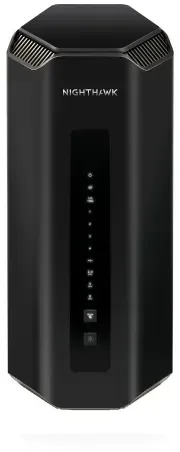
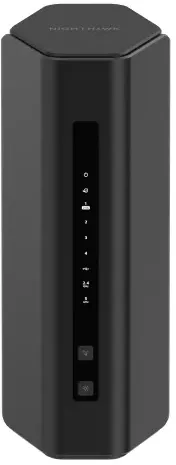
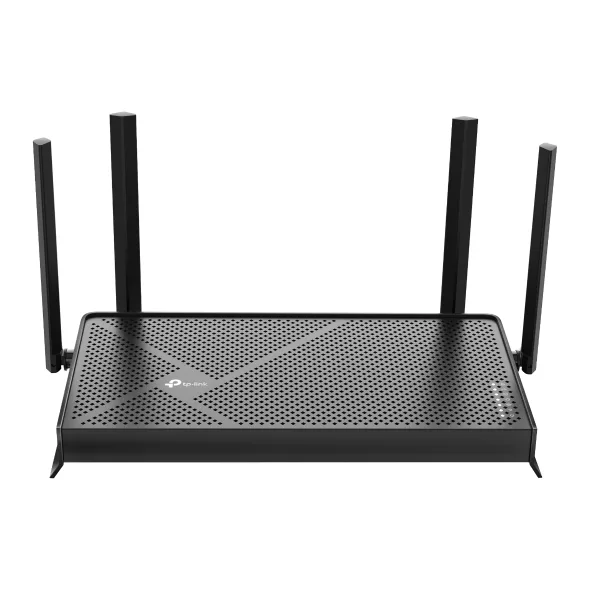
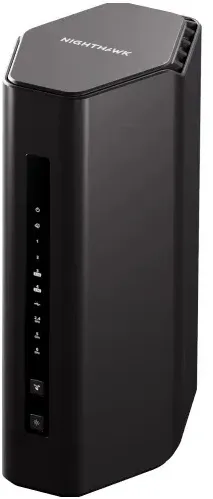
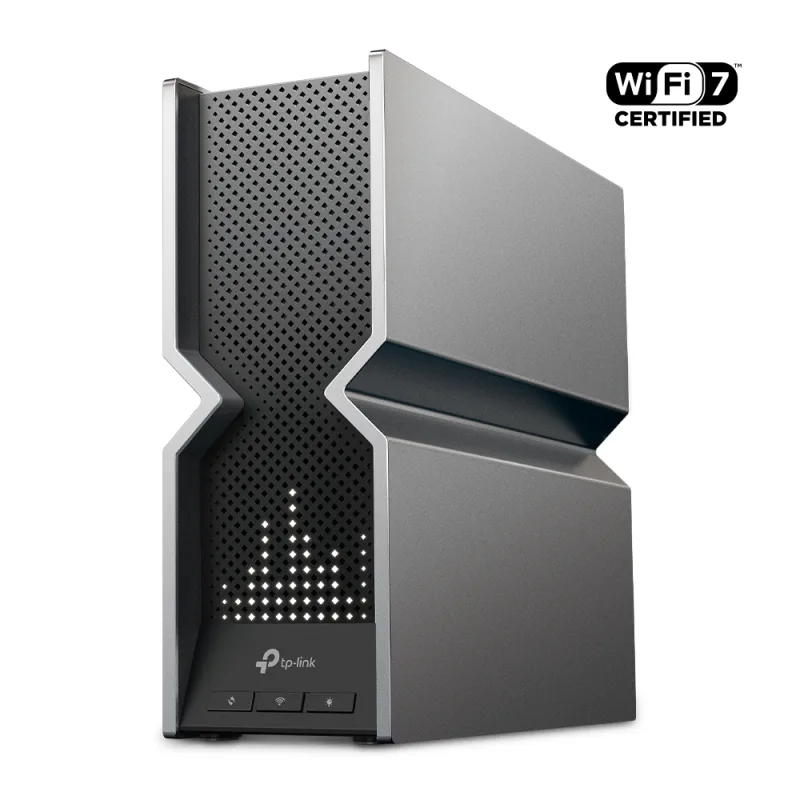
The TP-Link Archer BE550 is a tri-band Wi-Fi 7 router with 2.5 Gbps WAN and LAN ports, rated for a four-bedroom house. It suits homes with multi-gig cable or fiber plans up to 2.5 Gbps and a mix of new and older devices.
Tri-band Wi-Fi 7 with 6 GHz and Multi-Link Operation at a mid-range price
2.5 Gbps WAN and four 2.5 Gbps LAN ports
Rated for a four-bedroom house, with EasyMesh for expansion
USB 3.0 port and an app-guided setup
Keep in mind
No 10G port, so it tops out below the fastest fiber plans
Owners report 6 GHz range drops quickly through walls
Advanced HomeShield features are a paid add-on
Why the TP-Link BE550 scores 8.2
Each bar shows where it places among the 10 wifi routers in this guide, so a full bar is 1st of 10. How happy owners are counts for most of the score.
How happy owners are7th of 10
How many rated it3rd of 10
How new it is5th of 10
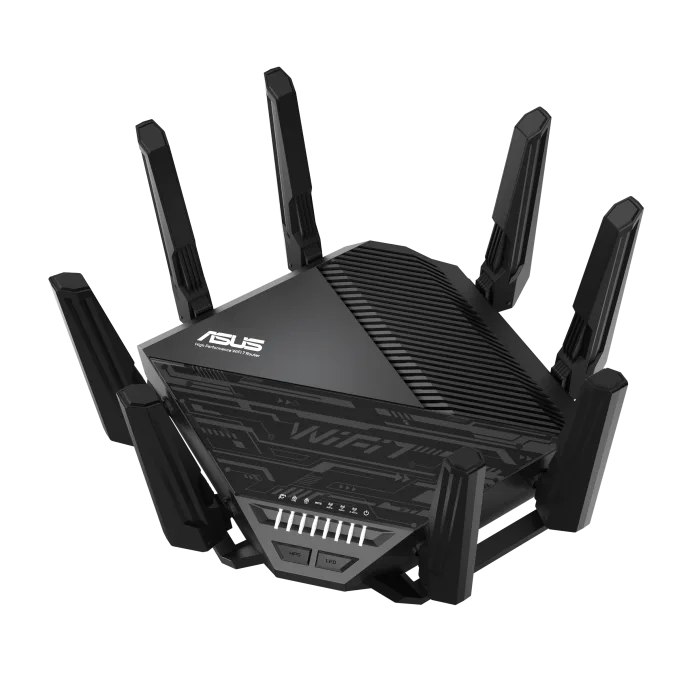
Level with the ASUS RT-BE96U BE19000 Tri-Band WiFi 7 Extendable Router
The ASUS RT-BE96U BE19000 Tri-Band WiFi 7 Extendable Router and the TP-Link Tri-Band BE9300 Wi-Fi 7 Router Archer BE550 score the same, so either is a safe pick. The ASUS RT-BE96U BE19000 Tri-Band WiFi 7 Extendable Router goes first because it leaves owners a little happier.
About the TP-Link BE550
The Archer BE550 runs three bands: 2.4 GHz at up to 574 Mbps, 5 GHz at up to 2,880 Mbps and 6 GHz at up to 5,760 Mbps (TP-Link's physical rates, not real throughput). Wi-Fi 7 features include Multi-Link Operation, 320 MHz channels on 6 GHz, 4K-QAM and Multi-RUs. It has six internal antennas, so nothing sticks out of the case.
On the back are one 2.5 Gbps WAN port and four 2.5 Gbps LAN ports, plus one USB 3.0 port that handles FTP, media and Samba file sharing. It works as a router or an access point and supports EasyMesh, so you can add compatible TP-Link routers or extenders. TP-Link lists it for four-bedroom houses.
Setup runs through the Tether app on Android and iOS, or a web page. HomeShield comes with a free basic plan that covers a network scanner and basic controls. IoT protection, intrusion and DDoS prevention and finer parental controls sit under the paid Pro plan on TP-Link's page. The box holds the router, a power adapter, an Ethernet cable and a quick installation guide.
What owners report about the TP-Link BE550
Owner feedback on this model is thinner than for popular routers, and much of it comes from TP-Link's own community forum, where people tend to post problems. Treat it as a list of what can go wrong more than a balanced vote.
The most repeated complaint is 6 GHz range. Owners say the band is strong in the same room as the router and weakens quickly in other rooms. Some measured 6 GHz clearly below 5 GHz, and a few said the 2.4 and 5 GHz signal seemed weaker than their older Archer AX55. Higher frequencies lose more through walls and ceilings, so placement matters.
Several early owners reported random disconnects and trouble with Multi-Link Operation on older firmware, and some turned MLO off. Others had a 6 GHz network that never showed up on their devices, including on firmware 1.1.2 and 1.1.3, with no confirmed fix in the thread. Later firmware has reportedly changed signal strength, so update first. Reviewer BroadbandNow found setup guided by the app, though its first internet connection took a reset and some troubleshooting.
Who the TP-Link BE550 suits
Buy it if you have a multi-gig internet plan up to 2.5 Gbps, want 6 GHz and Wi-Fi 7 without paying flagship money, and have a house that fits one central router, with or without a compatible extender. The five 2.5G ports also suit a wired desktop or NAS.
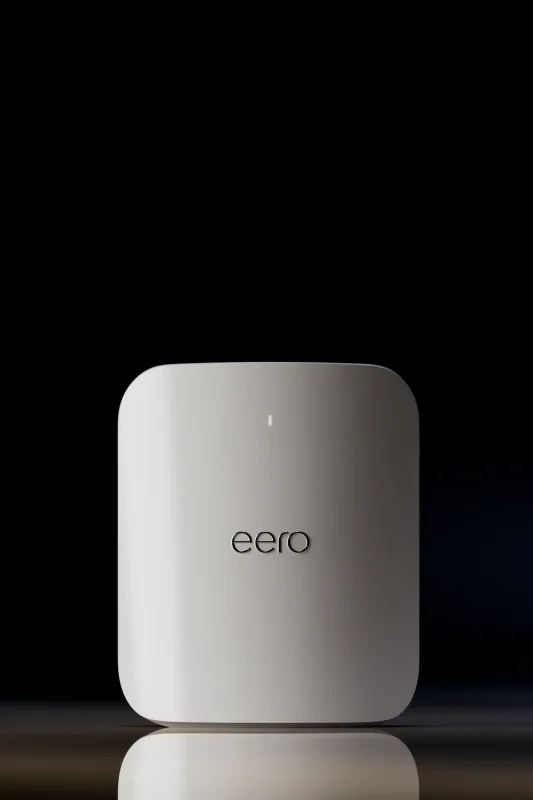
Look elsewhere if your plan is faster than 2.5 Gbps, or you want a 10G port: the ASUS RT-BE96U or TP-Link Archer BE800 have them. If you need reliable 6 GHz at the far end of a large or walled-off home, a mesh system such as the Amazon eero Max 7 may fit better. If you want advanced security software for free, the ASUS RT-BE96U includes it.
Questions about the TP-Link BE550
How do I set up the TP-Link Archer BE550?
Use the Tether app on Android or iOS, or the router's web page. Connect the WAN port to your modem, power the router on and follow the app's steps. TP-Link says setup takes minutes, though BroadbandNow needed a reset to get online at first.
Does the TP-Link Archer BE550 support 6 GHz?
Yes. It is tri-band, with a 6 GHz band rated up to 5,760 Mbps and 320 MHz channels. Some owners report the 6 GHz network not showing on certain devices, and devices need Wi-Fi 6E or Wi-Fi 7 support to use it.
Does the TP-Link Archer BE550 support mesh?
Yes. It is EasyMesh compatible, so it can pair with EasyMesh routers and range extenders for whole-home coverage.
Does the TP-Link Archer BE550 need a HomeShield subscription?
No. HomeShield comes with a free basic plan. Features such as IoT protection, intrusion prevention and DDoS prevention need the paid Pro plan on TP-Link's page, and the router works without it.
Does the TP-Link Archer BE550 have a USB port?
Yes. It has one USB 3.0 port that supports NTFS, exFAT, HFS+ and FAT32 drives, with FTP, media and Samba server functions.
Other wifi router picks
The other badge winners in our wifi routers ranking.
Every score here comes from our ranking model; no editor sets the order. We haven't read the review sites for this guide yet, so for now it is led by owners. It ranks products by how happy owners are, holding back any product few owners have rated until more agree. How many rated it and how new it is only settle close calls, and value for money earns its own badge rather than a higher place. We compared 15 models for this guide before settling on these ten.
Brands can't pay to be included or to move up. We last checked these picks in November 2026.